Using macleod via Command Line
These instructions are intended to be used with the following setup:
- Mac OSX 10.10+ (Yosemite and beyond)
- Python 3.7.2
NOTE: This set of instructions assumes you've already installed macleod.
To check the consistency of CLIF files using the command-line interface, commands are structured as follows:
python3 bin/check_consistency_new.py -f [filename]
- Navigate to the
macleodfolder.
cd /Users/cchui/Documents/GitHub/macleod/- Call the
check_consistency_new.pyfile using Python and use the-fflag to indicate your input file and press Enter. For example:
python3 bin/check_consistency_new.py -f /Users/cchui/Documents/GitHub/colore/ontologies/between/bet.clif- This is the expected output for the above command:
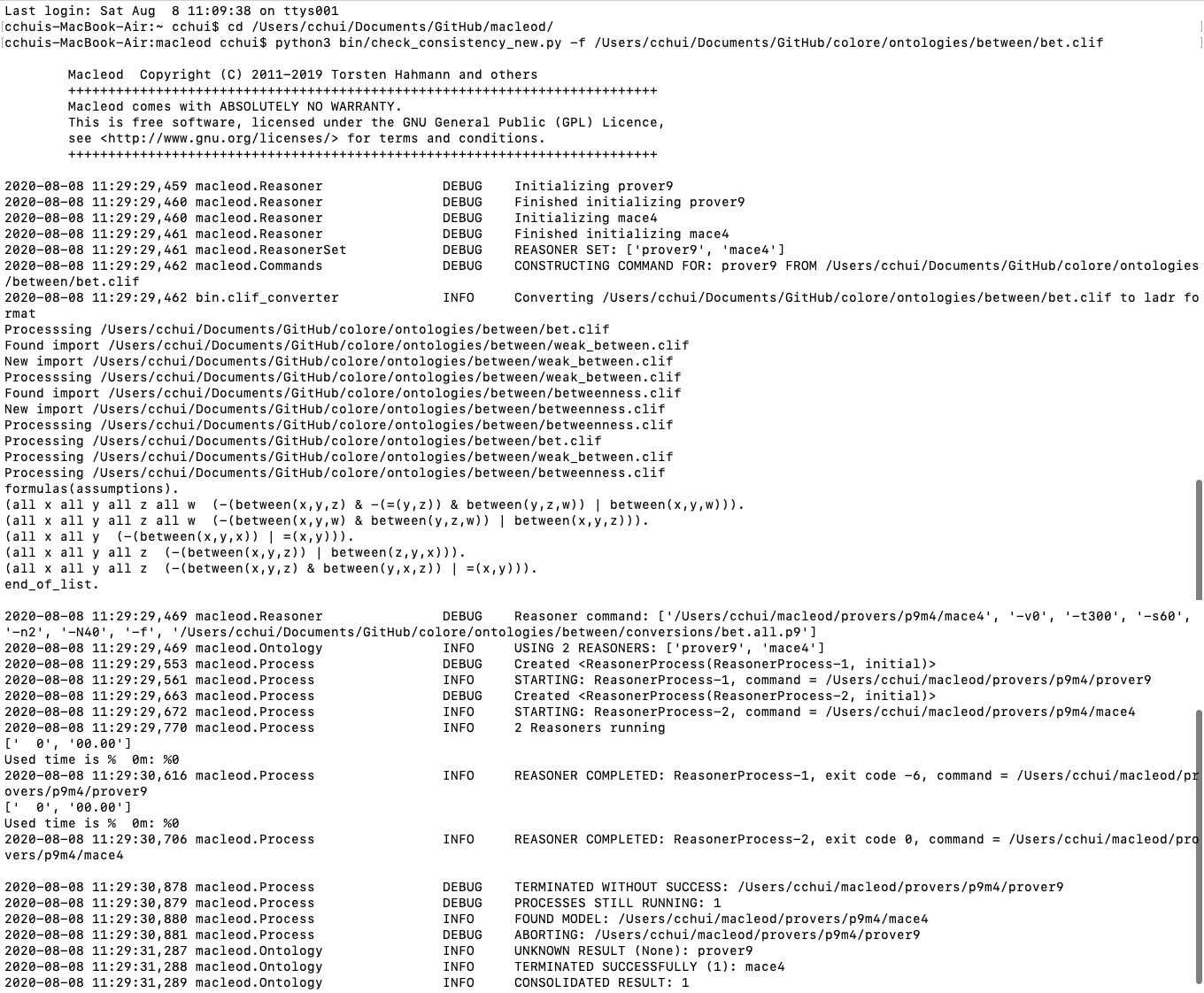
- Notice at the bottom of the above screenshot that the Prover9 process was aborted, but the Mace4 command returned a model. This means that the theory is consistent. Recall that a theory is consistent if:
- Prover9 cannot return a proof
- Mace4 returns a model (model is generated)
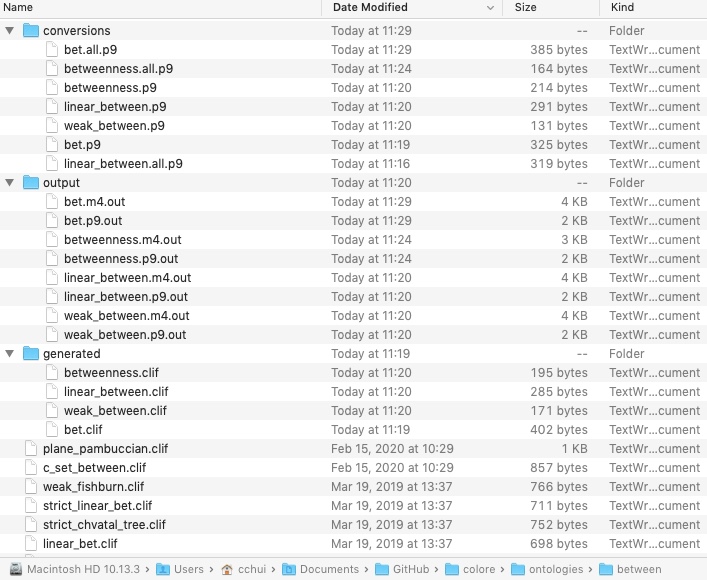
- The resulting output files can be found in the directory of the theory: