Boids with vector fields.
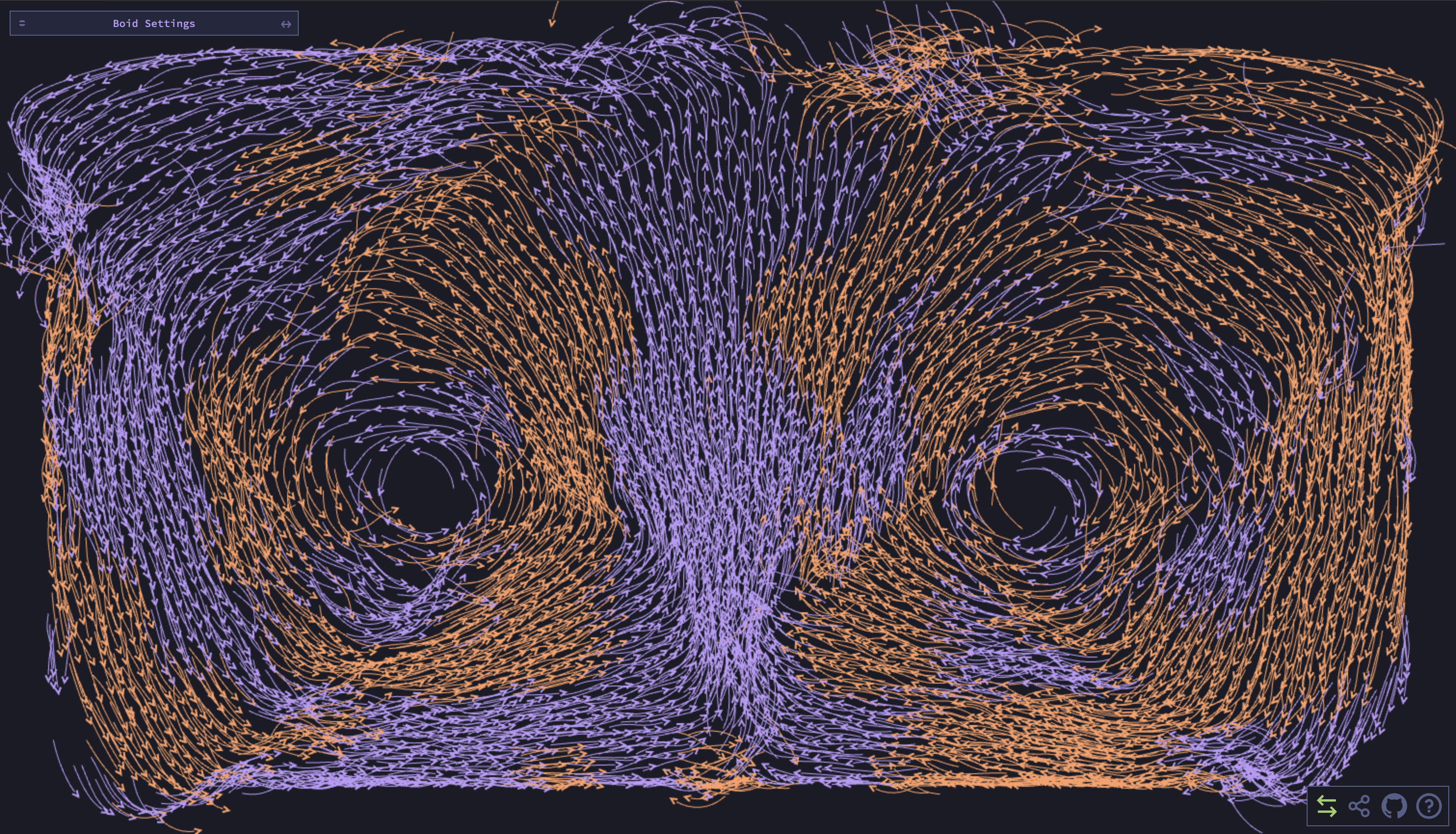
This is a simple implementation of the boids algorithm in 2d. The boids algorithm is a simple algorithm that simulates the flocking behavior of birds. The algorithm was created by Craig Reynolds in 1986. The algorithm is based on three simple rules:
- Separation: Boids try to keep a minimum distance between each other.
- Alignment: Boids try to match the velocity of their neighbors.
- Cohesion: Boids try to move towards the center of mass of their neighbors.
There are a few parameters in my implementation that can be adjusted to change the behavior of the boids and the style of the simulation. A full list of these options can be seen in this image here

- boidCount: Specifies the total number of boids in the simulation.
- numBoidColors: Determines the number of colors used to draw the boids.
- bounds (width, height, margins, scale): Defines the size of the simulation area and how it is scaled.
- ranges (separation, visible): Determines the distances at which boids maintain separation and can see each other.
- factors (separation, alignment, cohesion, drag, mouse, turn): Controls the relative strength of each steering behavior including separation, alignment, cohesion, drag, mouse interaction, and turning force.
- caps (maxSpeed, minSpeed, maxAcceleration, minAcceleration): Sets the upper and lower limits for the boids’ speed and acceleration.
- viewAngle: Determines how wide a boid’s field of vision is measured in degrees.
- trailLength: Specifies how far back each boid’s movement trail extends in # of frames.
- mouse: Indicates how the boids respond to mouse input (e.g., avoid, attract, or none).
- followColor: Determines whether the boids follow their given color and try to stay with those with that color
- show (separationRange, visibleRange): Toggles the display of circles that depict each boid’s personal space and visibility range.
- colors (background, boids, protected, visible): Assigns the colors used for the simulation’s background, the boids, the protected zone, and visible zone.
- vectorField: Specifies the type of vector field used to guide the boids (e.g., none, random, or vortex). Note: This feature is very slow and may not work well with a large number of boids.
- Default: in between fish and bird like
- Bird like behavior
- Like a school of fish. Equalibrium is an approximate cycle around the window
- Bounds are set to the min of the height and width: Creates a spiral
- Two different colored boids. Seperates themselves out to a certain extent.
- Ten different colored boids. Seperates themselves out to a certain extent.
- Circle vector field
- True dipole (my favorite)
- Black hold esque
- Double spiral/vortex
- Spiral + bidirectional flow
- Converging circles
may or may not complete
- create graphs for average speed and average number of other boids seen
- GLSL parser similar to Field Play
- Typescript
- Svelte
- HTML Canvas
- TailWind
The parameter pane is using svelte-tweakpane-ui