
First download dependency using go get
$ go get -u github.com/runcfg/runcfg-goThen import into your project
import "github.com/runcfg/runcfg-go"- Create an account at https://runcfg.com
- Download your
.runcfgfile from your project page at https://runcfg.com by clicking (get .runcfg file)
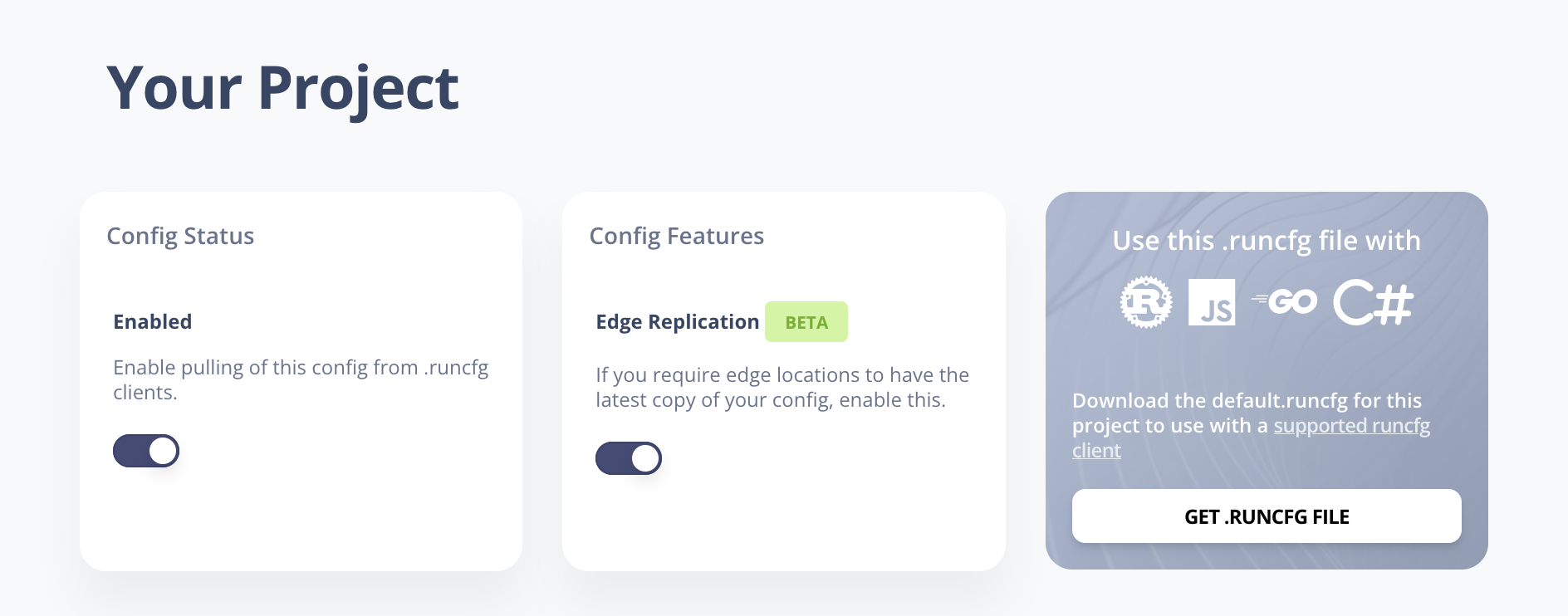
- Place your
.runcfgfile at the root of your project - Create an instance of the client in your code as follows:
// my-config is your project name which is prepended to your .runcfg file e.g. `my-config.runcfg`

client, err := runcfg.Create("my-config")
if err != nil {
    t.Error(err)
}- create your config type
type ExampleConfig struct {
	Version string `json:"version"`
	Target  string `json:"target"`
	Enabled string `json:"enabled"`
}- load your remote config into your config type
var config ExampleConfig // create instance of your config type

err = client.LoadConfigAsType(&config)
if err != nil {
	log.Fatalf("LoadConfigAsType failure:\n%s", err)
}

// optional: watch for config changes and invoke callback
client.Watch(watchInterval, func() {
	fmt.Println("config updated")
})
You can now access your configuration from the
config type which you passed into the LoadConfigAsType function for example: