



Set up a Ratatui application, using bevy to manage the update loop, handle input events, draw to the buffer, etcetera.
cargo add bevy_ratatui ratatui crossterm
use bevy::prelude::*;
use bevy::app::ScheduleRunnerPlugin;
use bevy_ratatui::{RatatuiContext, RatatuiPlugins};

fn main() {
    let frame_time = std::time::Duration::from_secs_f32(1. / 60.);

    App::new()
        .add_plugins((
            MinimalPlugins.set(ScheduleRunnerPlugin::run_loop(frame_time)),
            RatatuiPlugins::default(),
        ))
        .add_systems(Update, draw_system)
        .run();
}

fn draw_system(mut context: ResMut<RatatuiContext>) -> Result {
    context.draw(|frame| {
        let text = ratatui::text::Text::raw("hello world");
        frame.render_widget(text, frame.area());
    })?;

    Ok(())
}
To read user input, you can listen for the crossterm input messages forwarded by this crate:
use bevy::app::AppExit;
use bevy_ratatui::event::KeyMessage;
use crossterm::event::KeyCode;

fn input_system(mut messages: MessageReader<KeyMessage>, mut exit: MessageWriter<AppExit>) {
    for message in messages.read() {
        if let KeyCode::Char('q') = message.code {
            exit.write_default();
        }
    }
}
...or use the enable_input_forwarding option in RatatuiPlugins which will
map crossterm input events to normal bevy input messages.
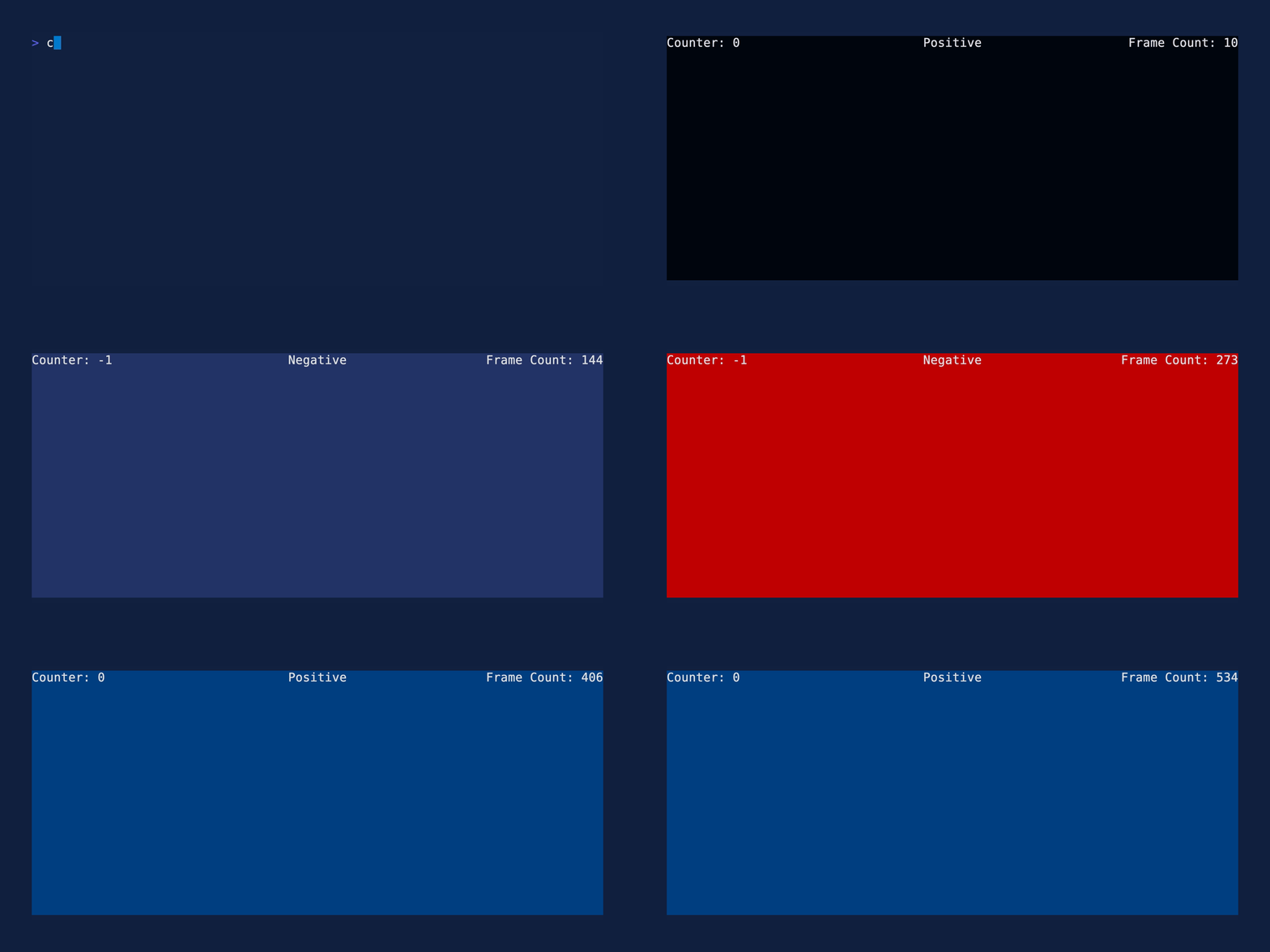
See the demo example for the code and more information. For splitting the terminal into regions with Ratatui layouts, see the layout example, and the layout stress test for nested layouts, every constraint and flex mode, and every widget. For a larger multi-file game example, see the snake example.
windowed: Render your ratatui application in a window instead of the terminal buffer. Reference thedemoexample for how to set up a Bevy project to handle either mode. This enables only the Bevy features the windowed backend itself needs — windowing, rendering, andbevy_ui. If your app also wants audio, 3D, scenes, gamepads, image codecs or the embedded default font, enable those on your ownbevydependency; Cargo features are additive.
There are also a handful of features relating to running Bevy in no_std mode.
- bevy: A refreshingly simple data-driven game engine built in Rust.
- ratatui: A Rust crate for cooking up terminal user interfaces (TUIs).
- egui_ratatui: A ratatui backend that is also an egui widget. Deploy on web with WASM or ship natively with bevy, macroquad, or eframe. Demo at https://gold-silver-copper.github.io/.
- bevy_ratatui_camera: Print a bevy scene to the terminal. Provides a ratatui widget that converts a bevy camera's rendered image to text and draws it to the terminal with ratatui.
- widgetui: A wrapper for ratatui that reduces boilerplate and handles the update loop. Uses an approach similar to bevy systems.
- bevyterm: A bevy crossterm integration that uses bevy systems to set up a terminal application.
| bevy | bevy_ratatui |
|---|---|
| 0.18 | 0.11 |
| 0.17 | 0.10 |
| 0.16 | 0.9 |
| 0.15 | 0.7 |
| 0.14 | 0.6 |
| 0.13 | 0.5 |
Copyright (c) Josh McKinney Copyright (c) Cooper Jax Reiff
This project is licensed under either of
- Apache License, Version 2.0 (LICENSE-APACHE or http://www.apache.org/licenses/LICENSE-2.0)
- MIT license (LICENSE-MIT or http://opensource.org/licenses/MIT)
at your option.
Unless you explicitly state otherwise, any contribution intentionally submitted for inclusion in the work by you, as defined in the Apache-2.0 license, shall be dual licensed as above, without any additional terms or conditions.