English | 中文
WebSSH allows you to SSH to your remote host anytime, anywhere.
Check https://webssh.azurewebsites.net, you can use any login name and password to logged in.
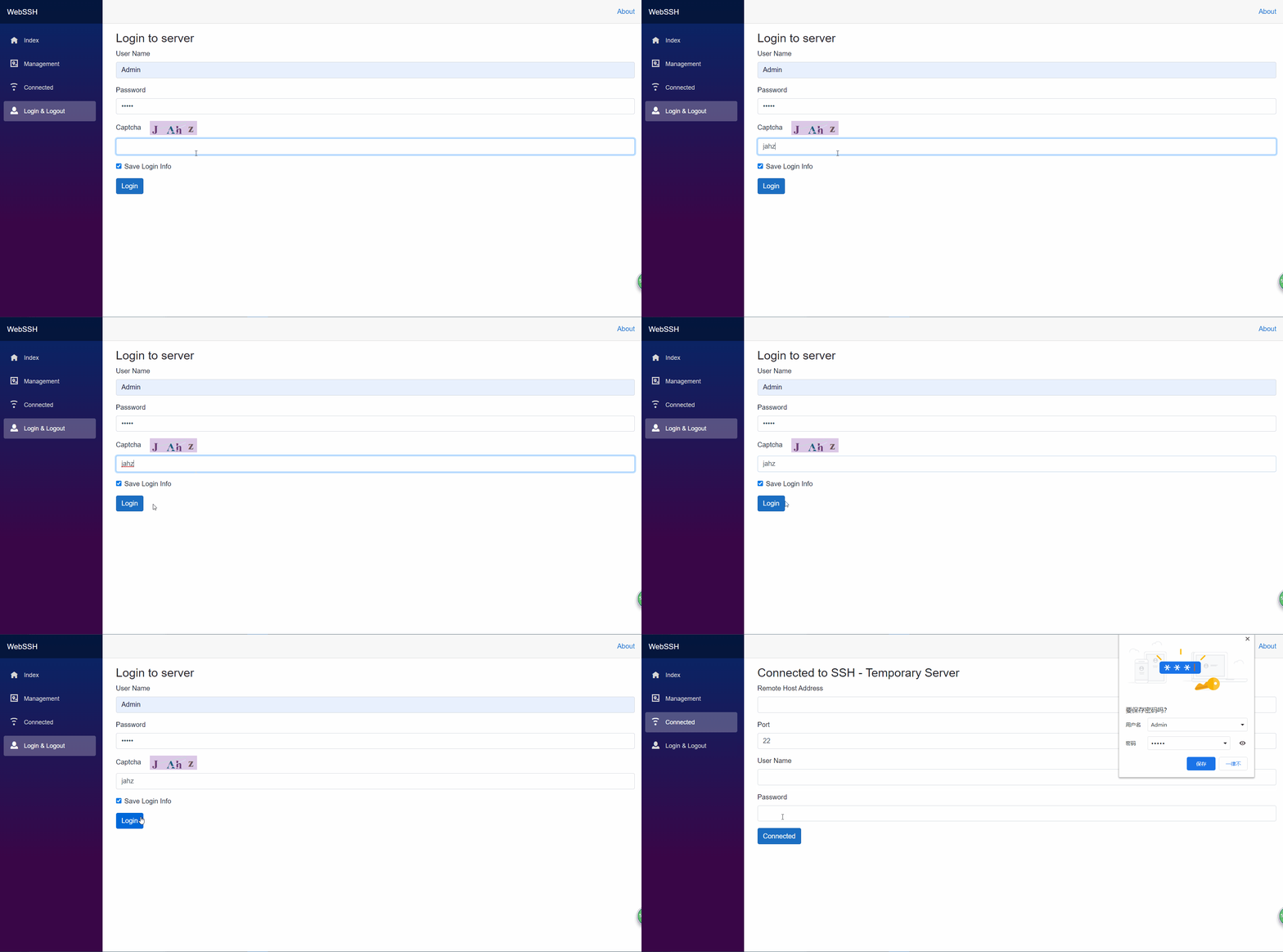
Input the user name and password and captcha to login, user name and password configured in appsettings.json
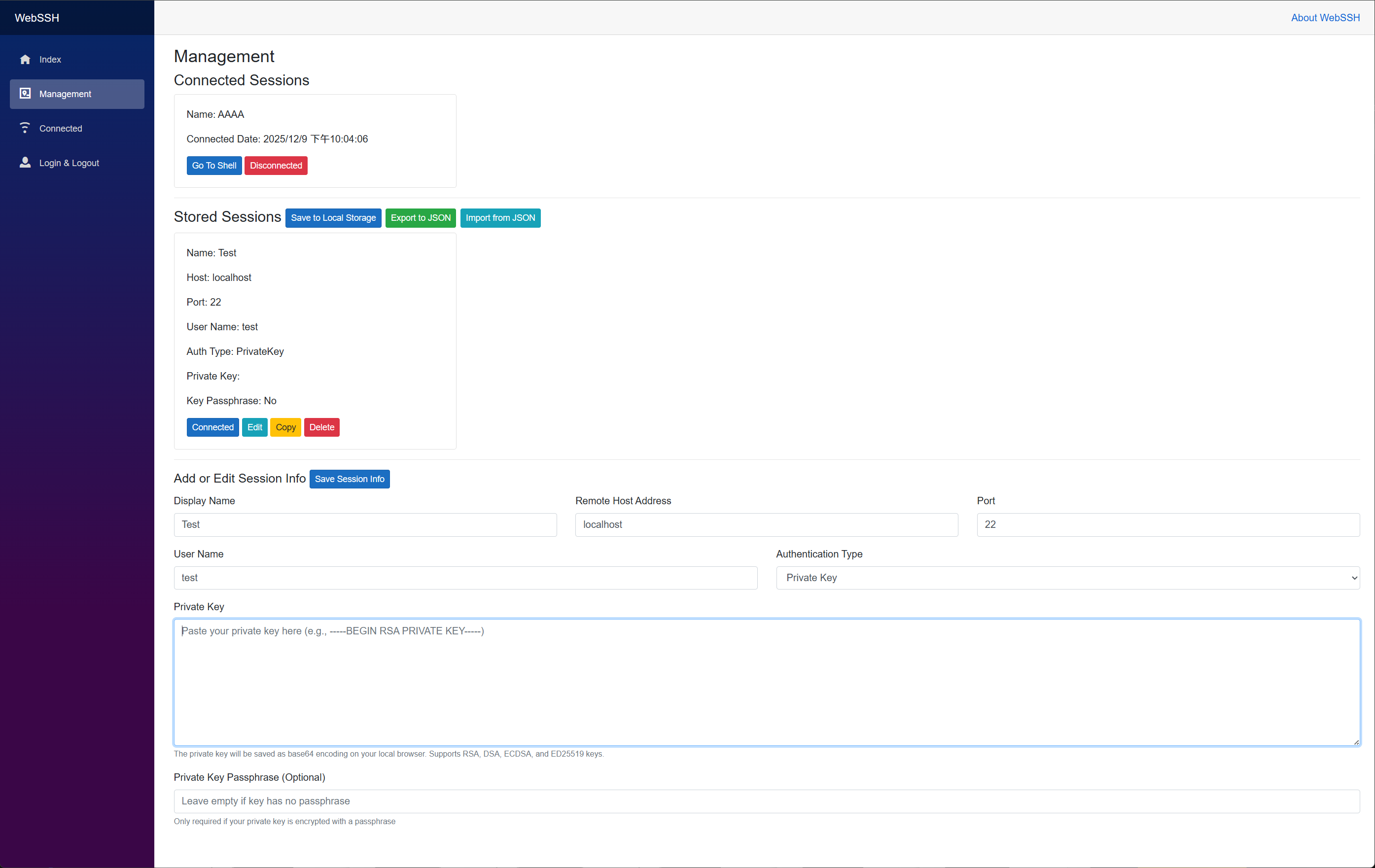
WebSSH now supports SSH private key authentication in addition to traditional password authentication:
- Multiple Authentication Types: Choose between password or private key authentication for each stored session
- Encrypted Key Support: Supports private keys protected with a passphrase
- Multiple Key Formats: Compatible with RSA, DSA, ECDSA, and ED25519 key types
- Secure Storage: Private keys are stored as base64-encoded strings in your browser's local storage
- Backward Compatible: Existing password-based sessions continue to work without any changes
For detailed usage instructions, see the Private Key Authentication documentation.
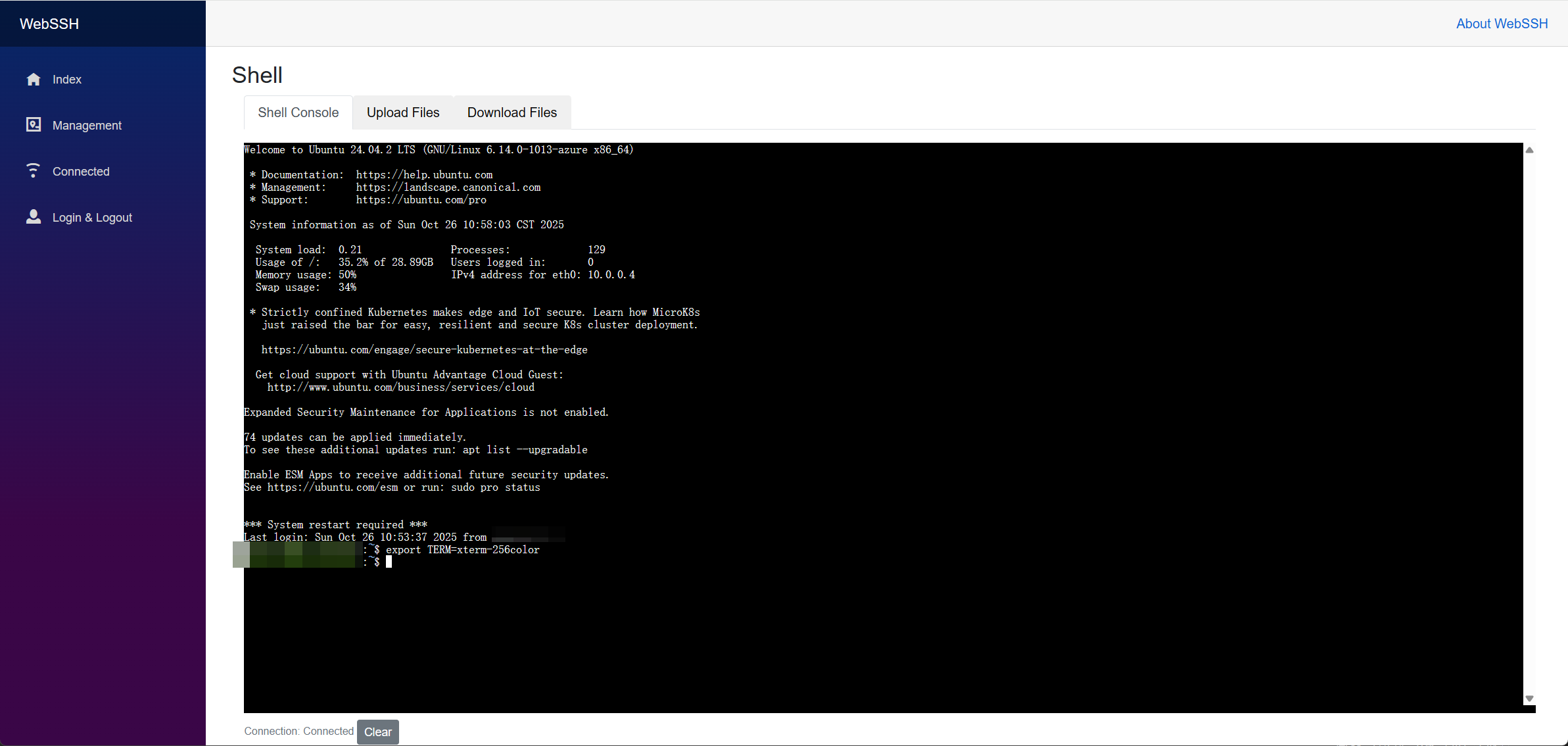
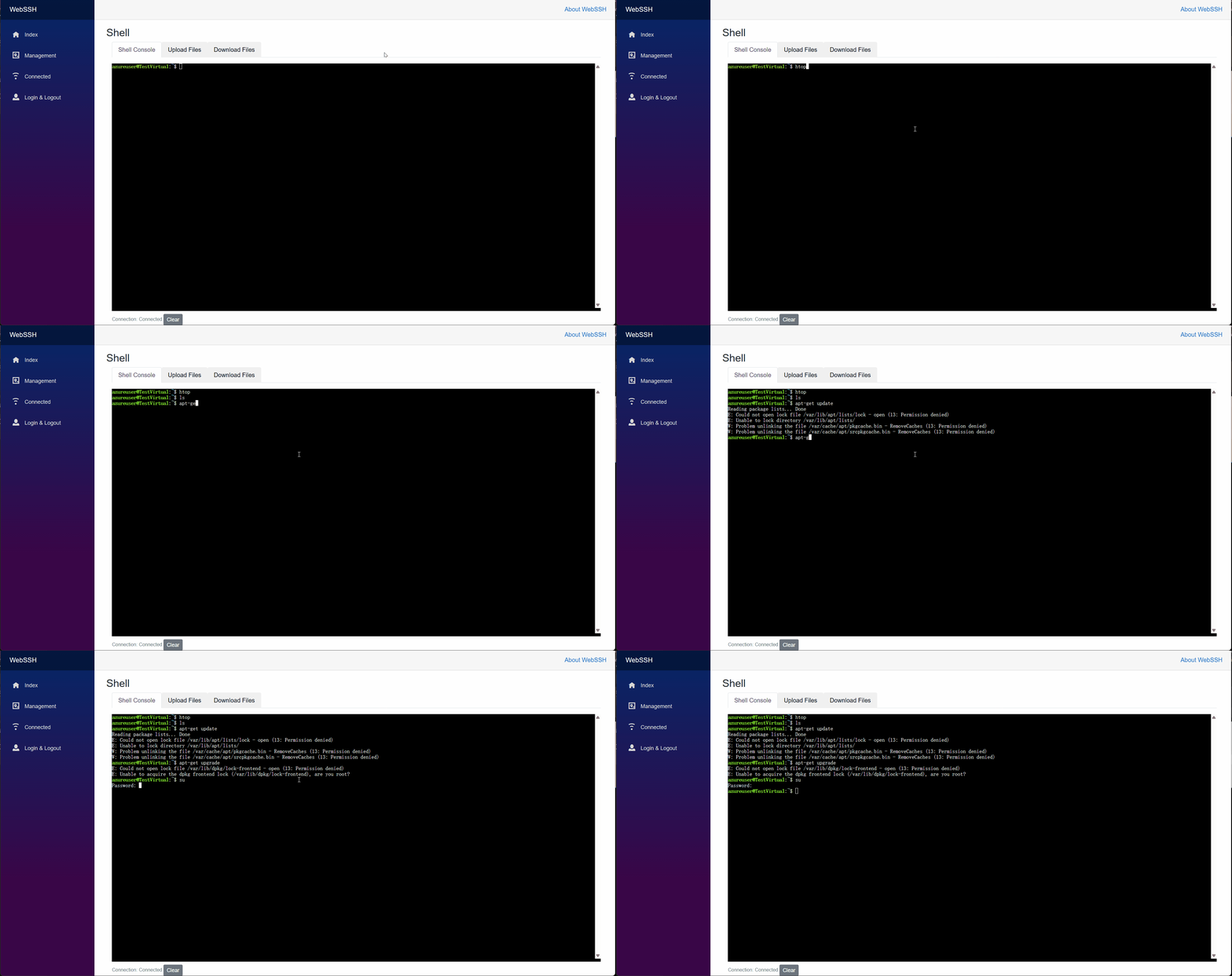
Press the Connect button, connect to the remote server, then run whatever command you want.
Go to management page, will list all available connected servers.
From the latest version, WebSSH replaces periodic HTTP polling with ASP.NET Core SignalR for a truly real-time terminal experience:
| Area | Before | Now (SignalR) |
|---|---|---|
| Output refresh | 1s / 100ms adaptive polling | Push as soon as data arrives |
| Bandwidth | Repeated empty responses | Only actual output payloads |
| Command send | HTTP GET endpoint | Bi-directional hub method RunCommand |
| Initial backlog | Multiple fetches | Single join flush + streaming |
| Reconnect | Full page reliance | Automatic hub reconnect with status messages |
Key benefits:
- Lower latency for interactive workflows (vim, tail -f, etc.).
- Reduced server & network overhead – no useless polling cycles.
- Better UX with connection state (Connected / Reconnecting / Disconnected).
- Extensible channel for future features (file upload, terminal resize, heartbeat).
Technical notes:
- Hub path:
/shellHub - Group isolation: each browser session + shell GUID => SignalR group
- Still keeps an output queue for initial backlog replay on (re)join
- Automatic reconnect enabled; transient drops will not lose buffered output
- Legacy endpoints (
GetShellOutput,IsConnected,RunShellCommand) have been removed after migration
Planned (roadmap ideas):
- Terminal resizing sync (cols/rows)
- Structured output channels (stdout/stderr separation)
- Optional rate limiting / flood protection
- Audit log of executed commands
Secure copy (SCP / SFTP) integration✅ Completed
WebSSH now supports secure file upload and download to/from remote servers via SFTP with a professional tab-based interface:
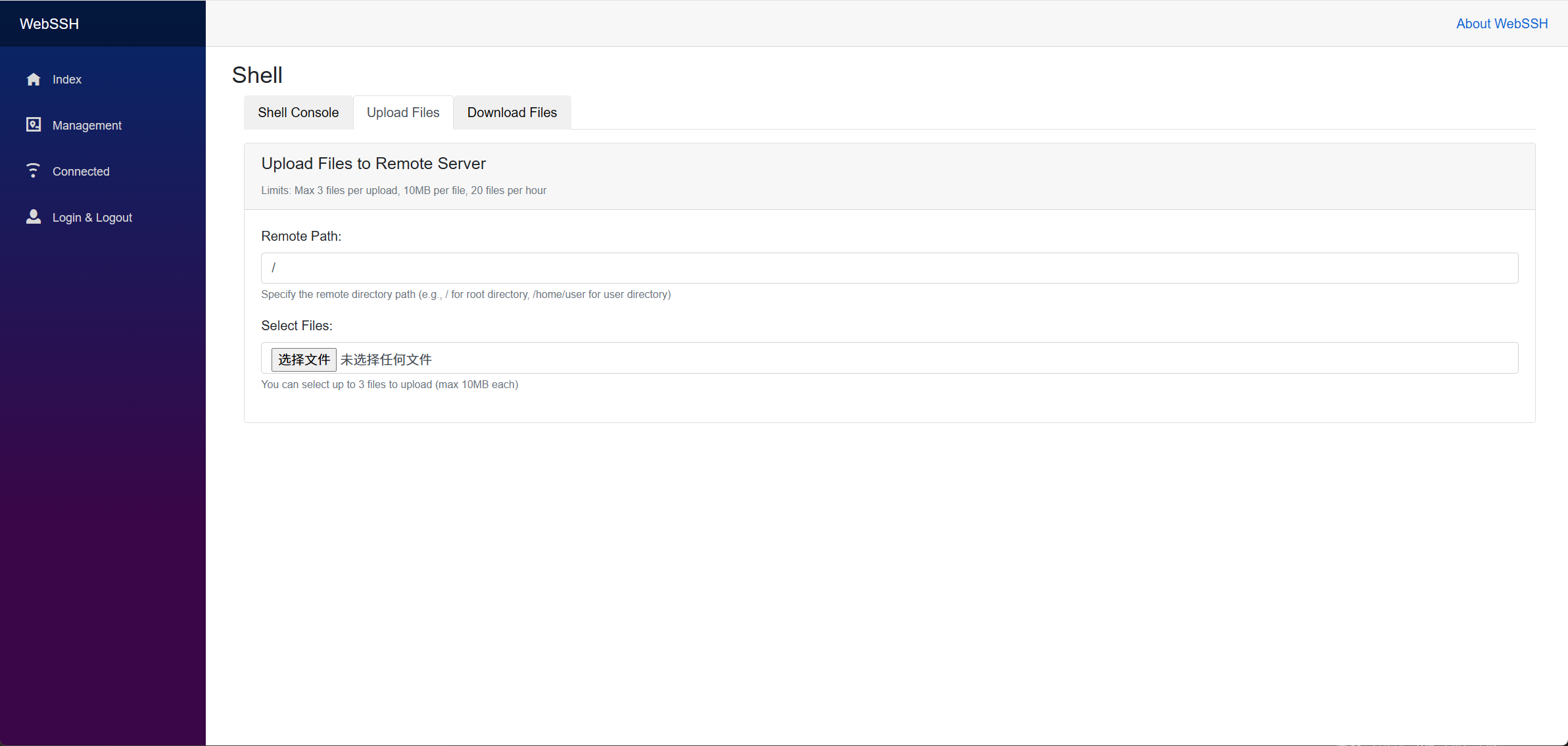
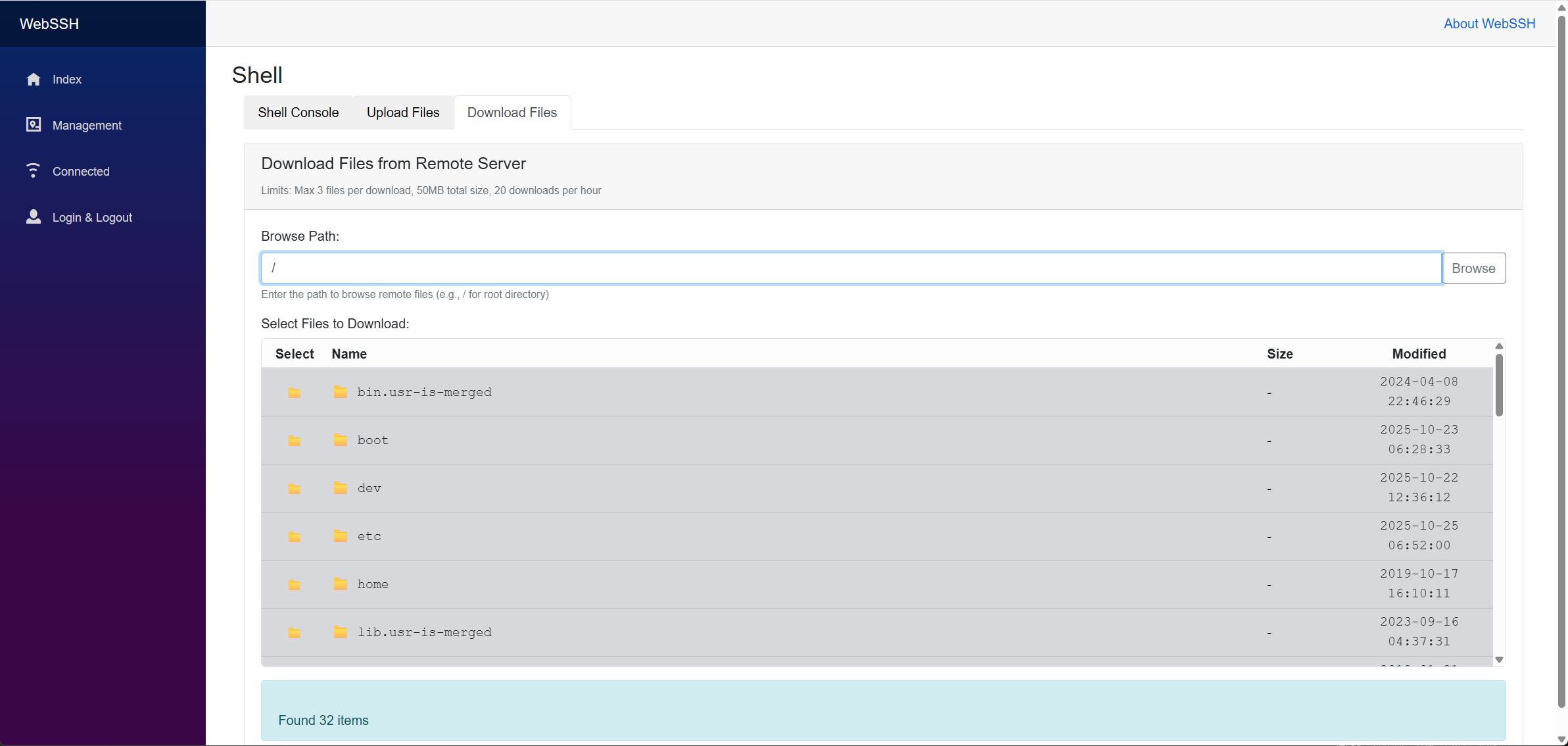
- Tab-based Interface: Separate tabs for Shell Console and File Upload
- Multiple File Support: Upload up to 3 files simultaneously (configurable)
- File Size Limits: Maximum 10MB per file (configurable)
- Rate Limiting: IP-based limiting (20 files per hour, configurable)
- Real-time Progress: Live upload status via SignalR
- SFTP Integration: Secure transfer using existing SSH connections
- Remote File Browser: Navigate and browse remote directory structure
- Multi-file Selection: Download up to 3 files per operation (configurable)
- ZIP Archive Support: Multiple files automatically packaged for download
- Size Limits: Maximum 20MB total download size (configurable)
- Rate Limiting: IP-based limiting (20 downloads per hour, configurable)
- Real-time Progress: Live download status via SignalR
File transfer restrictions can be configured in appsettings.json:
{
  "ShellConfiguration": {
    "MaxFilesPerUpload": 3,
    "MaxFileSizeMB": 10,
    "MaxFilesPerHour": 20,
    "MaxFilesPerDownload": 3,
    "MaxDownloadSizeMB": 20,
    "MaxDownloadsPerHour": 20
  }
}📋 Complete Implementation Summary - Detailed technical documentation of all changes, features, and architecture decisions made during development
Running your server at port 8070, config the password "your_password" to your own.
docker pull qiuhaotc/webssh
docker run -d --name webssh -p 8070:8080 -e ShellConfiguration__Users__0__Password="your_password" --restart=always qiuhaotc/webssh| Status | Value |
|---|---|
| Stars |  |
| Forks |  |
| License |  |
| Issues |  |
| Docker Pulls |  |
| Release Downloads |  |