AI has started to work, will be working on AI improvements using Deep Reinforcement Learning.
To play:
a. Download and install Processing environment from: https://processing.org/download/
b. Git clone the repository
c. Open main/main.pde in Processing environment.
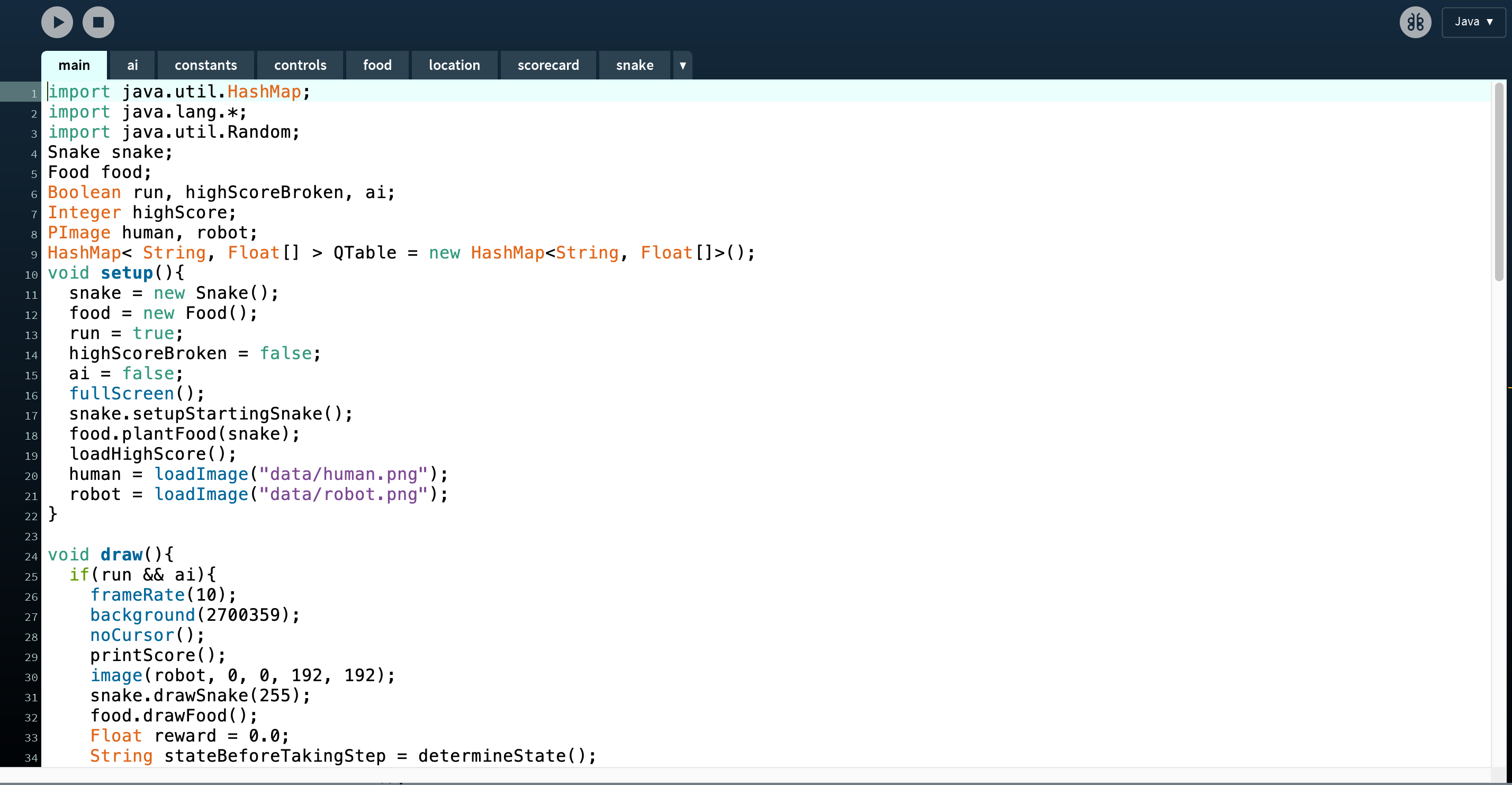
d. Run the sketch.
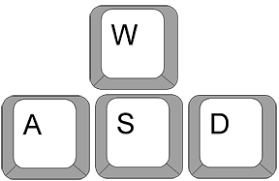
This is the default mode, viz. the classical snake game. The game can be played with the following keys.
This mode can be switched to at any point in the game using the following key.

Once the AI mode starts controls will freeze and the Snake starts playing the game itself. Human mode can be switched back to by using the same key 'M'