


A no-CMS, no-lock-in blog editor that publishes directly to your GitHub repo.
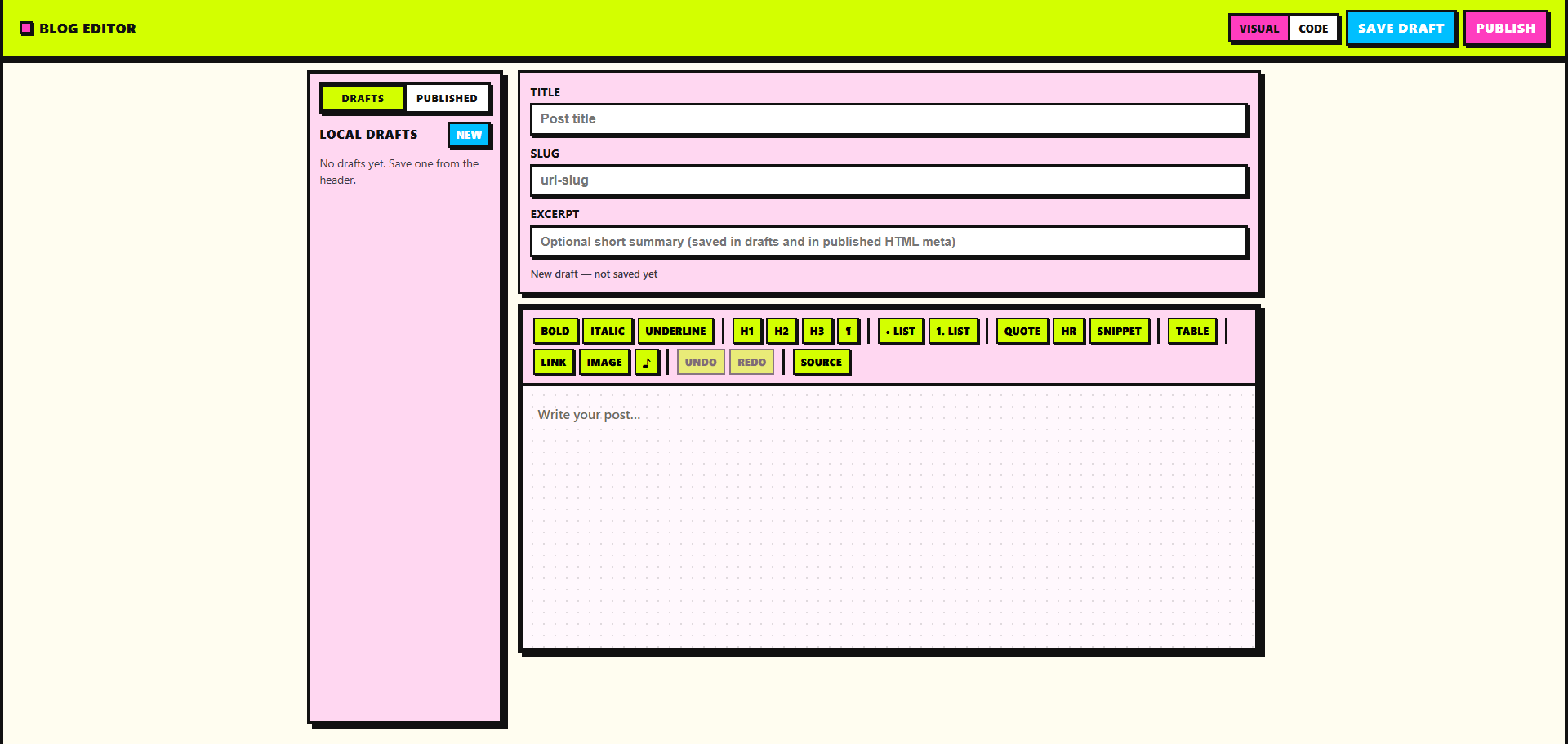
Publishes posts as HTML files to a GitHub repository via the Contents API. Think of it as a personal utility: write in a rich editor or raw HTML, keep drafts locally, and push files into a folder you choose (for example blog/).
| 📝 Editor | 🛠️ Toolbar | 📌 Publishing | 📚 Sidebar |
|---|---|---|---|
| Easy toggle to switch from the visual editor to direct source code editing Main editing interface |
Offers everything you need (images, media upload, tables, links, text formatting, code snippets, and more) Formatting tools |
Click to publish to a specific folder in your repo. it will create the folder if it doesn't already exist Publish to GitHub |
Easily toggle between drafts and published posts in the sidebar Drafts & posts |
-
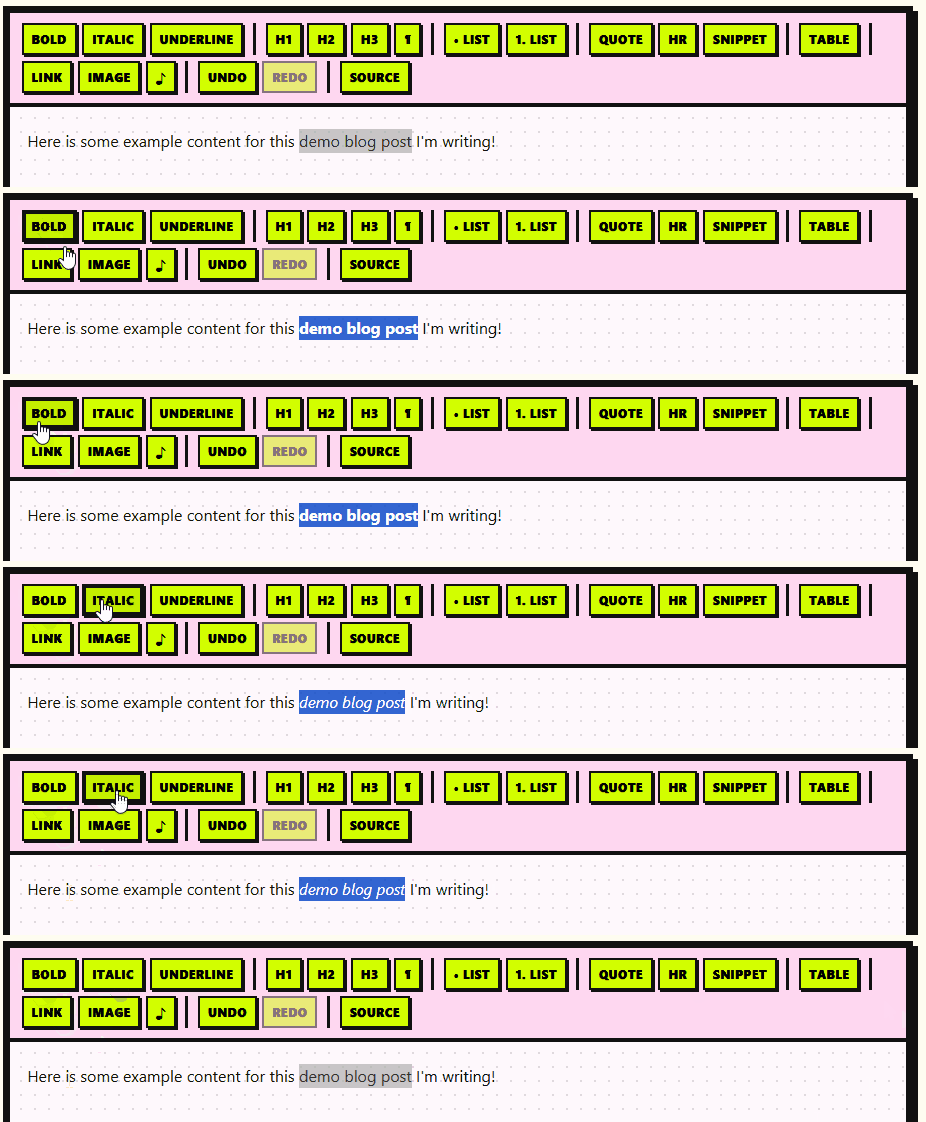
Visual mode: TipTap v3 (ProseMirror) with headings (H1–H3), paragraph, bold, italic, underline, bullet and ordered lists, blockquote, horizontal rule, links, and undo/redo. Ctrl/Cmd+S saves the current draft (same as Save draft).
-
Code mode: plain
textareafor the post body HTML.
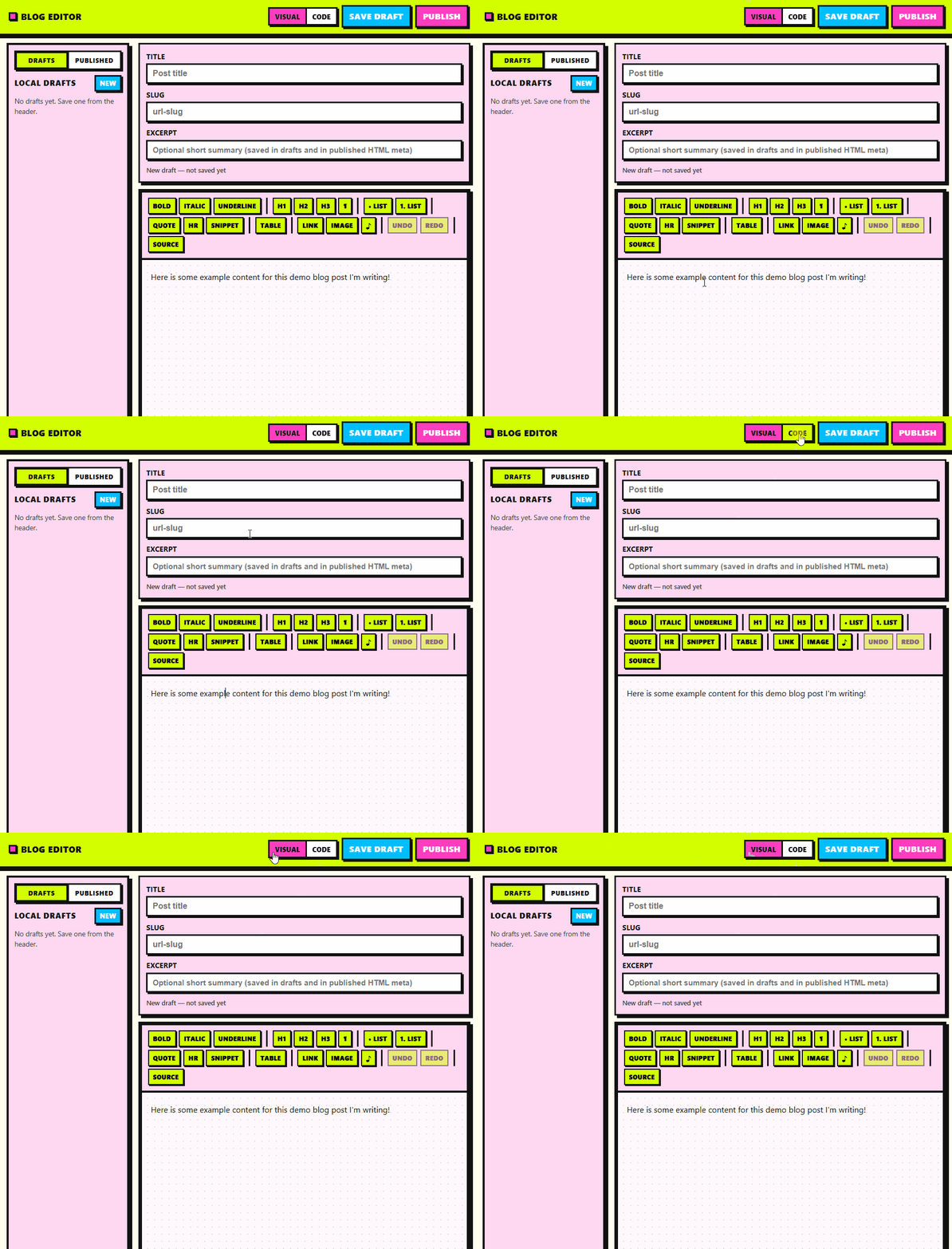
- Tables: insert a sized table (header row), then add/remove rows and columns or remove the whole table while the cursor is inside the table.
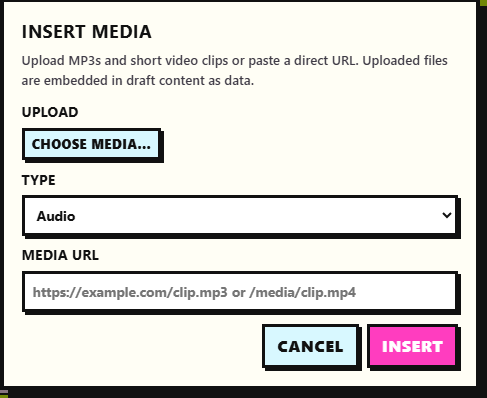
- Upload Media:
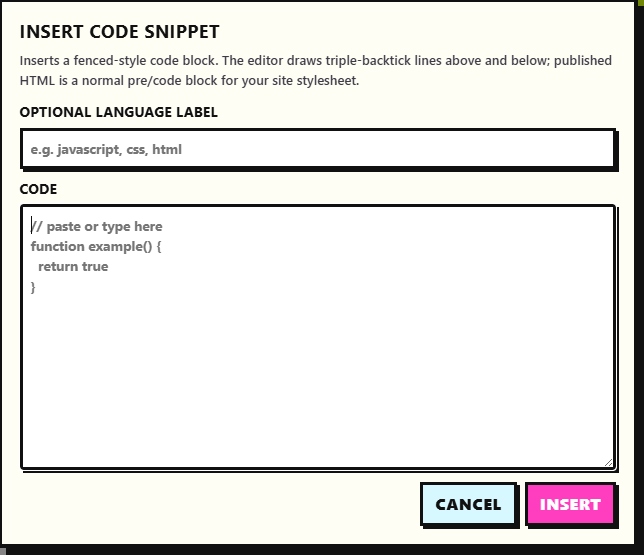
- Code snippets: insert a multiline snippet from a dialog; optional language label becomes a
language-*class on<code>. In Visual mode the block is styled with decorative triple-backtick lines; exported HTML is a normal<pre><code>block.
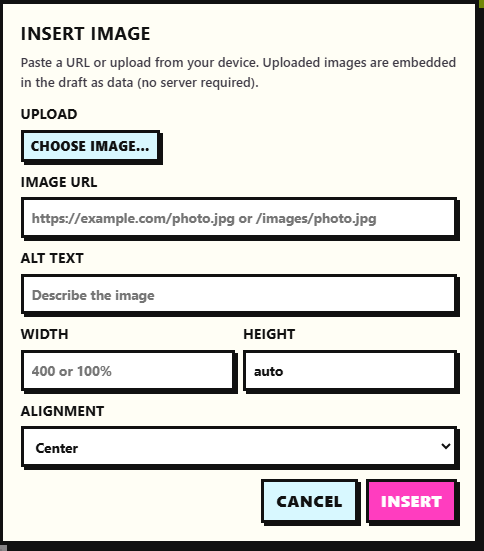
- Images: paste a URL or upload a file (embedded as a data URL in the draft). Alt text, width, height, and alignment classes (
blog-image align-*) are supported.
-
Switch between Drafts (local) and Published (files in your configured Posts folder on GitHub).
-
Drafts: create, open, delete; Save draft in the header (open drafts also autosave after a short idle delay).
-
Published: requires owner, repo, and token in Publish; lists
.htmlfiles in the posts path, refresh, and open a file into the editor. Title, excerpt (when present in the file), and body are parsed from the page;blog-editor:title/blog-editor:excerptmeta tags are used when present for a reliable round-trip after you publish from this app.
-
Publish opens a dialog: personal access token, owner, repository, branch, posts folder path, and HTML template (full page with site CSS or full page with inline styles).
-
Builds
blog/{slug}.html(or your custom folder + slug) as a complete document and creates or updates the file on the branch. -
Excerpt is stored in published HTML (meta tags) when you fill it in; it is included in new publishes alongside title and body.
-
Settings are persisted in
localStorageafter a successful publish.
- React 19, Vite 8, ESLint 9
- TipTap extensions: StarterKit (minus bundled link, replaced), Link, Underline, Image, Placeholder, Table (+ row / cell / header)
npm install
npm run devUse a fine-grained token that can read repository contents (to list and open published posts) and write contents (to publish), scoped to the repo you use. The token is stored in the browser (localStorage) after a successful publish, along with the rest of the publish form.
npm run dev— local dev servernpm run build— production buildnpm run preview— preview the production buildnpm run lint— ESLint
- No databases
- No dashboards
- No subscriptions
- Just files in your repo
Write → Save locally → Publish to GitHub