
Unlimited. Secure. Swift.
Instantly share files and screen, device-to-device. No cloud. No limits.
Production Deployment »
Mirror »
Backend Code »


DropSilk is a modern, privacy-focused, peer-to-peer file transfer application built with WebRTC. It allows users to create temporary, private "flights" to directly share files of any size and stream their screen between two devices without ever storing data on a central server.
This project was born from the desire for a simple, fast, and secure way to move files between devices without the limitations of cloud storage, file size caps, or privacy concerns.
- Direct P2P Transfers: Files are sent directly between browsers using WebRTC for maximum speed and privacy.
- End-to-End Encrypted: All transfers (files and screen sharing) are encrypted using DTLS and SRTP protocols.
- No File Size Limits: Transfer large files without worrying about hitting a server-side limit.
- Desktop App Support: DropSilk is available as a desktop app for Windows at the moment.
- Screen Sharing: Securely share your screen with the connected peer, with adjustable quality settings.
- In-Browser File Previews: Preview a wide range of file types directly in the browser before downloading:
- Images (
jpg,png,gif,webp,svg...) - Audio (
mp3,wav,ogg...) with a waveform visualizer. - Documents (
pdf,docx). - Spreadsheets (
xlsx,csv). - Presentations (
pptx). - Code & Text with syntax highlighting.
- Images (
- High-Performance Architecture:
- Web Worker: File reading and chunking are offloaded to a background thread to keep the UI perfectly responsive.
- OPFS "Safe Mode": For very large files, DropSilk can write directly to the Origin Private File System, preventing browser memory crashes.
- Zero-Cost Idle UI: Animations are programmatically paused when hidden or disabled, ensuring the UI consumes no CPU at idle for a smooth experience.
- Adjustable Chunk Size: Advanced users can tune transfer performance for their network conditions.
- Rich Transfer Management:
- Multi-file and folder uploads.
- Drag-and-drop file selection.
- Real-time progress, speed, and ETA calculation.
- Drag-to-reorder sending queue.
- Download all received files as a single ZIP archive.
- Modern UI/UX:
- Fully responsive design for desktop and mobile.
- Beautiful animated aurora background.
- Light & Dark themes.
- Comprehensive settings panel for user preferences.
- Guided onboarding for new users.
- Internationalization (i18n): Full support for multiple languages.
| Main Interface (Light) | Settings Modal |
|---|---|
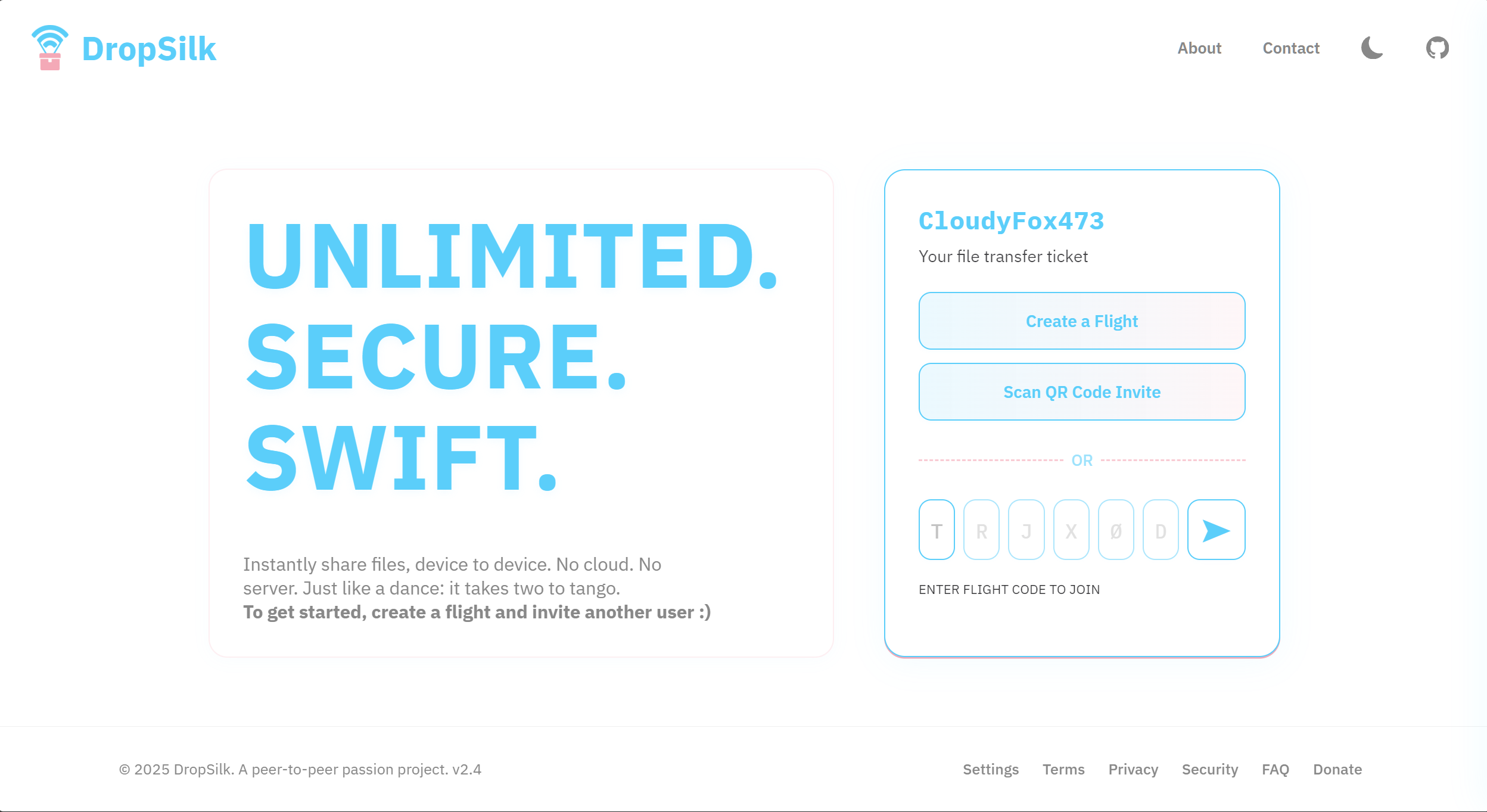 |
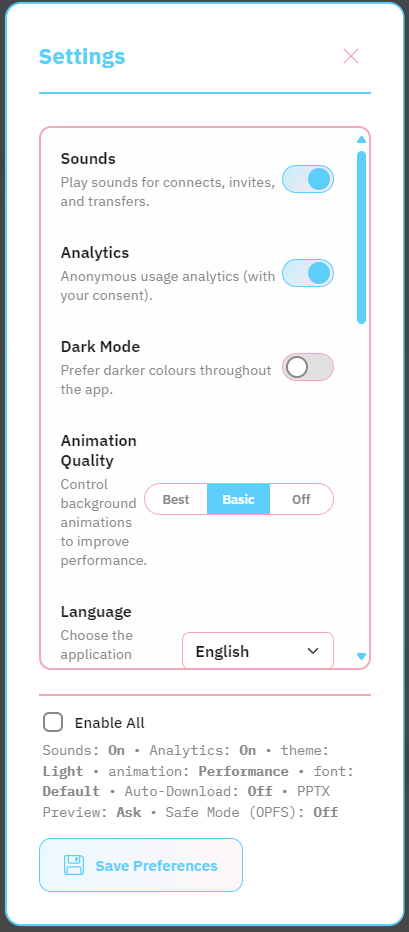 |
| Dashboard (Dark) | File Preview |
|---|---|
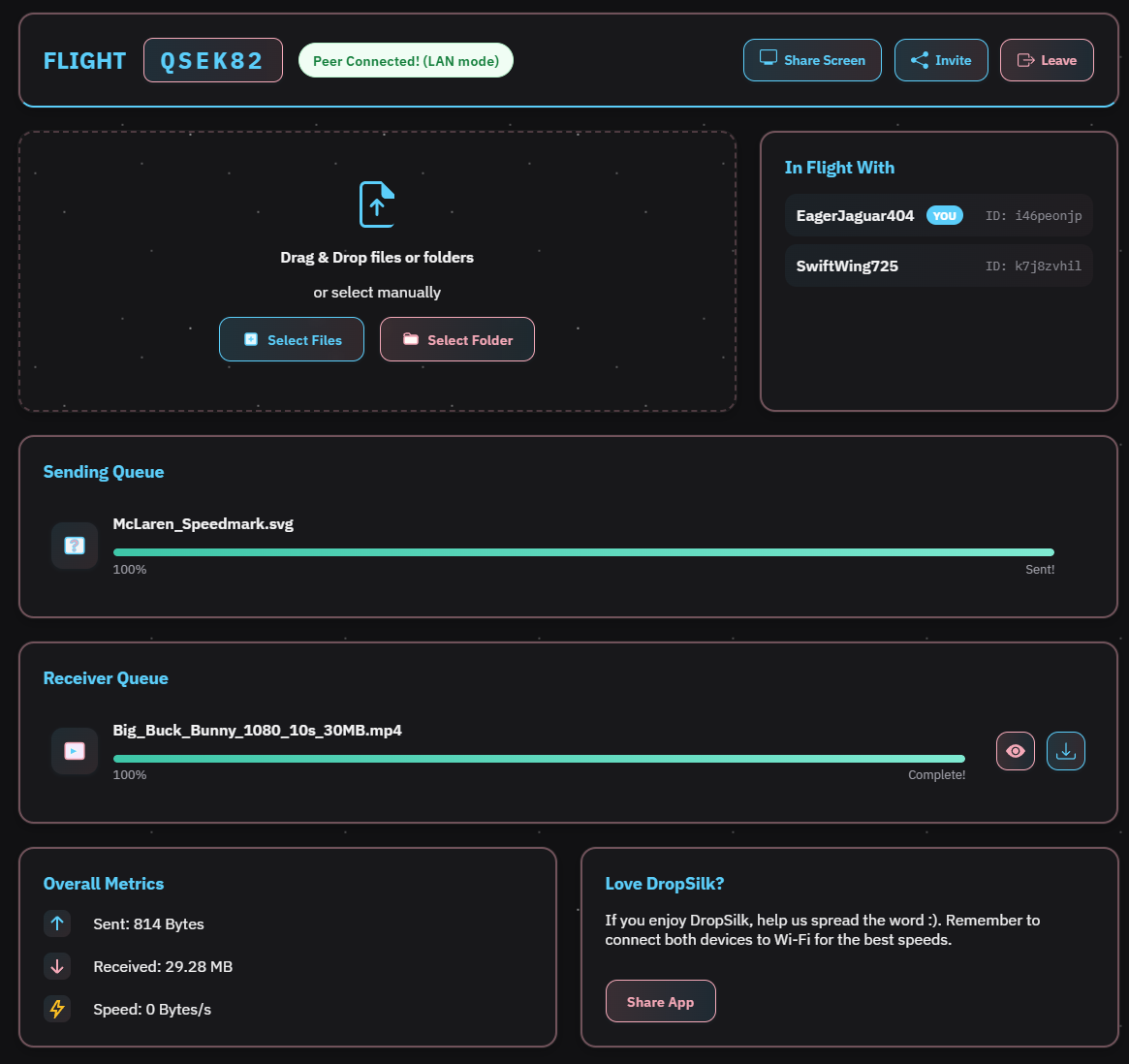 |
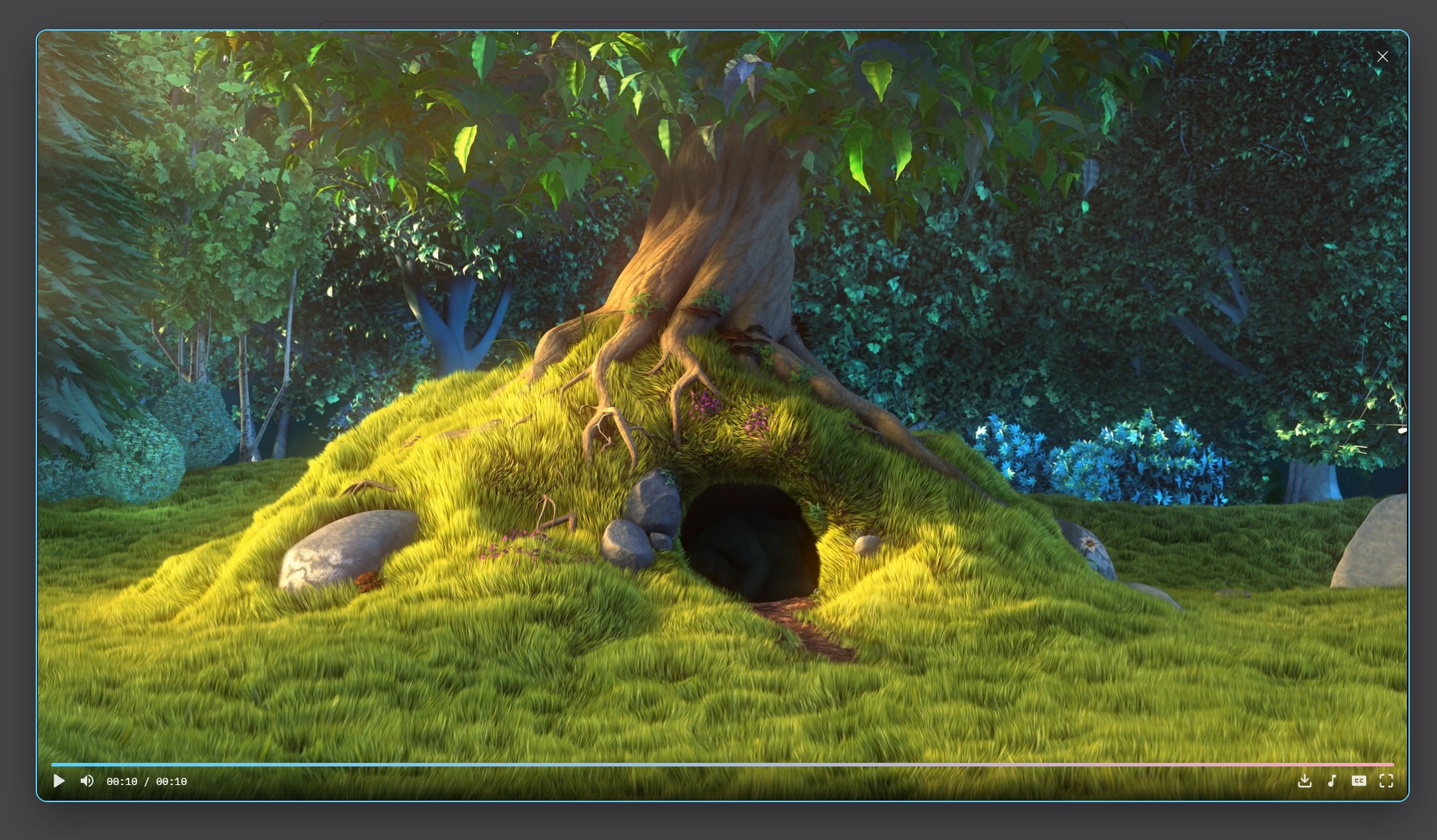 |
| Category | Technology |
|---|---|
| Frontend | HTML5, CSS3 (Custom Properties, Flexbox, Grid), JavaScript (ES Modules) |
| Build Tool | Vite |
| Core Protocol | WebRTC (for DataChannels and MediaStreams) |
| Signaling Server | Node.js, WebSocket (deployed on Render) |
| Key Libraries | i18next, JSZip, SortableJS, QrScanner, pdf.js, mammoth.js, SheetJS (xlsx), highlight.js, WaveSurfer.js, UploadThing |
| Hosting | Vercel (Frontend), Render (Backend) |
DropSilk is built on a few key architectural principles to ensure performance, privacy, and a smooth user experience.
- WebRTC for Peer-to-Peer Communication: Instead of a traditional client-server upload/download model, DropSilk uses WebRTC. This creates a direct, encrypted connection between the two users' browsers. This means files never touch our server, dramatically enhancing privacy and speed, especially on a local network.
- Decoupled Signaling: A lightweight WebSocket server acts as a "rendezvous" point. Its only job is to help two peers find each other and exchange the metadata needed to establish the direct WebRTC connection. Once the connection is made, the signaling server is no longer involved in the transfer itself.
- Non-Blocking File Processing with Web Workers: Reading large files on the main browser thread can freeze the UI. DropSilk delegates all file reading and chunking to a dedicated Web Worker. The main thread simply sends the file object to the worker and receives ready-to-send chunks, ensuring the interface remains fluid and responsive at all times.
- OPFS for Stability (Safe Mode): Browsers have memory limits. Attempting to buffer a multi-gigabyte file in RAM can cause the tab to crash. The "Safe Mode" feature leverages the Origin Private File System (OPFS) to stream incoming file chunks directly to disk instead of memory, making the application robust enough to handle massive files.
- Performance-First UI Rendering: The application is engineered to feel fast, not just transfer files fast. Hidden UI elements with infinite animations (like loading spinners) are paused to prevent background CPU usage. All browser resources are hence dedicated to the user's current interaction for a smooth, lag-free experience.
This project uses a modular structure for extensibility and maintainability. The following is a list of most of the important files and folders. (I wish I could have made this prettier, but CSS support is limited in GFM. Thanks, GitHub.)
dropsilk
-
frontend/
- index.html
- package.json
- vercel.json
-
scripts/
- update-locales.js
-
SVGs/
- archive.svg
- audio.svg
- code.svg
- document.svg
- generic.svg
- image.svg
- video.svg
-
electron/
- main.js
- preload.js
-
public/
- 404.html
- logo.webp
- robots.txt
- sender.worker.js
- site.webmanifest
- sitemap.xml
- social-share-image.jpg
- social-share-image-square.jpg
- SSIV2.png
- video.js
- favicons/
-
sounds/
- connect.mp3
- disconnect.mp3
- error.mp3
- invite.mp3
- queue_start.mp3
- receive_complete.mp3
- send_complete.mp3
-
src/
-
js/
-
network/
- webrtc.js
- websocket.js
-
preview/
- handlers/
- previewConfig.js
- previewManager.js
-
transfer/
- fileHandler.js
- zipHandler.js
-
ui/
- dom.js
- effects.js
- events.js
- modals.js
- onboarding.js
- view.js
-
utils/
- audioManager.js
- helpers.js
- toast.js
- uploadHelper.js
- app.js
- config.js
- i18n.js
- state.js
-
-
styles/
- index.css
- responsive.css
- utilities.css
-
base/
- animations.css
- globals.css
- theme.css
- variables.css
-
components/
- audio.css
- boarding.css
- buttons.css
- connections.css
- dashboard.css
- docx.css
- drawer.css
- dropzone.css
- footer.css
- forms.css
- header.css
- metrics.css
- modals.css
- not-found.css
- onboarding.css
- pdf.css
- pptx.css
- preview.css
- privacy-toast.css
- qr-scanner.css
- queues.css
- settings.css
- share.css
- stream.css
- ticket.css
- toast.css
- video-player.css
- xlsx.css
- zip.css
-
layout/
- aurora.css
- layout.css
-
- readme-assets
- ARCHITECTURE.md
- LICENSE.md
- README.md
To run DropSilk locally, you'll need both this frontend repository and the corresponding signaling server backend.
- Node.js (^22)
- npm / pnpm / yarn
-
Clone the Frontend (this repository):
git clone https://github.com/medy17/dropsilk.git cd dropsilk -
Install dependencies:
npm install
-
Set up environment variables: Create a
.env.localfile in the project root and configure the backend URL and your reCAPTCHA site key.# .env.local VITE_API_BASE_URL=http://localhost:8080 VITE_RECAPTCHA_SITE_KEY=<your_recaptcha_site_key>VITE_API_BASE_URLpoints the frontend to your backend (used for previews, TURN credentials, and the email reveal endpoint).VITE_RECAPTCHA_SITE_KEYis the public site key used in the Contact modal to verify human users before revealing the email address.
-
Clone and run the Backend Signaling Server: (Follow the instructions in the backend repository's README). By default, it runs on
localhost:8080. The frontend is already configured to connect to this address in development mode.
Once the backend is running, start the frontend development server:
npm run devOpen your browser and navigate to http://localhost:5173 (or the address provided by Vite). You should now have a fully functional local version of DropSilk!
When the user clicks “View Email” in the Contact modal, the app renders a reCAPTCHA challenge and, on success, exchanges the token with the backend to retrieve the email address.
- Env vars:
VITE_RECAPTCHA_SITE_KEYmust be set at build time (Vite only injectsVITE_*variables).VITE_API_BASE_URLmust be a full URL (includehttp://orhttps://).
- Client request:
POST ${VITE_API_BASE_URL}/request-email- Headers:
Content-Type: application/json,Accept: application/json - Body:
{"token":"<recaptcha_token_from_client>"} - No credentials/cookies.
- Backend response contract:
- Success 200:
{"email":"[email protected]"} - Failure 4xx/5xx:
{"error":"<string_reason>"}- Possible values currently:
reCAPTCHA token is required,recaptcha_failed,server_not_configured,internal_error.
- Possible values currently:
- Success 200:
- CORS: the backend should allow your dev/staging/production origins for
POSTwithContent-Type.
This project is licensed under the GPLv3. See the LICENSE file for more information.
Thanks to Jihah in particular for her contribution in adding coherent ms-MY support.
Ahmed - GitHub