
Varmint is a lightweight virtual machine for Macs, built on top of Hypervisor.framework.
The current focus is gaming and hardware-accelerated graphics. It boots a Debian arm64 guest with FEX, Steam and Proton, making it possible to run Windows and Linux games on Mac.
Windows games can use the Vulkan-based Venus graphics path or the experimental Neptune path for DirectX.
-
Download the latest release, extract it and move
Varmint.appto Applications.Varmint requires macOS 26 or later.
-
Create a VM configuration:
cat > "$HOME/fresh.varmint" <<'EOF'
format_version = 1

memory_mib = 16384
vcpus = 8

disk = "fresh.raw"
disk_size_gib = 24 # can be increased later
EOF
The disk image will be created next to the configuration file. To expand it later, stop the VM and increase
disk_size_gibbefore the next launch. Disk shrinking is not supported. -
Open Varmint and select
fresh.varmint. Since Varmint is not signed or notarized, macOS will block the first launch. Go to System Settings → Privacy & Security, click Open Anyway and confirm. -
Wait for Debian to start, create a user and password, then log in. Initial provisioning may take a few more minutes.
-
Open Applications → Games → Steam, wait for Steam to finish setting up, then sign in and install a game.
- hardware-accelerated Vulkan and OpenGL
- experimental DirectX 11 support through Neptune
- x86-64 support through FEX
- Windows games through Proton
- audio, networking and input
- shared clipboard
- Retina and high-refresh display modes
Compatibility varies between games and graphics paths.
DirectX 9 games, along with some early DirectX 11 games, currently have the best chance of working through DXVK and Venus.
Newer DirectX 11 games can run either through Venus or Neptune, but compatibility is less predictable.
DirectX 12 support is experimental and has not been tested extensively yet.
See Running games in Varmint for general setup and troubleshooting.
| Game | Status | Setup Difficulty |
|---|---|---|
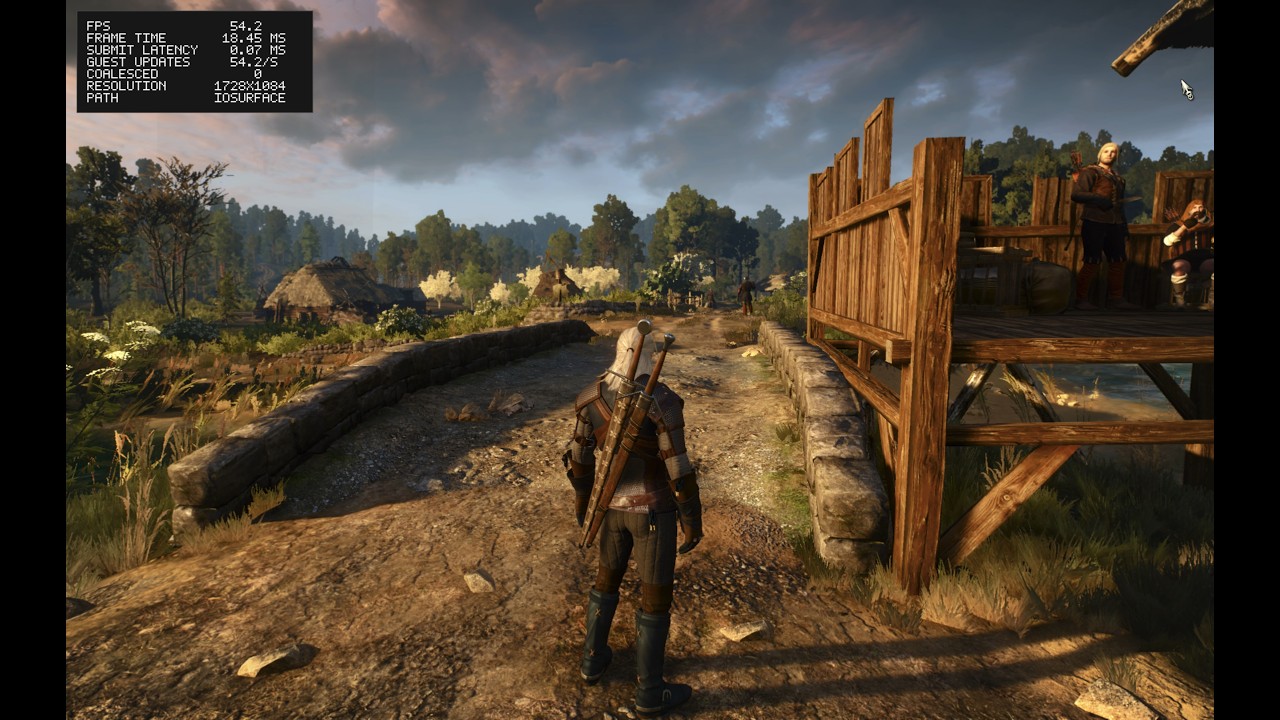
| The Witcher 3: Wild Hunt | ✅ | 🟢 |
| The Witcher: Enhanced Edition | ✅ | 🟢 |
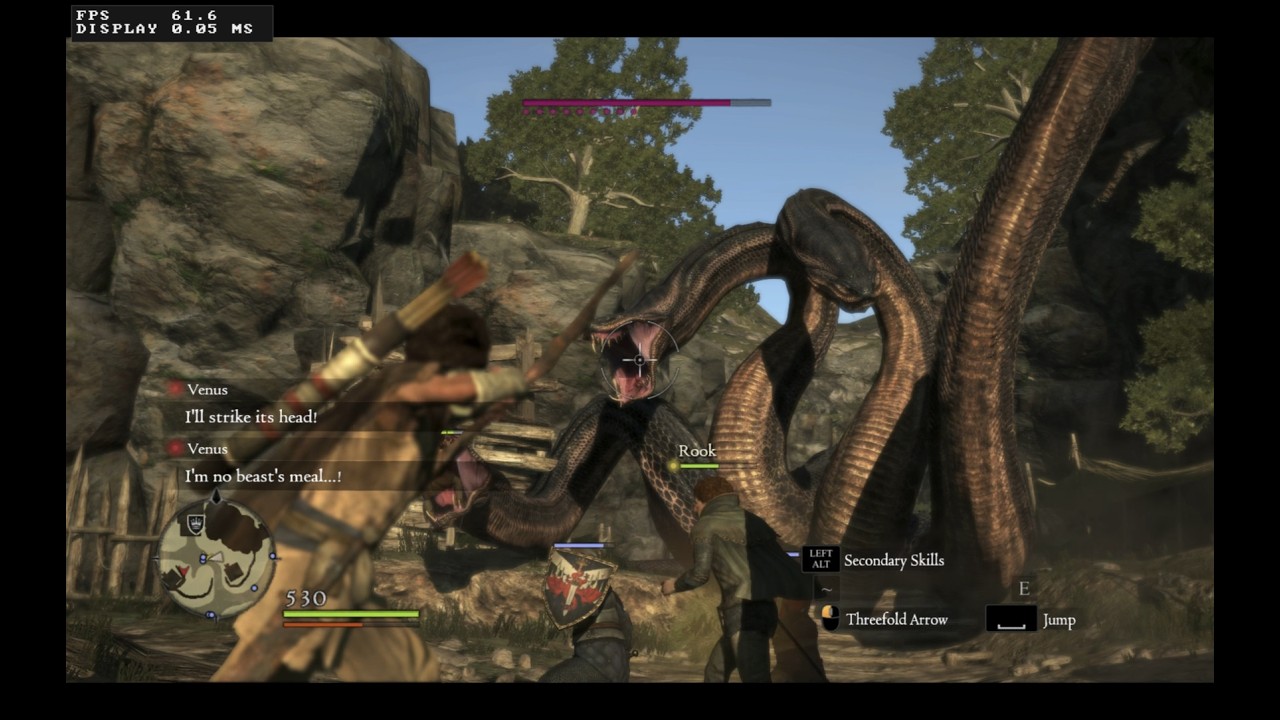
| Dragon's Dogma: Dark Arisen | ✅ | 🟡 |
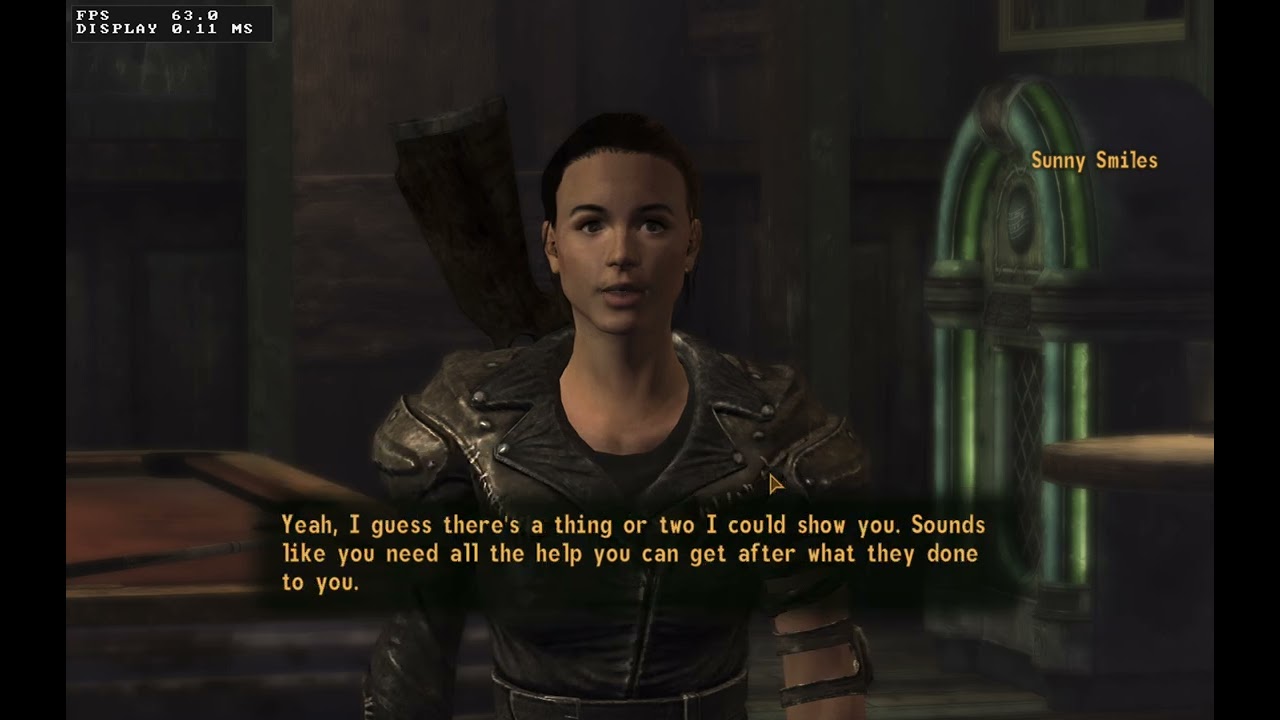
| Fallout: New Vegas | ✅ | 🟢 |
| Fallout 3 | ✅ | 🟢 |
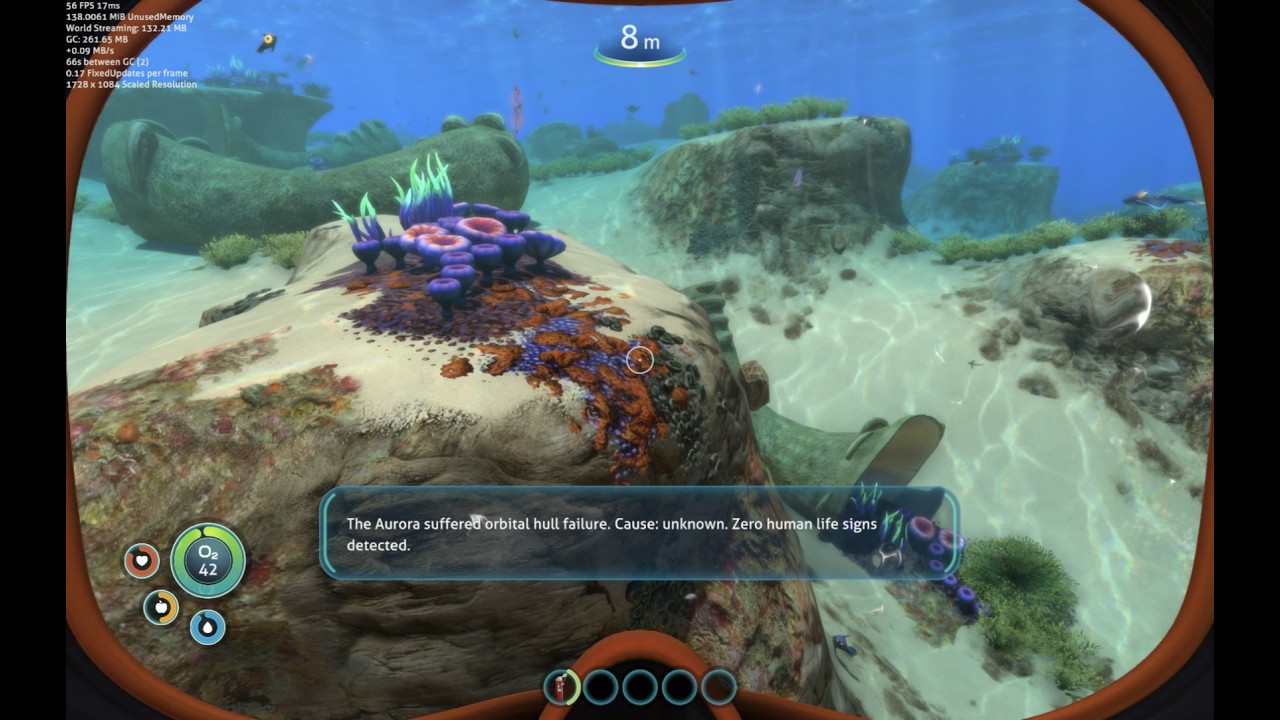
| Subnautica | ✅ | 🟢 |
| Portal 1-2 | ✅ | 🟢 |
| Team Fortress 2 | ✅ | 🟢 |
| Half-Life 2 | ✅ | 🟢 |
| Dishonored | ✅ | 🟢 |
| Deus Ex: Human Revolution | ✅ | 🟢 |
| SCP – Containment Breach | ✅ | 🟢 |
| L.A. Noire | ✅ | 🟠 |
| Vampire: The Masquerade - Bloodlines | ✅ | 🟡 |
| A Plague Tale: Innocence | ✅ | 🟢 |
| Garry's Mod | ✅ | 🟢 |
| Red Comrades 2: For the Great Justice. Reloaded | ✅ | 🟢 |
| Red Comrades Save the Galaxy: Reloaded | ✅ | 🟢 |
| Counter-Strike 2 | ✅ | 🟡 |
| Stoneshard | ✅ | 🟢 |
| Assassin's Creed II | ✅ | 🟢 |
| SnowRunner | ✅ | 🟢 |
| Grand Theft Auto IV | ✅ | 🟡 |
| The Witcher 3: Wild Hunt | Dragon's Dogma: Dark Arisen |
|---|---|
 |
 |
| Fallout: New Vegas | Subnautica |
|---|---|
 |
 |
DirectX 11 through Neptune:
guest DirectX 11 => Mesa Neptune => virglrenderer => DXMT => Metal
Vulkan:
guest Vulkan => Mesa Venus => virglrenderer => MoltenVK => Metal
OpenGL:
guest OpenGL => Mesa VirGL => virglrenderer => ANGLE => Metal
Neptune is currently the preferred path for supported DirectX 11 games. Venus remains the general-purpose Vulkan path and is used by DXVK and other Vulkan applications.
Requires macOS 26 or later, Xcode, Rust and Docker.
brew install cmake meson ninja pkg-config python
make appVarmint relies on several forks maintained by the UTM project, particularly in the graphics stack.
Huge thanks to the UTM contributors for making this work possible.