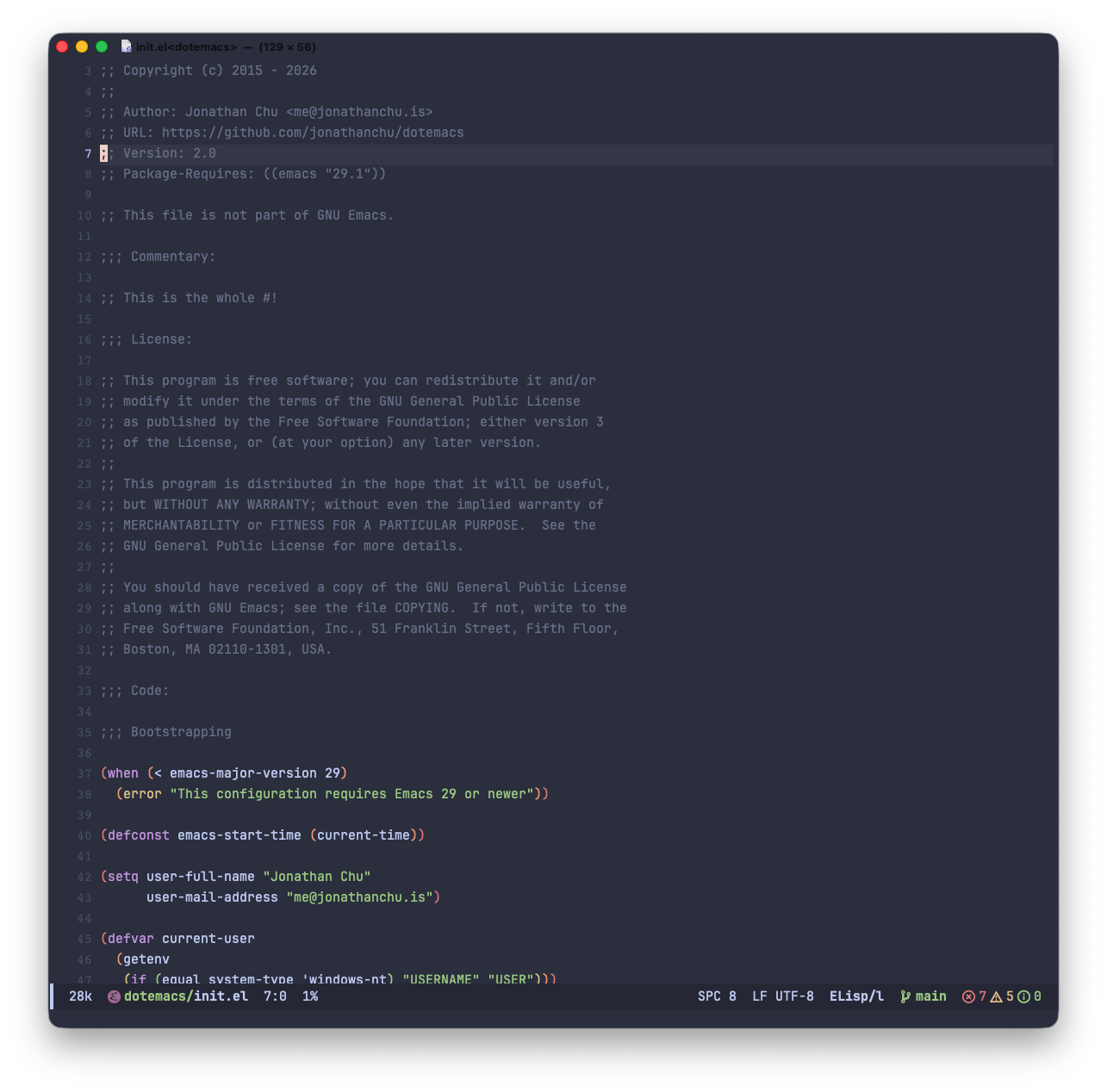
 Screenshot of my Emacs. Some notable packages in screenshot include doom-modeline, Catppuccin Frappe color theme, and JetBrains Mono font.
This is my Emacs configuration, a somewhat simple config compared to most. The setup and installation is geared towards macOS, although it should work on most *nix configs. I also run this same config on Fedora with no issues. I’ve never tried this on Windows, so YMMV.
This configuration aims to provide you with a bare-bones
configuration with sane defaults, built upon use-package.
Although Emacs has support for many programming languages, this config is geared towards the following languages and workflows:
- Emacs Lisp
- Python
- JavaScript/TypeScript
- Go
As part of my constant tweaking and rewrites, I created a dedicated
terminal-only init.el found in ./terminal/init.el that is meant
to be the absolute minimum carried over from my main config.
To install, it’s recommended to clone this repo wherever you prefer
and symlink the directory to ~/.emacs.d.
$ git clone https://github.com/jonathanchu/dotemacs.gitThere is a Makefile provided that will create the symlink for you at
~/.emacs.d:
$ make setupMy current Emacs distro of choice is:
$ brew tap daviderestivo/emacs-head
$ brew install emacs-head@30 --with-cocoa --with-imagemagick --with-liquid-glass
Please note, this requires Homebrew to be installed.
There are a few requirements needed for this config to properly run.
All of these pre-requisites can be installed via homebrew and npm.
$ brew install gh
$ brew install ripgrep
$ brew install node
$ npm install -g eslintdoom-modeline and nerd-icons require a Nerd Font to render
icons correctly. Install the Symbols Nerd Font via Homebrew:
$ brew install --cask font-symbols-only-nerd-fontThen register the fonts with nerd-icons from within Emacs:
M-x nerd-icons-install-fonts
Restart Emacs afterwards.
This config uses tree-sitter for several languages. The grammar
sources are declared in init.el under treesit-language-source-alist.
Two helpers are provided to install them:
M-x my/treesit-install-all-grammars
M-x my/treesit-install-missing-grammars
Use the first for a fresh install or to force-update every grammar;
use the second to fill in only what’s missing. Requires a C
compiler available on PATH.
Install language servers for Python, TypeScript/JavaScript, and Go:
$ npm install -g pyright --prefix "$HOME/.local"
$ npm install -g typescript-language-server typescript --prefix "$HOME/.local"
$ go install golang.org/x/tools/gopls@latest