A simple ring layout for Conky
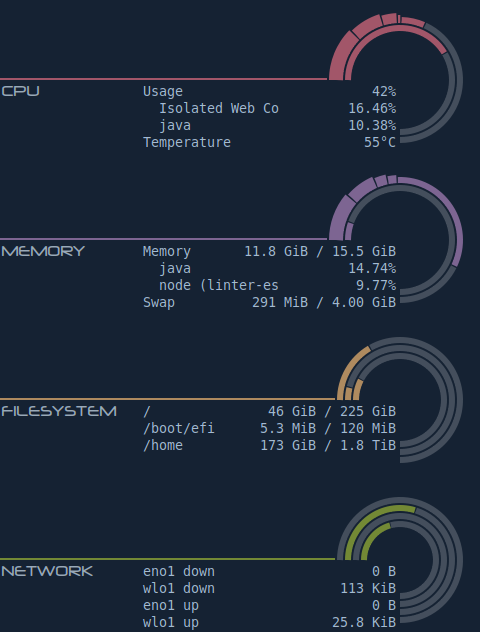
- Install Conky.
- Install the Neuropol font (optional).
- Copy conkyrc to ~/.conkyrc and rings.lua to ~/.lua/scripts/rings.lua.
- Start Conky.
On Debian- and Ubuntu-based systems, you can run the following commands:
sudo apt install conky
git clone https://github.com/deeptoaster/conky-rings.git
ln -rs conky-rings/conkyrc ~/.conkyrc
mkdir -p ~/.lua/scripts
ln -rs conky-rings/rings.lua ~/.lua/scripts/rings.lua
conky --daemonize --pause=1
Update the values under the config block in each file as appropriate.
network_ethernetis the name of your Ethernet device (which you can obtain throughip link)network_wlanis the name of your Wi-Fi device (which you can obtain throughip link)
bg_colorandbg_alphadefine the color of the background (unused or unoccupied) part of the ring.fg_color_overrideandfg_alphadefine the color of the foreground (used or occupied) part of the ring. Iffg_color_overrideisnil, four default colors are used, as shown in the screenshot above.network_ethernetis the name of your Ethernet device (which you can obtain throughip link)network_wlanis the name of your Wi-Fi device (which you can obtain throughip link)


