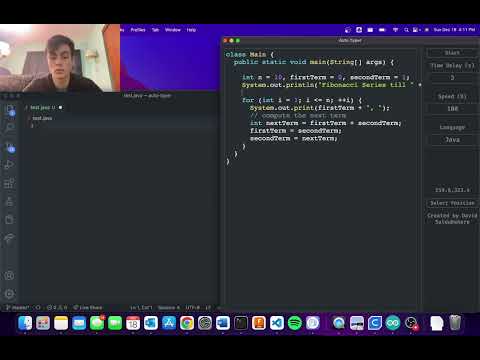
Useful GUI for autotyping code into an editor like vscode (Coding tutorials, demonstrations, etc.)
add "editor.autoIndent": "none" to your editor settings and "editor.quickSuggestions": false to your local vscode settings
This will make sure no autocomplete features mess with the code (only needed if you are working with an advanced code editor like vscode)
Paste your text into the input section, Click the select position button to add the starting click position, To add pausing, add these arguments anywhere inside your text: '$pause$' - waits until the user clicks anywhere before proceeding '$secondamount$' - waits a specified amount of seconds before proceeding
Click the start button to begin typing.
Requires pyautogui and eel if you want to run the main.py script (just do a quick pip install pyautogui and pip install eel)
OR you could just download the exe from the releases section. https://github.com/davidsaldubehere/auto-typer/releases