


Table of Contents
You can follow official instruction from terraform on Installation
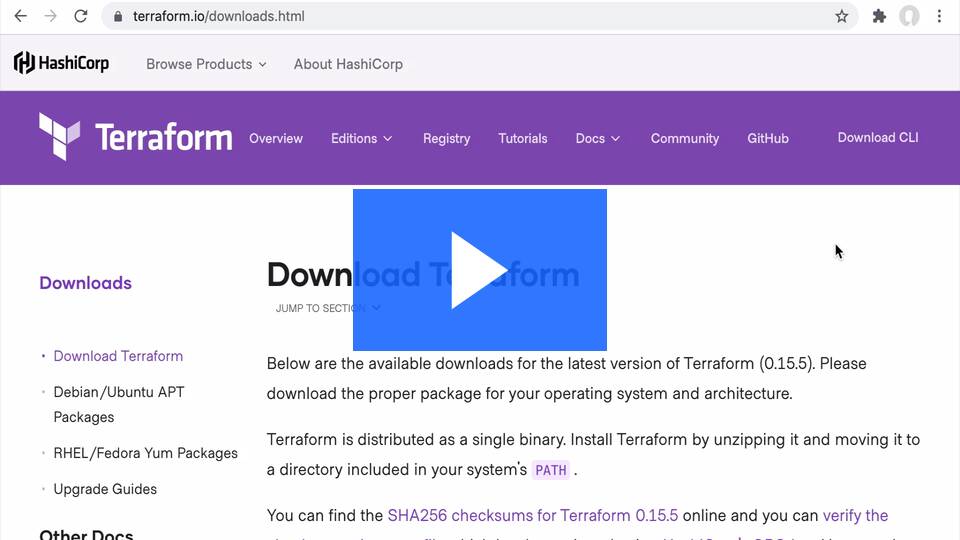

Install Terraform | Terraform | HashiCorp Developer
Ensure that you create AccessKey from your AWS Account configure AWS Credential locally
- AWS CLI
AWS Access Key ID [None]: AKIAI**YourKeu
AWS Secret Access Key [None]: YouaccessKey
Default region name [None]: us-east-1
Default output format [None]: json
This will create S3 Bucket, DynamoDB lock Tables
- Clone the repo
git clone https://github.com/dataopslabs-aws/aws-dugb-sagemaker-tfsetup.git
- Run Terraform init to Check the provider loaded as expected
cd aws-dugb-sagemaker-tfsetup terraform init - Run Terraform Plan
terraform plan - Run Terraform apply
terraform apply