*As part of the Diverseafood project *


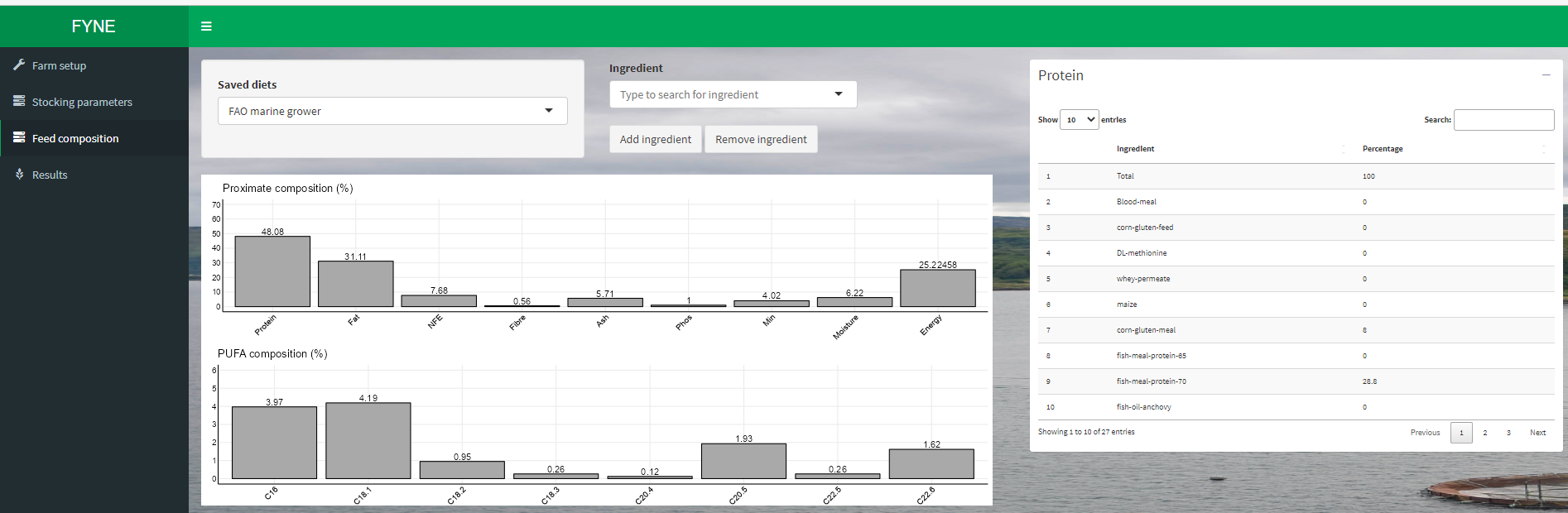
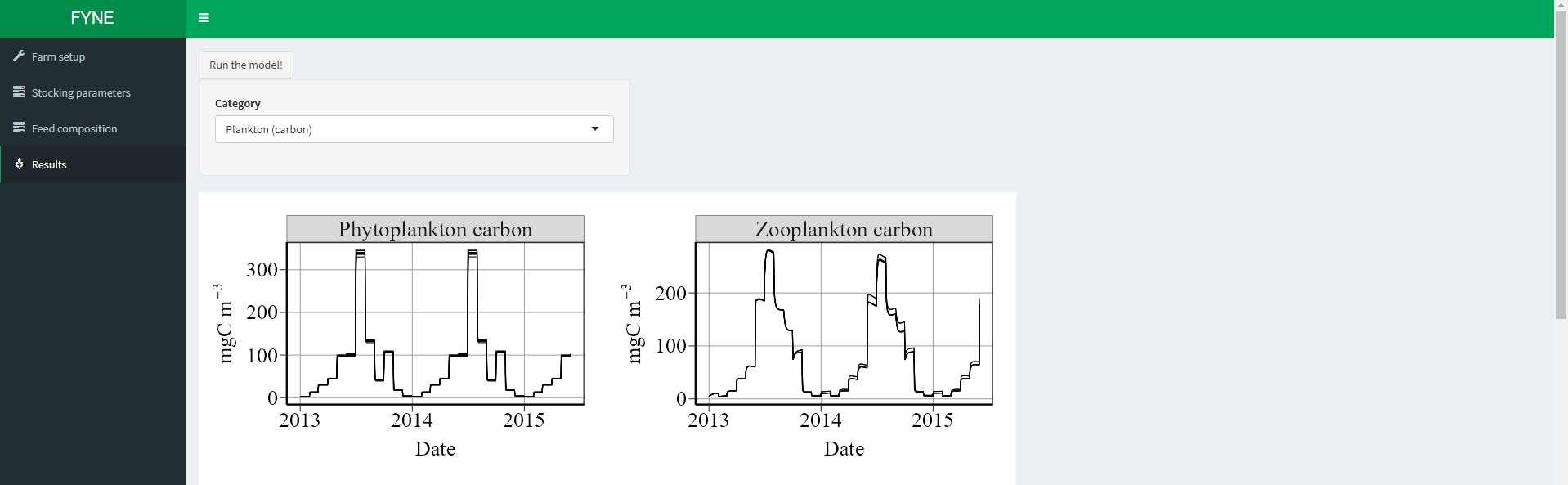
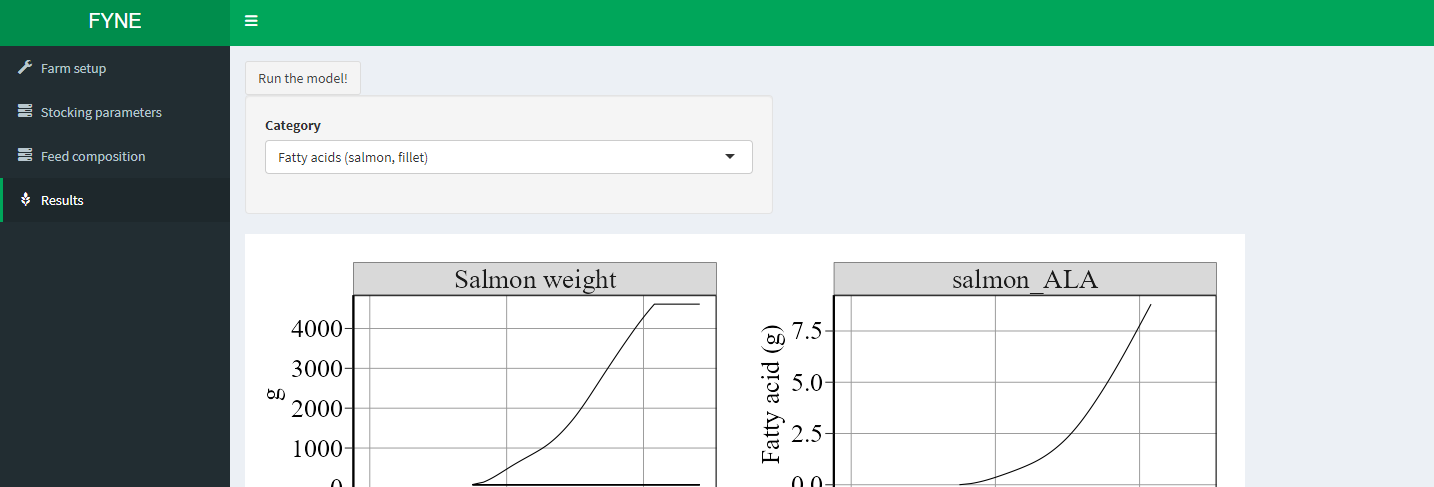
A UI that simulates carbon and nitrogen flows in salmon farm given different inputs e.g. salmon diet composition, salmon number etc.
R shiny app run in docker that connects to mathematical model in C.
- Main model in C called by R
- R shiny spits out run parameters into C
- C spits out model output
- R shiny displays real time (well, its not instant) model results
This guide will walk you through the steps to install Docker and Docker Compose on macOS and various Linux distributions.
- Follow the official Docker installation guide for macOS: Install Docker on macOS
- After installation, verify the Docker installation and check the Docker version by opening a terminal and running:
docker --version
This guide will walk you through the steps to install Docker and Docker Compose on various Linux distributions.
- Follow the official Docker installation guide for your specific Linux distribution:
- After installation, verify the Docker installation and check the Docker version by opening a terminal and running:
docker --version
- Run this command to download the current stable release of Docker Compose:
sudo curl -L "https://github.com/docker/compose/releases/download/1.29.2/docker-compose-$(uname -s)-$(uname -m)" -o /usr/local/bin/docker-compose - Apply executable permissions to the binary:
sudo chmod +x /usr/local/bin/docker-compose
Once docker and docker-compose are installed, simply bring up the container to run
docker-compose up
If changes are required, cd into the container
docker exec -it <CONTAINER_ID> /bin/bash
After making changes, exit
exit
Restart the container
docker-compose restart <CONTAINER_ID>
Permission is hereby granted, free of charge, to any person obtaining a copy of this software and associated documentation files (the "Software"), to deal in the Software without restriction, including without limitation the rights to use, copy, modify, merge, publish, distribute, sublicense, and/or sell copies of the Software.
If you wish to use this software for commercial or profit-generating activities, you must first consult with the author(s) of the software to negotiate terms.
THE SOFTWARE IS PROVIDED "AS IS", WITHOUT WARRANTY OF ANY KIND, EXPRESS OR IMPLIED, INCLUDING BUT NOT LIMITED TO THE WARRANTIES OF MERCHANTABILITY, FITNESS FOR A PARTICULAR PURPOSE, AND NONINFRINGEMENT. IN NO EVENT SHALL THE AUTHORS OR COPYRIGHT HOLDERS BE LIABLE FOR ANY CLAIM, DAMAGES OR OTHER LIABILITY, WHETHER IN AN ACTION OF CONTRACT, TORT OR OTHERWISE, ARISING FROM, OUT OF OR IN CONNECTION WITH THE SOFTWARE OR THE USE OR OTHER DEALINGS IN THE SOFTWARE.