https://developer.wordpress.org/block-editor/explanations/user-interface/
As reported on slack:
https://wordpress.slack.com/archives/C02RP4WU5/p1727329809416399
It looks like the imported docs from github are the issue:
<img data-recalc-dims="1" height="3000" width="3000" decoding="async" src="https://i0.wp.com/cldup.com/3tQqIncKPB-3000x3000.png?resize=3000%2C3000&ssl=1" alt="Block Interface"> but that is sourced from just 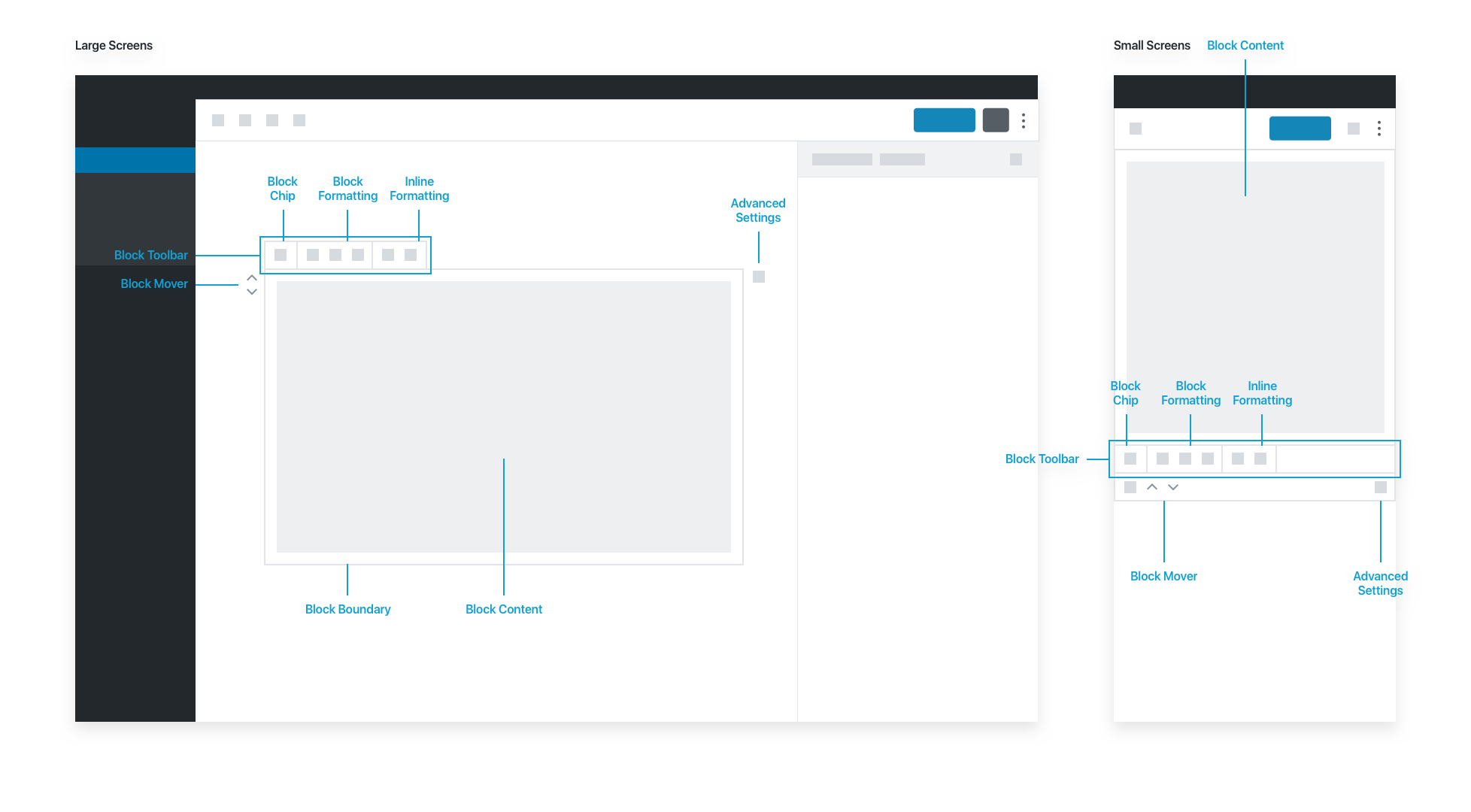
This might be something that should be fixed in the importer, rather than the developer theme, but logging here since I guess it's being shown badly by the theme..
Screenshot:

The below CSS fixes this page, but might break other things:
img[data-recalc-dims] { width: auto; height: auto; }
https://developer.wordpress.org/block-editor/explanations/user-interface/
As reported on slack:
https://wordpress.slack.com/archives/C02RP4WU5/p1727329809416399
It looks like the imported docs from github are the issue:
<img data-recalc-dims="1" height="3000" width="3000" decoding="async" src="https://i0.wp.com/cldup.com/3tQqIncKPB-3000x3000.png?resize=3000%2C3000&ssl=1" alt="Block Interface">but that is sourced from justThis might be something that should be fixed in the importer, rather than the developer theme, but logging here since I guess it's being shown badly by the theme..
Screenshot:

The below CSS fixes this page, but might break other things:
img[data-recalc-dims] { width: auto; height: auto; }