Conversation


oh shi!@#, sorry forgot about this, required changes are submitted. Note that this is not tested since my current system is unable to reproduce the issue (system without GPU). Fix is submitted based on previous results. |

 austin987
left a comment
austin987
left a comment
austin987
left a comment
There was a problem hiding this comment.
Please squash the commits.
|
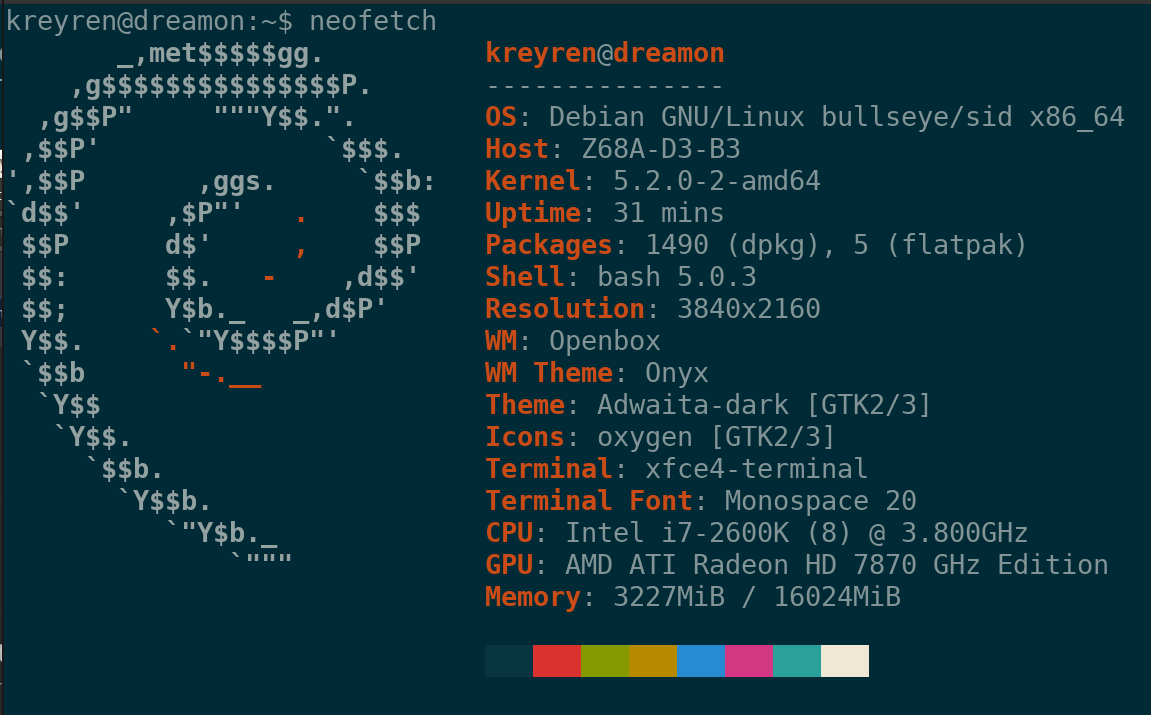
I set up a system to test this.
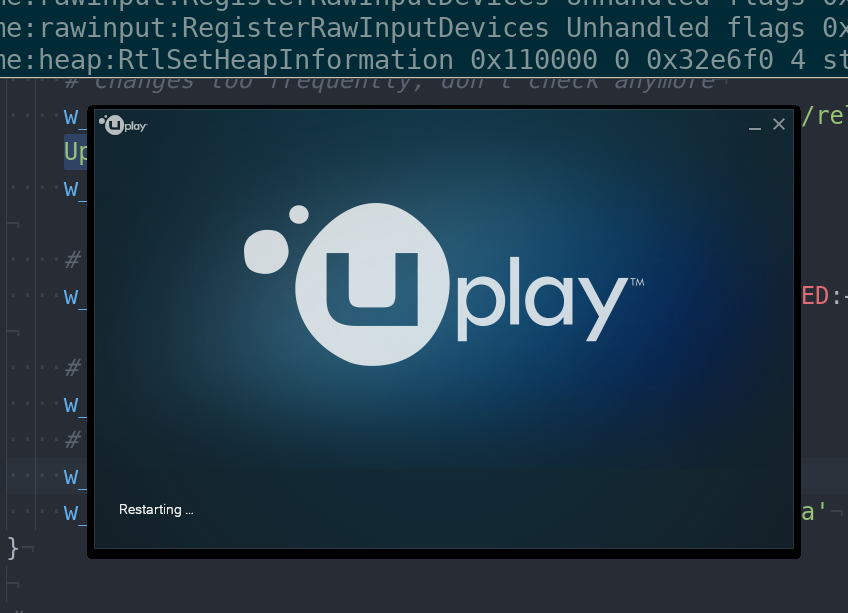
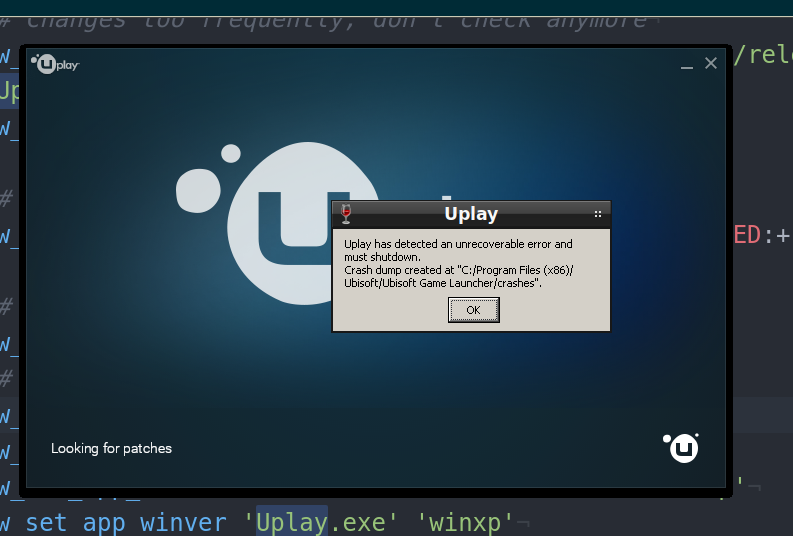
aptli: http://ix.io/1UYd Issue still present (uplay window): Issue present with presented fix -> Assuming that winxp environment using winxp seems to resolve this Confirmed fix using Investigating to avoid using The client seems to works even with this message. Seems that NSIS ErrorReproducable: always assuming new wineprefix Current results with output https://gist.githubusercontent.com/Kreyren/97ca590d0131ed3a23b4646d2e8b8898/raw/c947adf9f99febd96623804975b8187d2a9c3a04/gagafd and popup: This seems as new issue, investigating -> Resolved
|


|
oops, synced wrong branch. EDIT: fixed |
|
@austin987 for solution in #1249 (comment) Should i make some logic to remove said file based on file's modify date to prevent similar issues? EDIT: probably for another MR |
|
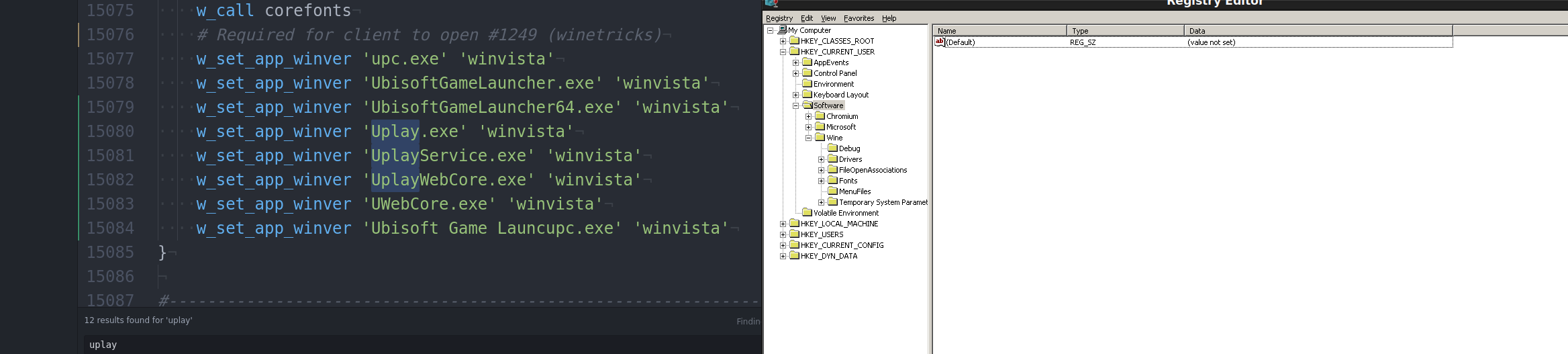
INFO: Seems that
EDIT: confirmed EDIT2: pebcak |
|
@austin987 Ready for review this works on my system without issues so far excluding annoying pop-up message about crash within the uplay which doesn't prevent the wineapp from working. |


Attempt to work around rendering issues.

As referenced on PhoenicisOrg/scripts#978 uplay
needs application settings on `winvista` for `upc.exe` and
`UbisoftGameLauncher.exe` to avoid rendering issues
(PhoenicisOrg/scripts#965 (comment)).

NOTICE: Outputs fatal error which is non-fatal, but i'm unable to stop
it from appearing.

Signed-off-by: Jacob Hrbek <werifgx@gmail.com>
|
minor edit |
Attempt to add backend for uplay, tested locally

Depends on: Winetricks#1249

Signed-off-by: Jacob Hrbek <kreyren@rixotstudio.cz>
Compatibility for 'Tom Clancy's Splinter Cell: Blacklist' for uplay

Tested using commits below

DEPENDS: Winetricks#1332
DEPENDS: Winetricks#1249

Signed-off-by: Jacob Hrbek <kreyren@rixotstudio.cz>
Compatibility for 'Tom Clancy's Splinter Cell: Blacklist' for uplay

Tested using commits below

DEPENDS: Winetricks#1332
DEPENDS: Winetricks#1249

Signed-off-by: Jacob Hrbek <kreyren@rixotstudio.cz>
Compatibility for 'Tom Clancy's Splinter Cell: Blacklist' for uplay

Tested using commits below

DEPENDS: Winetricks#1332
DEPENDS: Winetricks#1249

Signed-off-by: Jacob Hrbek <kreyren@rixotstudio.cz>
Attempt to add backend for uplay, tested locally

Depends on: Winetricks#1249

Signed-off-by: Jacob Hrbek <kreyren@rixotstudio.cz>
Compatibility for 'Tom Clancy's Splinter Cell: Blacklist' for uplay

Tested using commits below

DEPENDS: Winetricks#1332
DEPENDS: Winetricks#1249

Signed-off-by: Jacob Hrbek <kreyren@rixotstudio.cz>
Compatibility for 'Tom Clancy's Splinter Cell: Blacklist' for uplay

Tested using commits below

DEPENDS: Winetricks#1332
DEPENDS: Winetricks#1249

Signed-off-by: Jacob Hrbek <kreyren@rixotstudio.cz>
Attempt to add backend for uplay, tested locally

Depends on: Winetricks#1249

Signed-off-by: Jacob Hrbek <kreyren@rixotstudio.cz>

3 participants


As refferenced on PhoenicisOrg/scripts#978 uplay needs application settings on
winvistaforupc.exeandUbisoftGameLauncher.exeto avoid rendering issues (PhoenicisOrg/scripts#965 (comment)).Reproduced this issue on winetricks using
wine-4.9 (Staging)on debian buster.EDIT: Updated based on previous results, not tested.
EDIT2: Tested working on my system as presented in comments.