- Install Bun
- Clone the repo:
git clone https://github.com/VillainsRule/Drain && cd Drain - Prepare for production:
bun prep - Start the production server:
bun start
Warning
If not using Bun, some features may not work as intended.
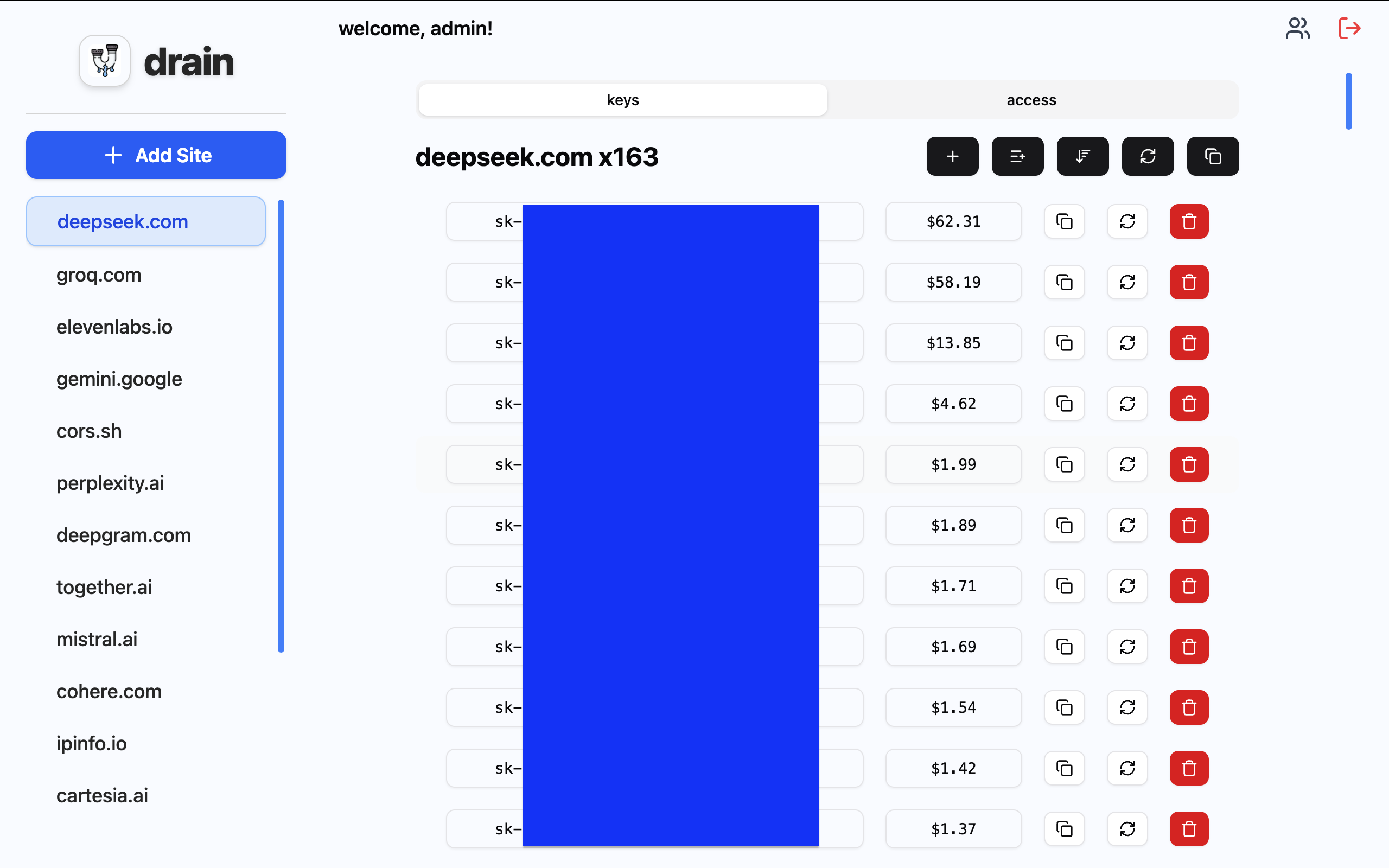
Drain is an API key manager, and the biggest aspect is the vast permission system.
The core administrator account is named "admin". admin has access to all sites and all users. admin cannot be demoted or deleted. Only admin can change the admin account password. admin has access to all sites, forever. Do not lose the password to admin; you will effectively be unable to control your instance. admin's user ID is always 1. The user ID 1 itself has special permissions; do not try to assign other users "1". If you manually change the database while Drain is running, Drain will automatically overwrite your changes. Turn off Drain to do any manual database changes.
admin's default password is "admin". Change it immediately after your first login in the users button at the top right.
There are two main concepts in Drain: users and sites. Users are people who can log into the Drain instance. Sites are collections of API keys with specific permissions.
Users can have 4 levels of access to a site:
- none - they cannot see it at all
- reader - they can read and copy all API keys, as well as add single API keys
- editor - they can recheck, sort, bulk add, and copy all API keys
- site admin - they can do everything, including controlling the other 3 user levels and rechecking ALL keys on a site
Users can have 3 levels of access to Drain:
- normal - their access to sites is managed per-site by admins
- site admin - they can see all sites and manage user access on all sites, as well as create users, change their passwords, delete them, and change their site access level. (admins can only change their own passwords or delete themselves)
- "admin" user - they are immune to the above management by "site admins", and have full access to everything. they are the ONLY admin that cannot be demoted by other admins or have its password changed by other admins.
This implementation is amazing for those with trust issues.
To setup passkey support:
- Copy
.env.exampleto.envin the api folder - Set the RP_ID variable to your domain (e.g.
drain.com) - Restart Drain
If these two variables both do not exist, passkey support will be disabled.