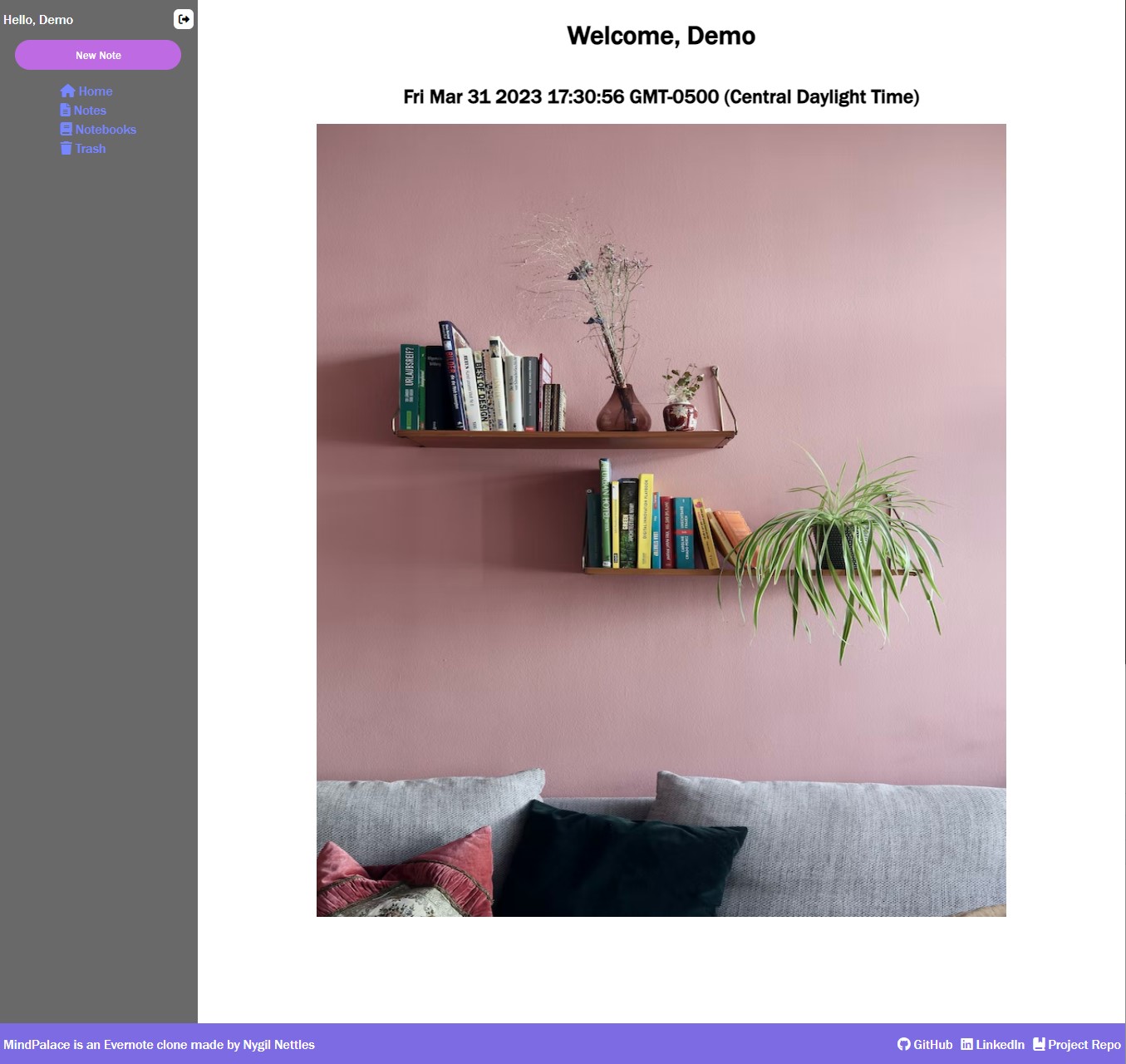
MindPalace, an Evernote clone, is a note taking website where users can store notebooks and notes for their note taking needs.
-
Flask Dependencies
- click = "==8.1.3"
- gunicorn = "==20.1.0"
- itsdangerous = "==2.1.2"
- python-dotenv = "==0.21.0"
- six = "==1.16.0"
- Flask = "==2.2.2"
- Flask-Cors = "==3.0.10"
- Flask-SQLAlchemy = "==3.0.2"
- Flask-WTF = "==1.1.1"
- Jinja2 = "==3.1.2"
- MarkupSafe = "==2.1.2"
- SQLAlchemy = "==1.4.46"
- Werkzeug = "==2.2.2"
- WTForms = "==3.0.1"
- Flask-Migrate = "==4.0.2"
- Flask-Login = "==0.6.2"
- alembic = "==1.9.2"
- python-dateutil = "==2.8.2"
- python-editor = "==1.0.4"
- greenlet = "==2.0.1"
- Mako = "==1.2.4"
-
React Dependencies
- @testing-library/jest-dom: "^5.14.1"
- @testing-library/react: "^11.2.7"
- @testing-library/user-event: "^12.8.3"
- http-proxy-middleware: "^1.0.5"
- react: "^17.0.2"
- react-dom: "^17.0.2"
- react-quill: "^2.0.0"
- react-redux: "^7.2.4"
- react-router-dom: "^5.2.0"
- react-scripts: "^4.0.3"
- redux: "^4.1.0"
- redux-logger: "^3.0.6"
- redux-thun": "^2.3.0"
-
Notebooks
- Create, Read, Update, Delete
-
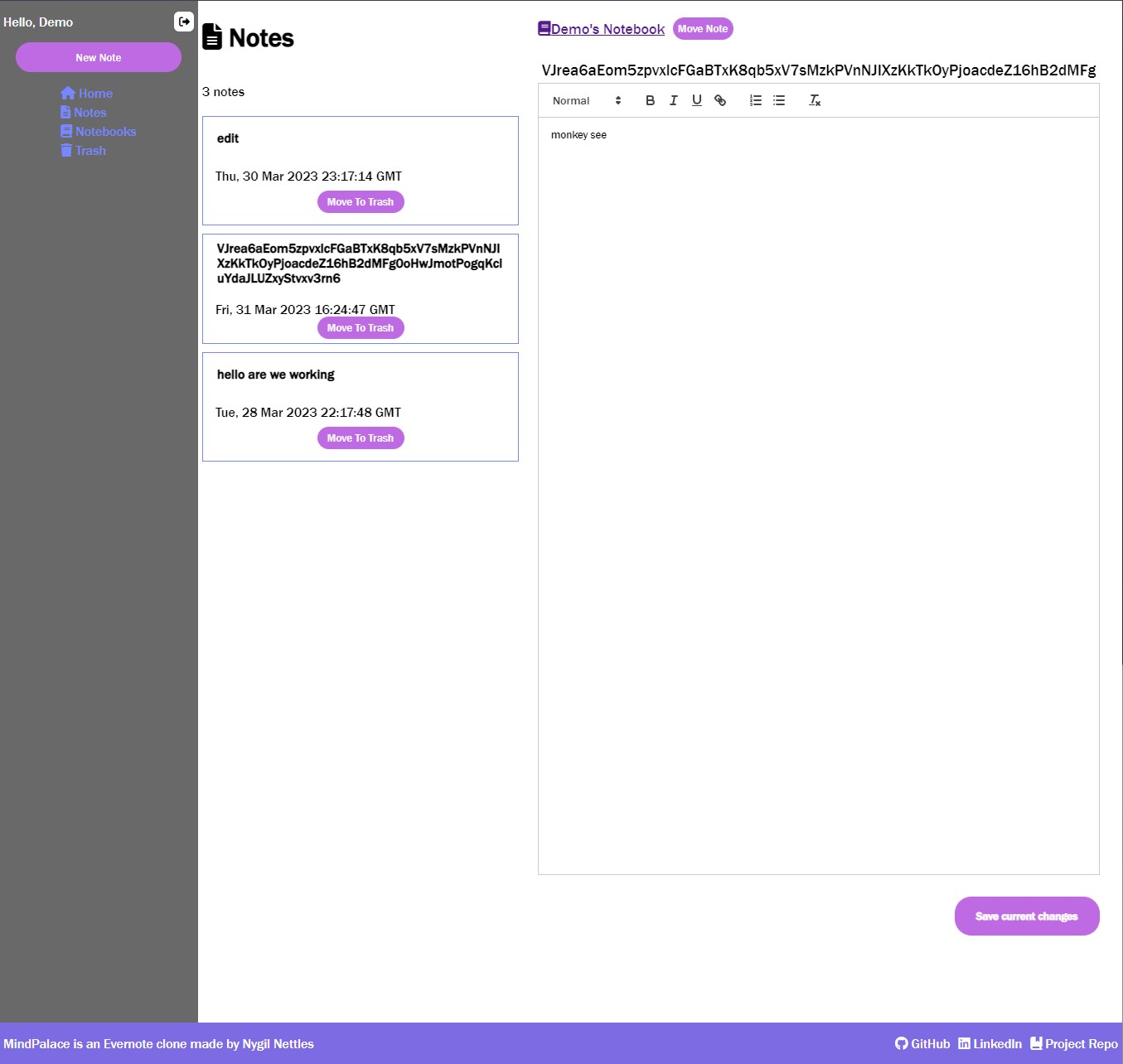
Notes
- Create, Read, Update, Delete

-
Live Saving on Edit Notes
-
Tasks
-
Tags
-
Search
-
WebSockets/ Moment.js
After you clone this project you will need to follow the next steps:
-
Install dependencies by running pipenv install using the requirements.txt file
pipenv install -r requirements.txt
-
Create a .env file based your environments
This file should include:
- A SECRET_KEY so csrf calls can be made
- A SCHEMA unique to your database
- The DATABASE_URL where your database is located
-
You can enter the pipenv, migrate the database, and run the flask app by running the follow commands
pipenv shell
flask db upgrade
flask seed all
flask run
-
In order to run the React App, run the following commands
cd react-appnpm install
npm start
Contributions are what make the open source community such an amazing place to learn, inspire, and create. Any contributions you make are greatly appreciated.
If you have a suggestion that would make this better, please fork the repo and create a pull request. You can also simply open an issue with the tag "enhancement". Don't forget to give the project a star! Thanks again!
- Fork the Project
- Create your Feature Branch (git checkout -b feature/AmazingFeature)
- Commit your Changes (git commit -m 'Add some AmazingFeature')
- Push to the Branch (git push origin feature/AmazingFeature)
- Open a Pull Request