A custom blue style of seatable.
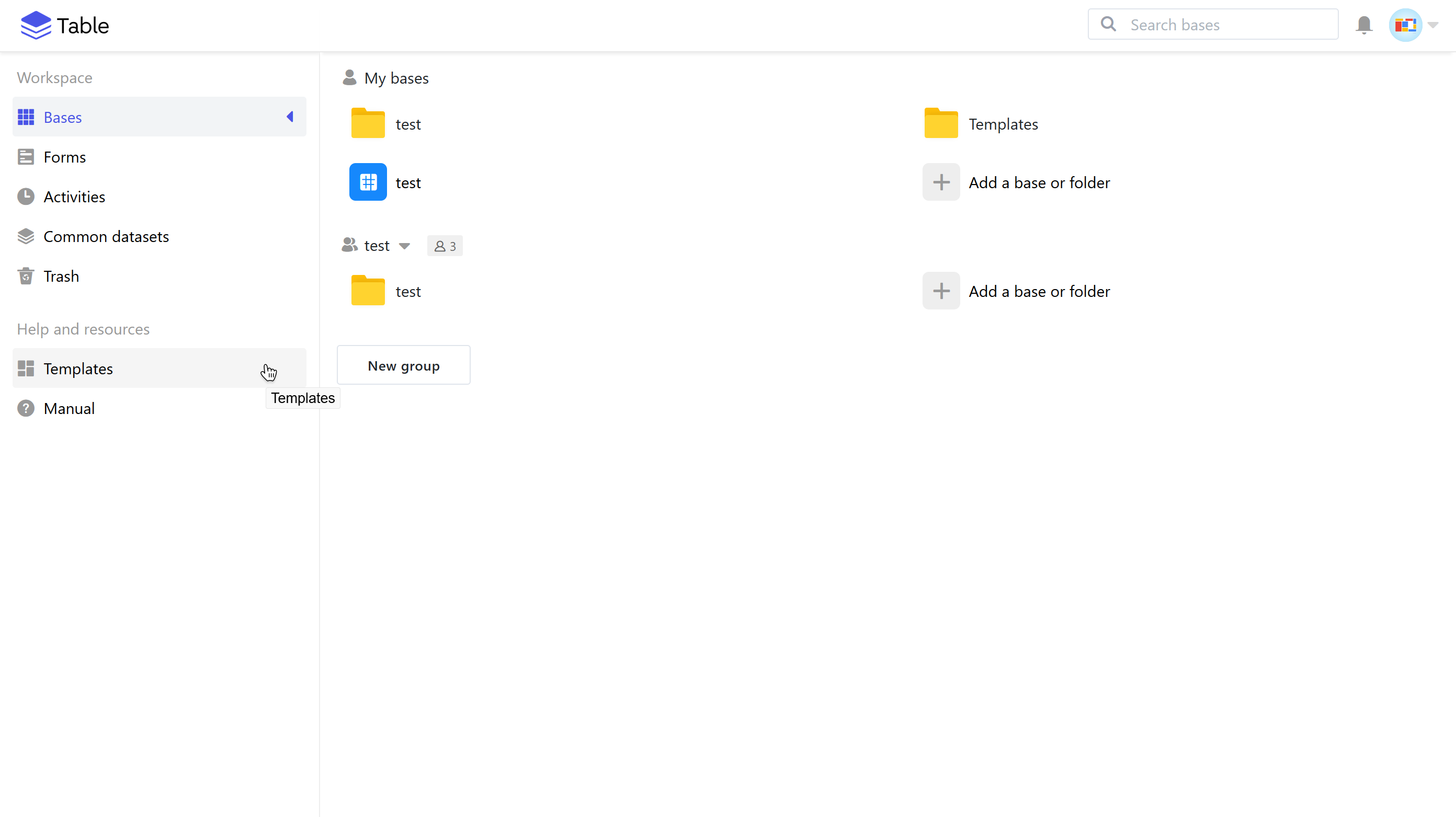
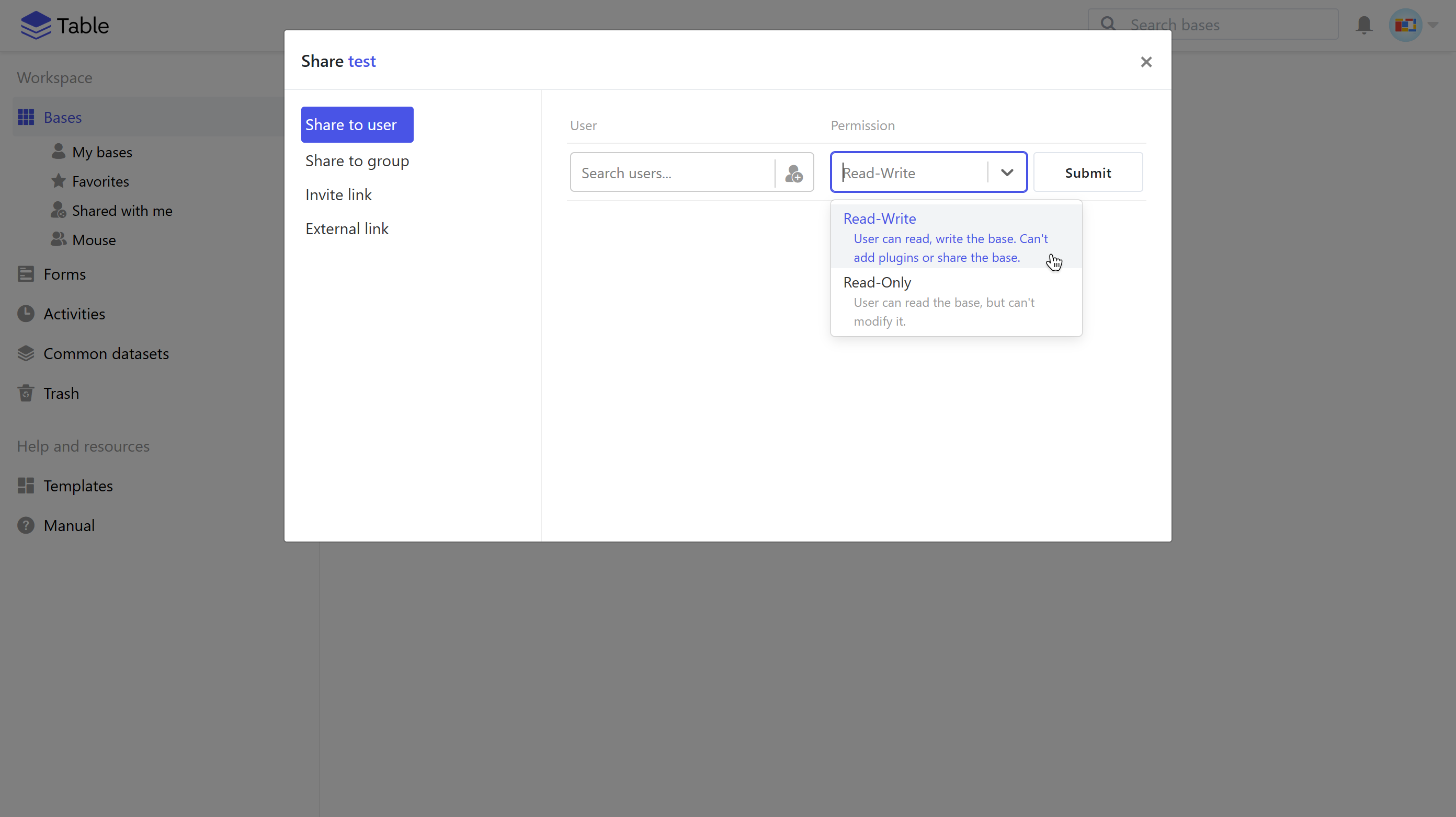
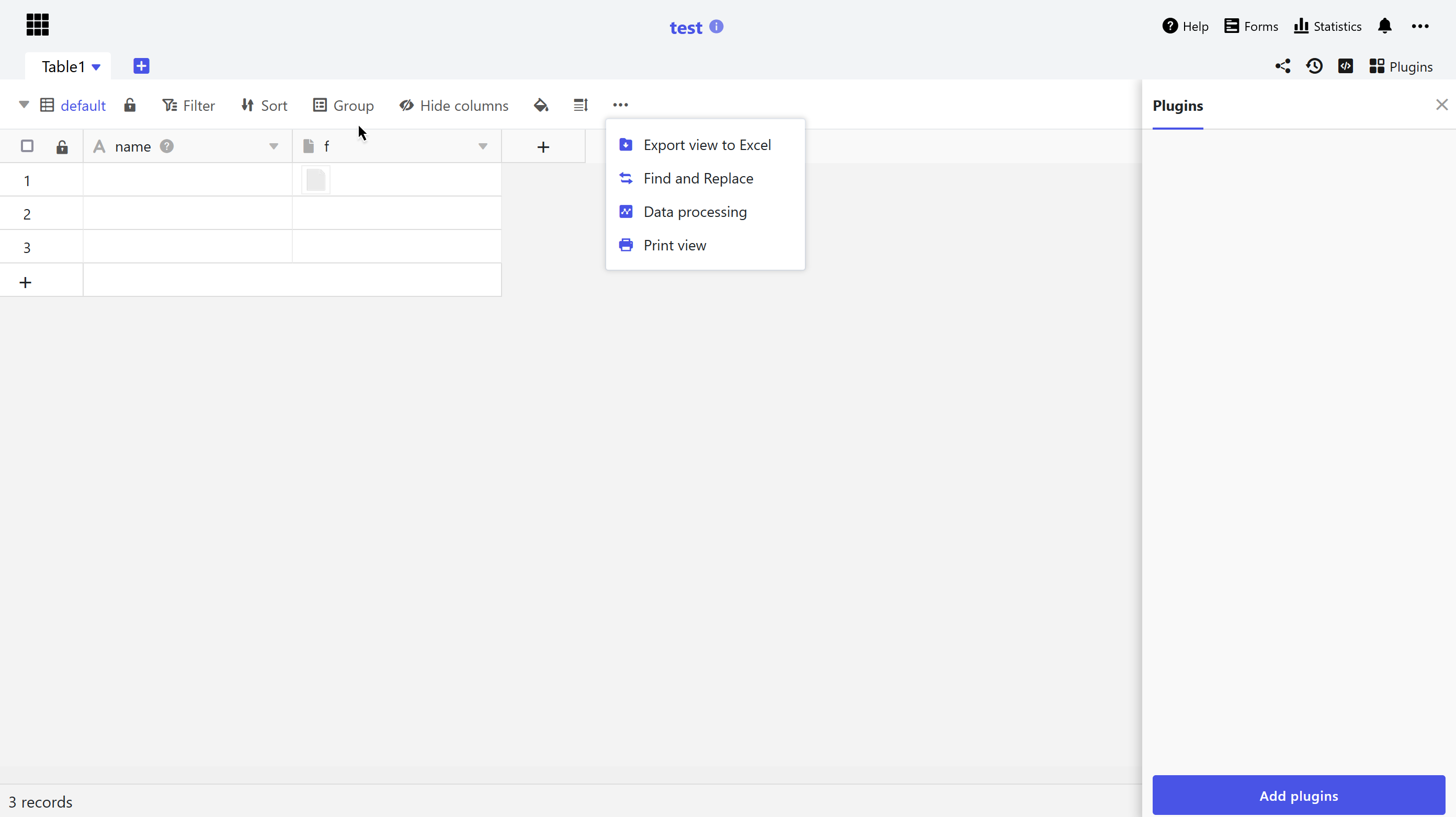
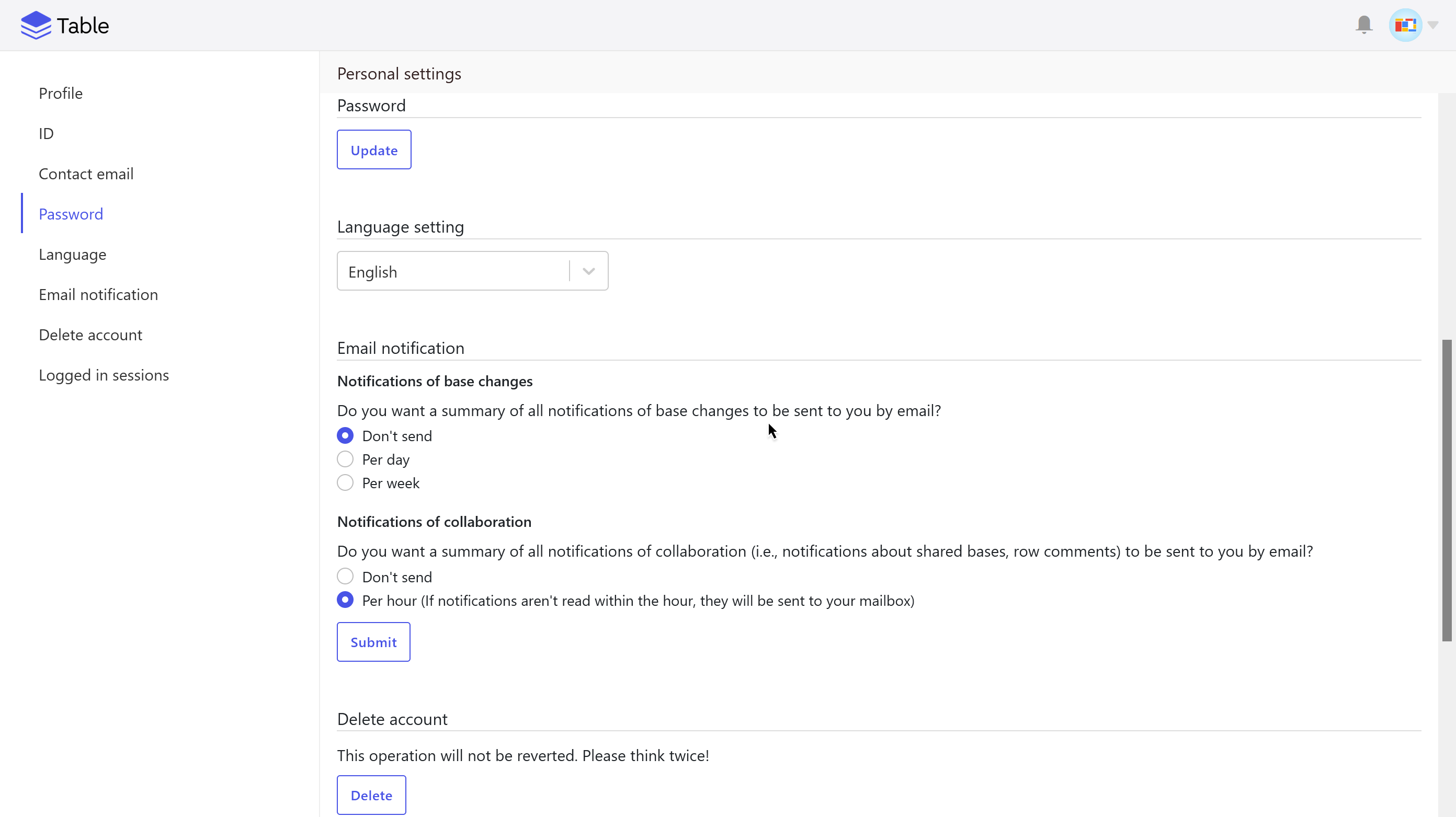
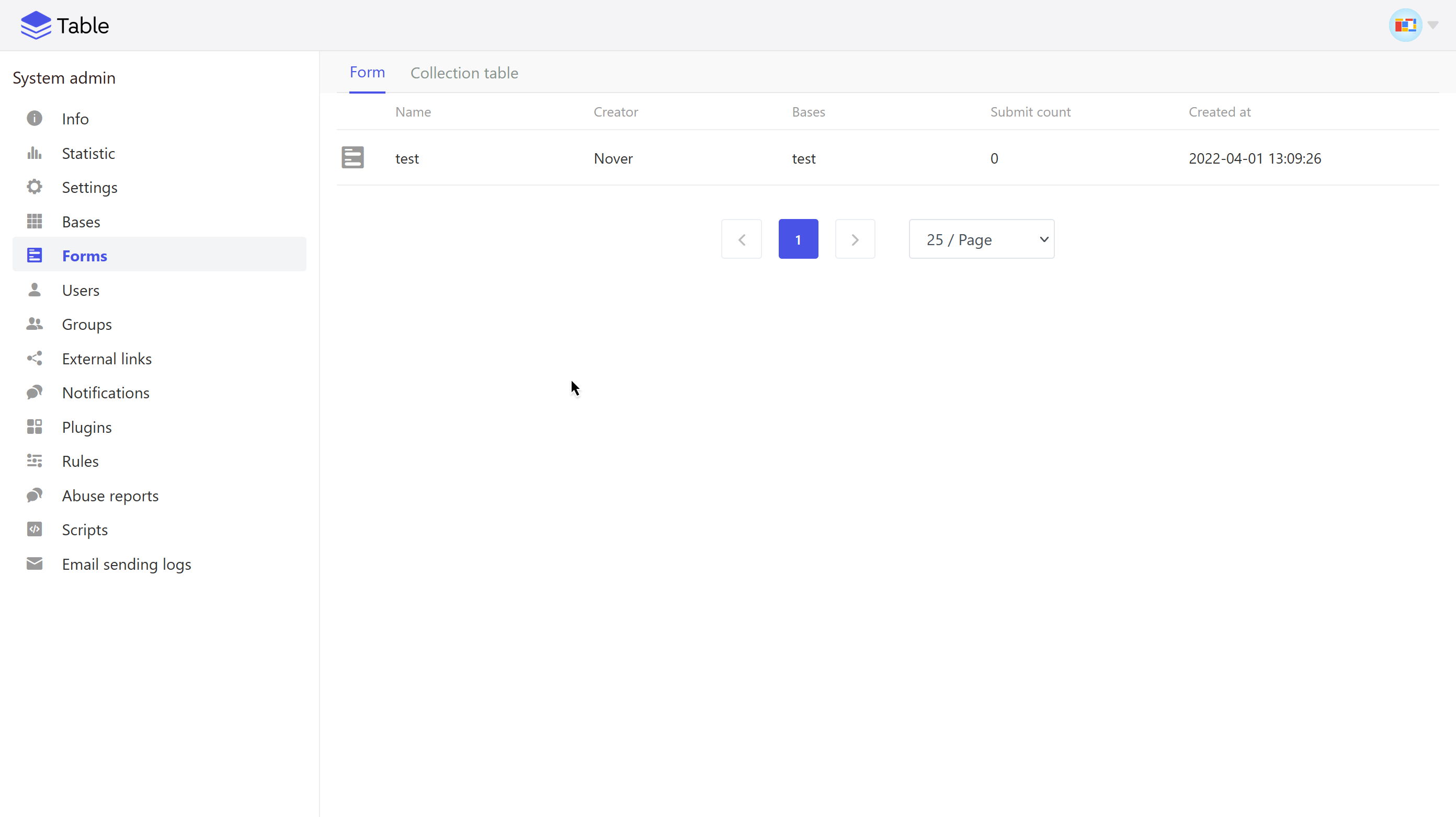
You can add it in the system settings, or refer to the official documentation:
You can use a custom CSS to customize the look of your SeaTable installation. You can do this either on the web interface ("Settings" in the system administration, where you can enable the custom CSS and paste your custom CSS directly into the dialogue), or use the following method.
Create a
customfolder under/<your SeaTable Docker volume>/seatable/seahub-data:cd /<your SeaTable Docker volume>/seatable/seahub-data mkdir customCreate a symbolic link for
customin the SeaTable container. When upgrading, the SeaTable upgrading script will automatically create a symbolic link to maintain your custom settings:docker exec -it seatable bash cd /opt/seatable/seatable-server-latest/dtable-web/media ln -s /shared/seatable/seahub-data/custom customUnder
/<your SeaTable Docker volume>/seatable/seahub-data/custom, create the new CSS file and custom the style, for example, with acustom.cssfile:cd /<your SeaTable Docker volume>/seatable/seahub-data/custom nano custom.cssIn
dtable_web_settings.py, change the value ofBRANDING_CSSto the newly created CSS file's path:nano dtable_web_settings.pyThen change the value of BRANDING_CSS and save & close the file:
BRANDING_CSS = 'custom/custom.css'Finally, restart the SeaTable service:
docker exec -d seatable /shared/seatable/scripts/seatable.sh restart