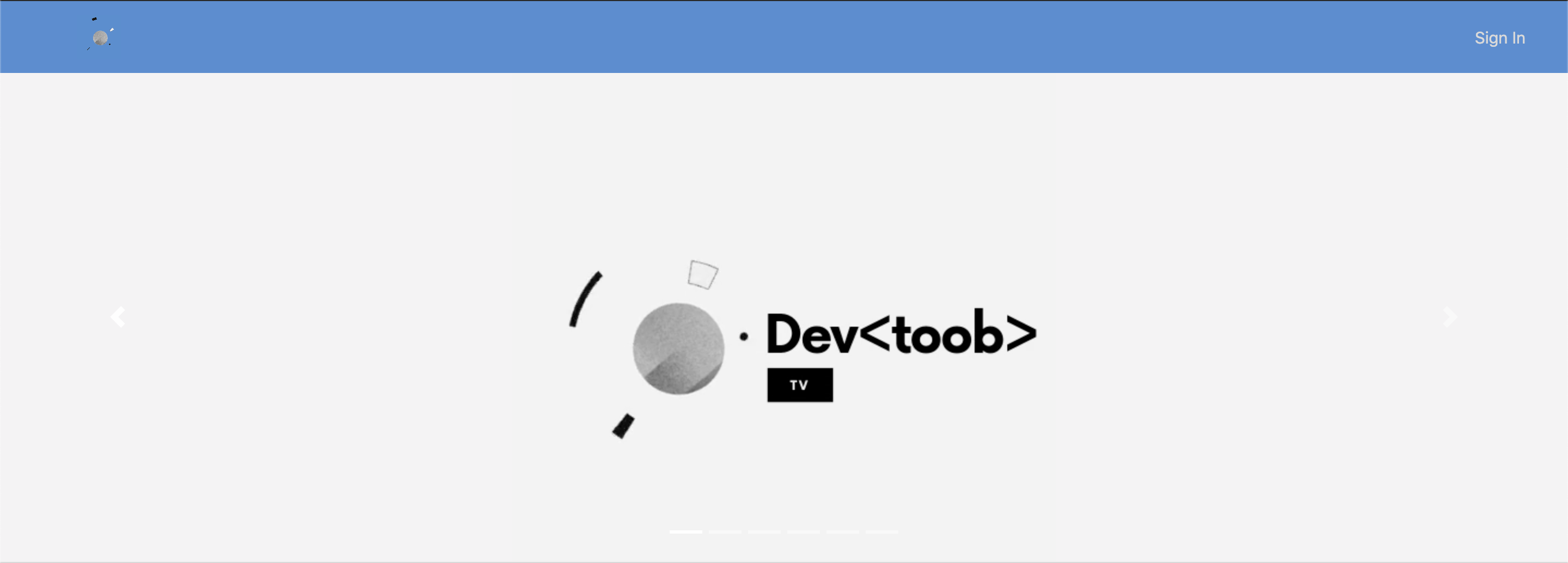
Desktop View
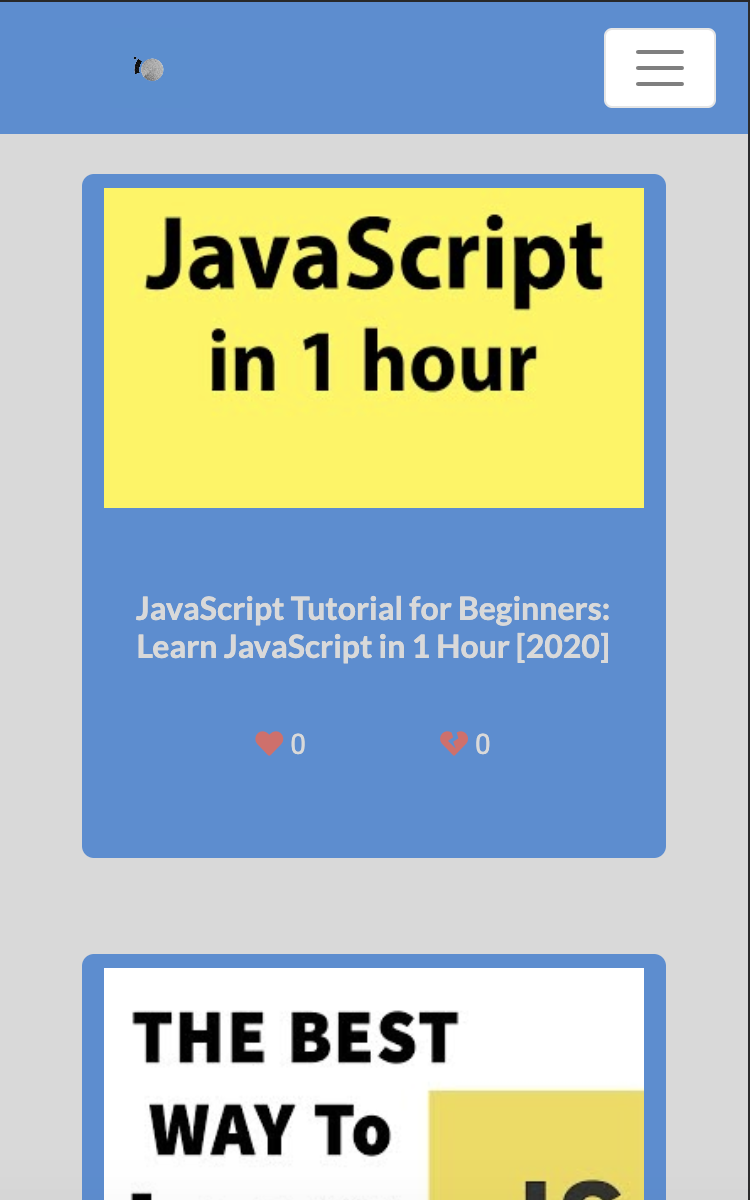
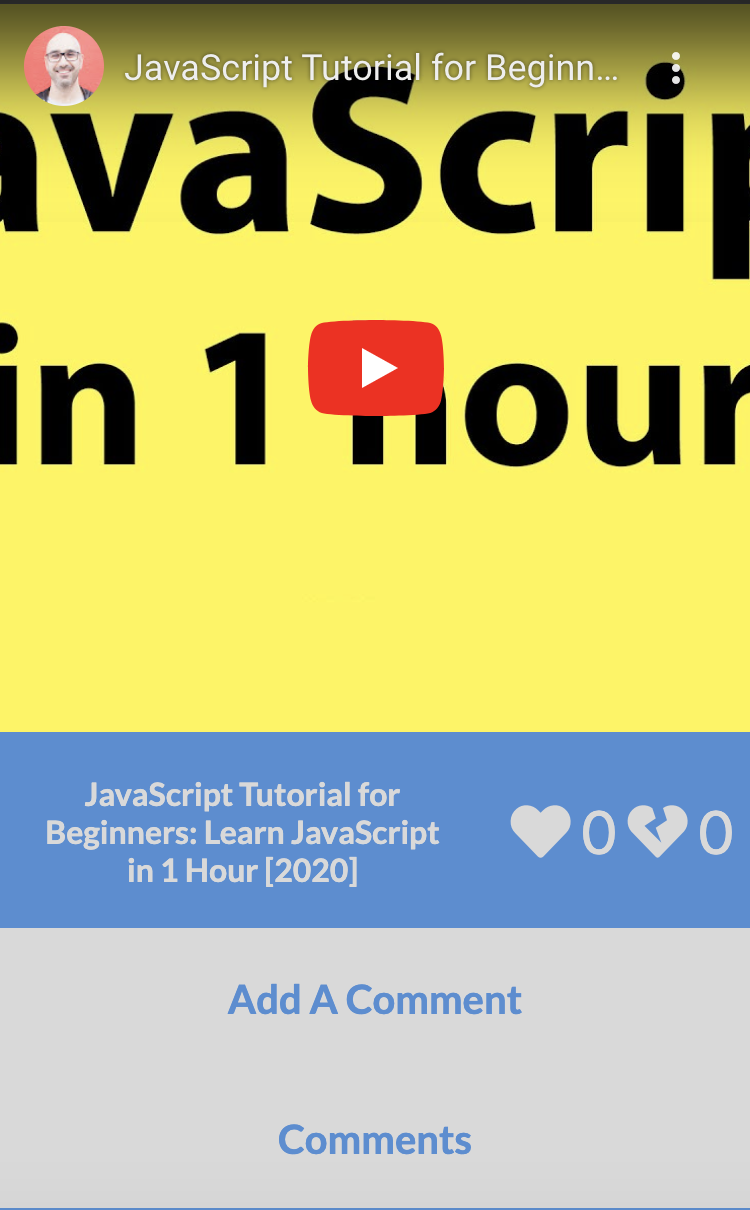
Mobile View
Frontend: DeveloperToob
Backend: DeveloperToob
Deciding you want to be pursue a career in software engineer? Not sure where to start? DeveloperToob is the perfect place for you to begin your journey! DeveloperToob is a free web application that allows users to watch Youtube videos specifically geared towards programming and web development.
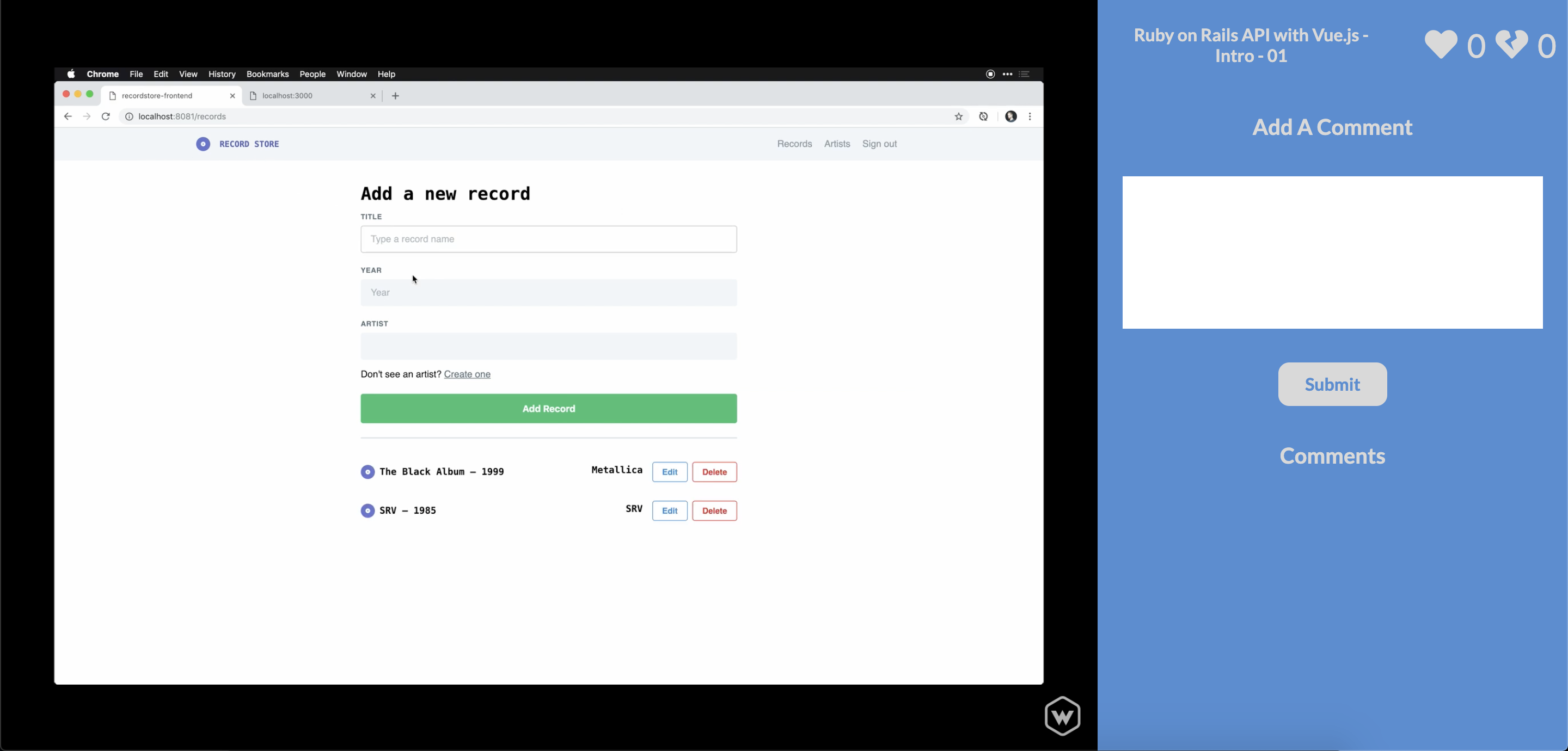
All users can browse through the videos freely, or they can choose to register an account on our website. All users can then select videos of their choices and then it will open up a video player. The video player will include the title, a like and dislike feature, and the comments section. Unregistered users can view comments and watch the video, but registered users will have access to adding comments, and using the like and dislike feature. This application is also mobile friendly!
The frontend is made with HTML, CSS, JavaScript, and Vue. We also used the BootStrap library and FontAwesome to choose a variety of icons. It is deployed through Netlify.




- Users can view and play videos that are on screen
- Users can view active conversations about a video
- Users can register
- Users can login
- Logged in users can comment on video conversations as well as deleting or updating comments they have created
- Logged in users can like or dislike a video
- Accessible over all media devices
- Refactoring code
- Fixing Bugs
- Search Functionality
- User's Personal Dashboard
- Favorites
- Watch Later
- Cleaner UX/UI Design
- Pagination
- Categories
- Login will take you back to your previous page
- Replying to comments
- Uploading Videos
| Link To Site | One Thing I'd Like To Incorporate | Initial Research On That Item |
|---|---|---|
| https://youtube.com/ | The whole site was an inspiration to take from. We saw how all the videos displayed on the homepage, and wanted to do the same thing. They also had a navigation bar. The video player page they take us to have a comments section that we wanted to reiterate. They also had a like and dislike feature. | We liked the design of Youtube, so we wanted a list of videos on our homepage. The comments section required users to be logged in, so we also made sure that users were logged in to comment, as well as using the likes and dislikes feature. |
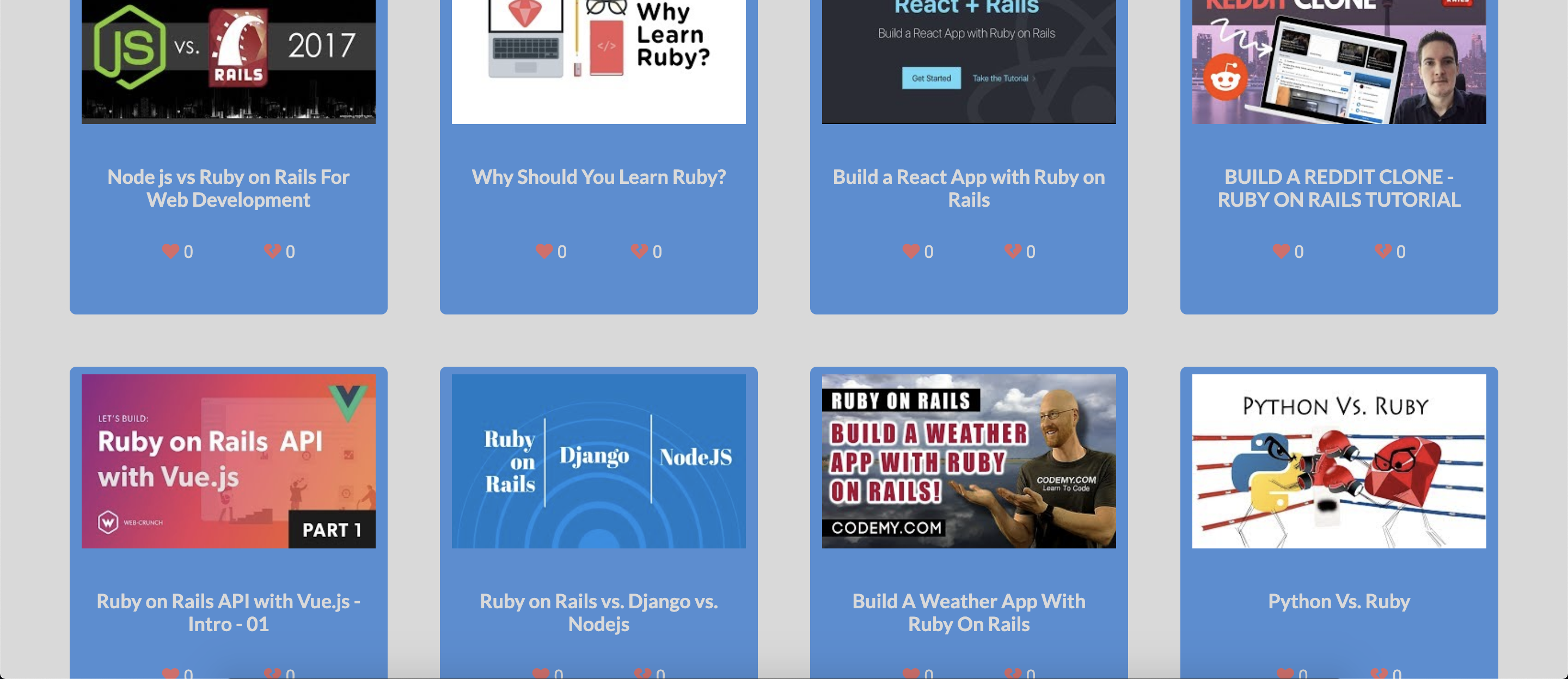
Our homepage consists of a navigation bar, a banner, and videos displayed as a grid template using flexbox so it is responsive. The banner is a carousel and the first image is our animated logo, and each preceding image afterwards are images of different languages you can learn from our site. Each video card would have the thumbnail of the video, the title of the video and the like and dislike count. Users are able to click on the card of their choice to watch a video and it will open up a video player. The navigation bar has the option to login, or logout, depending on the user's current status. On the bottom is the footer, which also links to the page where you can learn more about the developers.
The login page is both the login page and the registration page. By default, it is the login page, but you can switch to the registration page by clicking the link on the bottom of the login card. All fields here must have text or else they won't be allowed to create, and when creating, usernames must be unique so it doesn't collide with other users who are also using the same username. The login page will also tell you whether or not you entered the right credentials.
The video player page will consist of the video alongside the description, likes/dislikes, and the comment section. The video is grabbed using a function that would fetch one video on our backend. Each video has a unique ID so we grab that ID and concatenate it with a string to create a URL which our video can grab it's source from. The comments section is only for users who are logged in, and users can edit and delete their comment and their comment only. Likes and dislikes are limited to one per user, and one choice per user, so you can only either dislike or like a video.
The landing page has our mission statement on why we created the project, and a registration link as well. This way, new users can be welcomed and understand the importance of the website, and unlocking more features when you are on an account.
The meet the team page is used so that we can display the developers and links to connect with them. Each developer has their own card and when you click on it, it flips to the back of the card and you can view an explanation on why they chose to pursue a career in software engineering.