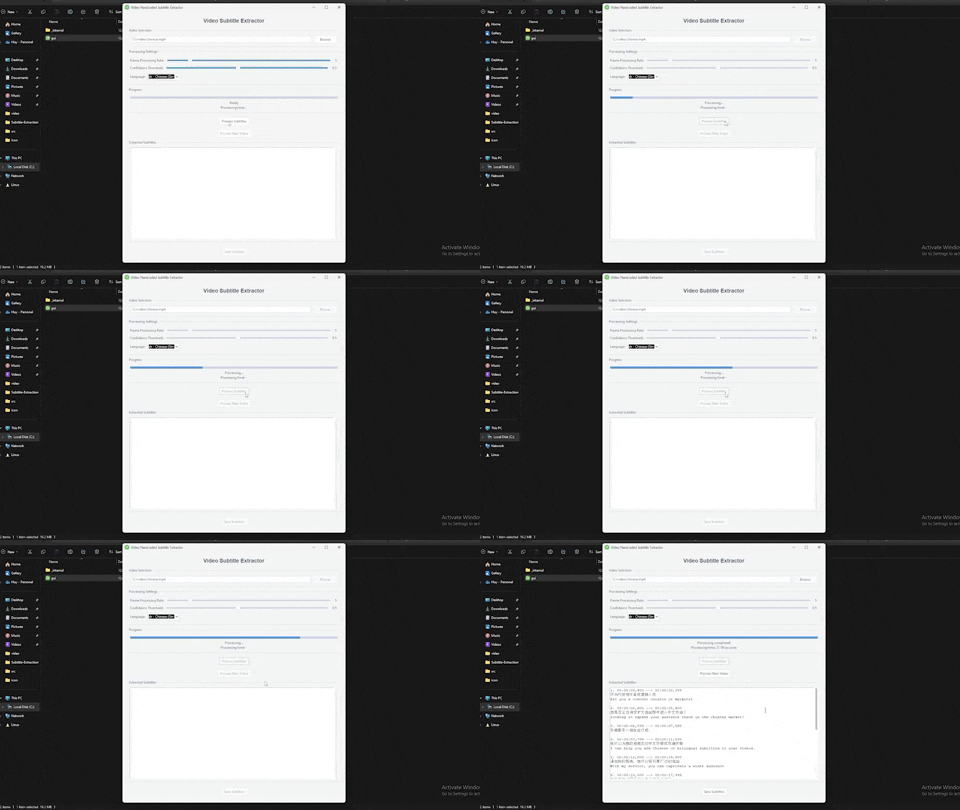
- GUI and web interface options
- Support for MP4, AVI, MOV video formats
- Adjustable frame rate and confidence threshold
- Multiple language support (English, Chinese, Japanese, Korean, Arabic)
- SRT export format. Also supported bilingual subtitles.
- Note: For long video process recommend install GPU version for efficient of speed process (about 1/5 the length of the video)
- Python 3.8+
- NVIDIA GPU (optional)
- CUDA Toolkit 11.8, 12.0+ (for GPU acceleration)
- 4GB RAM minimum (8GB recommended)
For GPU version you should install CUDA and cuDNN (version base on their Install paddlepaddle)
# Create conda environment
conda create -n subtitle-env python=3.10
conda activate subtitle-env
# For GPU support (optional)
pip install paddlepaddle # pip install paddlepaddle-gpu==2.6.1 for GPU version
# Install dependencies
pip install -r requirements.txt# Install NVIDIA Container Toolkit first
# Then build and run with GPU support
docker-compose -f docker-compose.yml build
docker-compose -f docker-compose.yml up# Launch GUI
python gui.py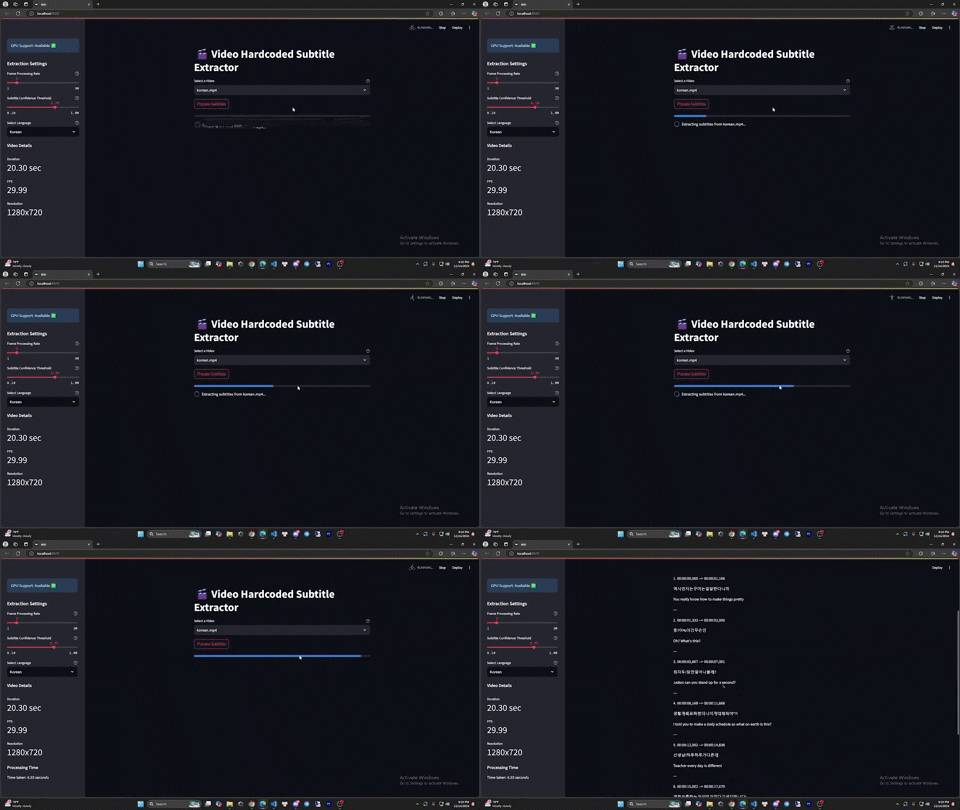
# Launch web app
streamlit run app.py