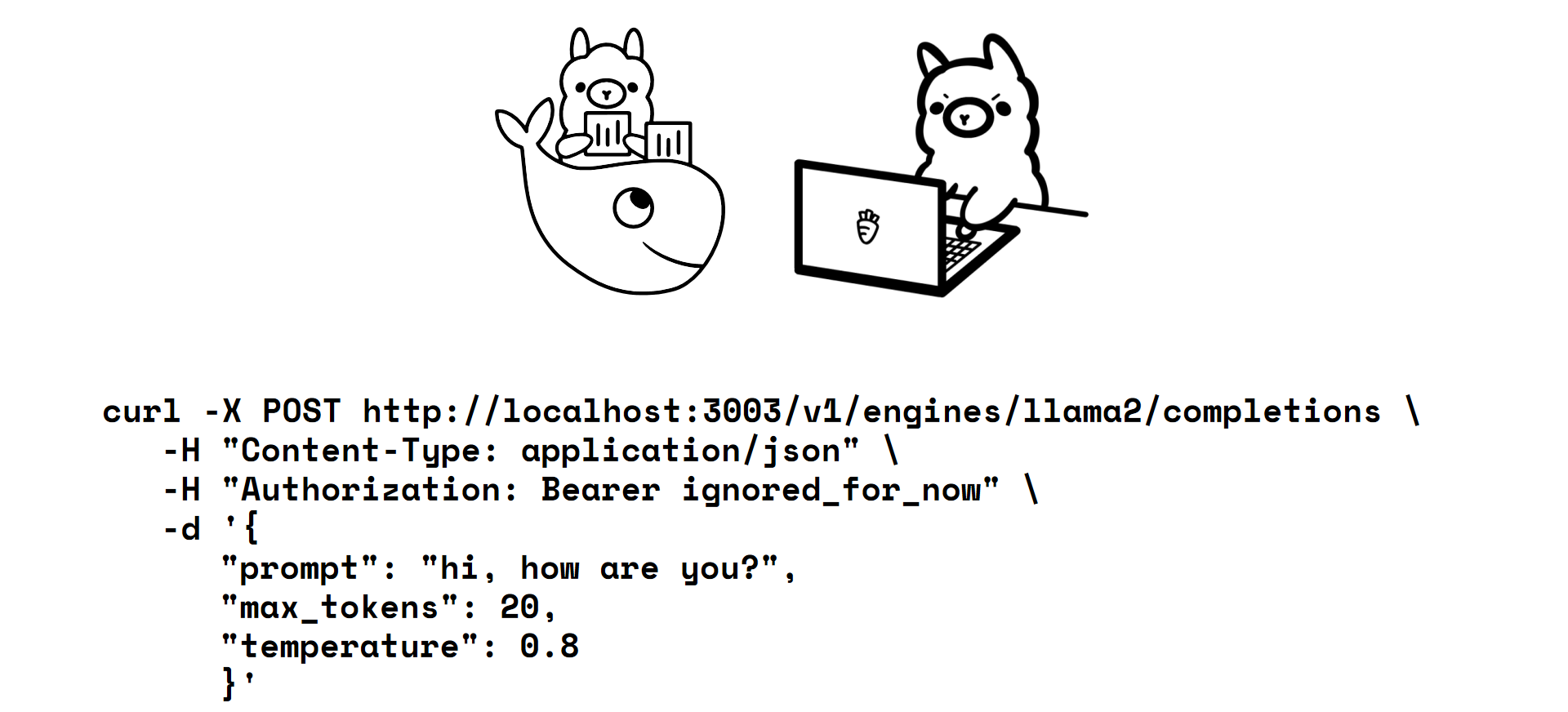
This project uses Node.js and Express to provide completions functionality similar to the OpenAI API. This REST API service acts as a clone of the original functionality, using Ollama.
Make sure you have Docker installed on your machine before following these steps.
- Clone this repository:
gh repo clone Esleiter/gpt-api-Clone
cd gpt-api-Clone- Run the following command to start the services:
docker compose up -d && sh downloadLlama2.shThis command will start the services in a Docker container and run the downloadLlama2.sh script to download llama2, the default model to use. Please note that downloading the model may take some time due to the size of the model.
curl -X POST http://localhost:3003/v1/engines/llama2/completions \
     -H "Content-Type: application/json" \
     -H "Authorization: Bearer YOUR_API_KEY_Authorization_ignored_for_now" \
-d '{"prompt": "hi, how are you?", "max_tokens": 15, "temperature": 0.8}'{
"model": "llama2",
"choices": [
{"text": "I don't have a physical body or personal experiences, so I cannot feel"}
]
}curl -X POST https://api.openai.com/v1/engines/gpt-3.5-turbo-instruct/completions \
-H "Content-Type: application/json" \
-H "Authorization: Bearer YOUR_API_KEY" \
-d '{"prompt": "hi, how are you?", "max_tokens": 15, "temperature": 0.8}'{
"model": "gpt-3.5-turbo-instruct",
"choices": [
{"text": "\n\nI am an AI language model, so I don't have emotions or"}
]
}