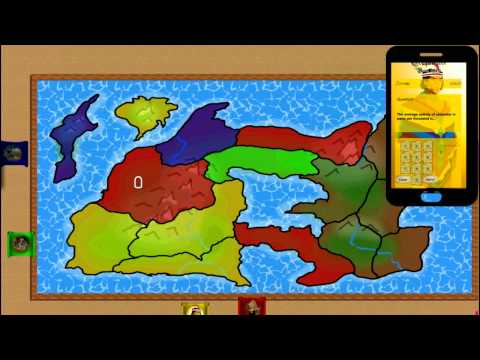
A Triviador-like game for Microsoft Surface table and Android/iOS devices
Download the zip and extract it on your platform. You must compile the different subprojects in order to run the application
Open the project under Conquistador/SurfaceTable-XNA (TestXNA.sln) with Visual Studio 2010 and compile the project or compile it with the Visual Studio 2010 compiler. You should get an executable file in the subdirectory Conquistador/SurfaceTable-XNA/TextXNA/TextXNA/bin/x86/Debug named TextXNA.exe and put the Conquistador/SurfaceTable-XNA on your Surface table device.
Just install NodeJS on your Surface table device (http://nodejs.org/) and a command prompt.
To deploy on an iOS device get the XCode project under the directory Conquistador/iOS. Open the project (under Conquistador/iOS/Conquistador/Conquistador.xcodeproj) with Xccode (get from here https://developer.apple.com/xcode/) and compile it to deploy on the required device.
Download the eclipse export under Conquistador/Android and open it with eclipse (get from https://www.eclipse.org/downloads/) and install the android SDK plugin and deploy on the targeted device.
Step 1: run the nodejs server with the following command in a command prompt (cmd.exe) :
> node server.js
Step 2: run the table application by running the TestXNA.exe file
Step 3: connect the mobile devices (4) by scanning the QRCode on the table to the server and enjoy !