
ClickSpark.js is a javascript utility that adds beautiful particle effects to your javascript events.
Add image-files as single particles and configure where and when a particle fountain should be fired.
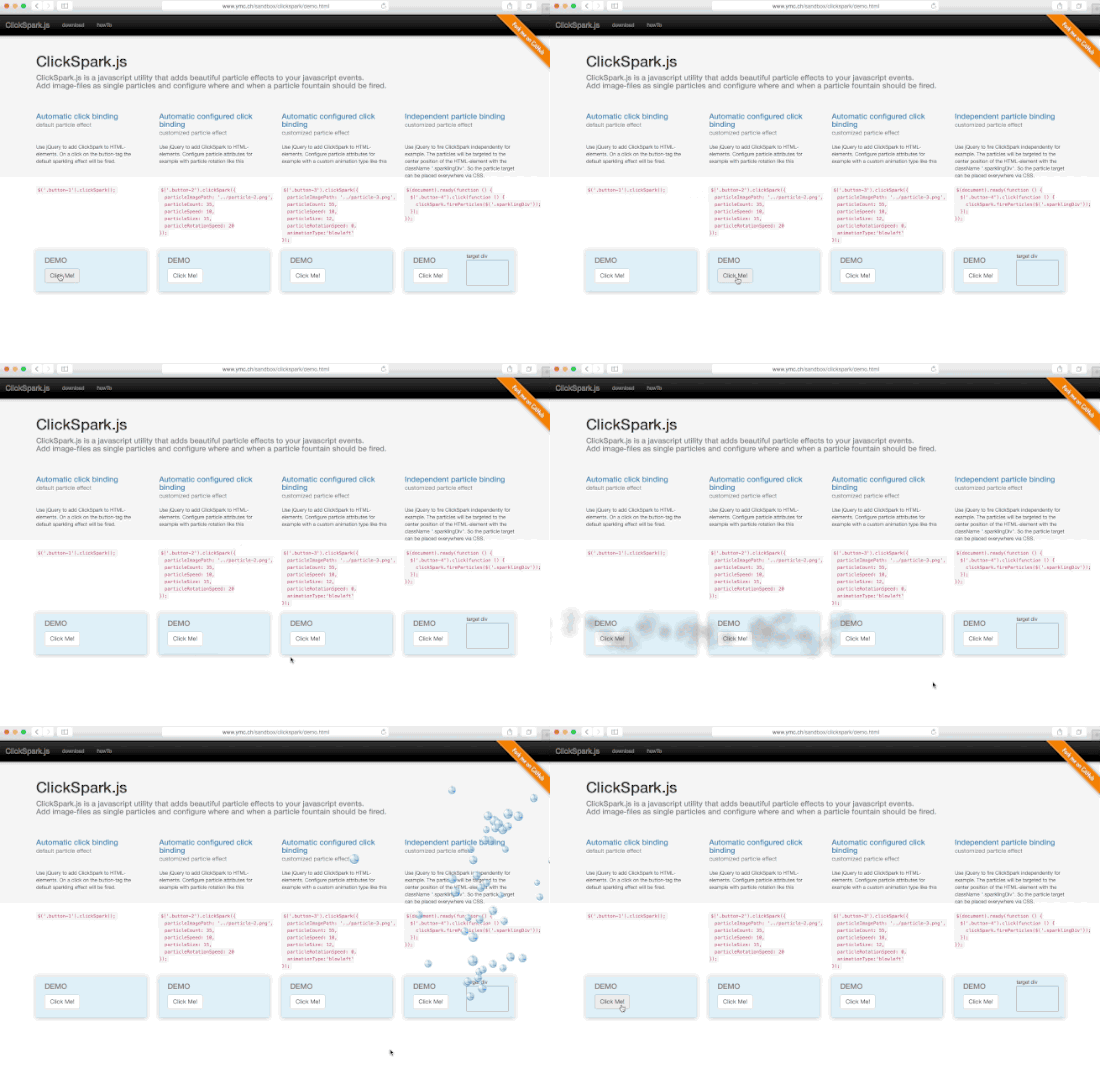
TEST THE DEMO
-
Installation with npm: packagename "clickspark.js"
$ npm install clickspark.js -
Installation with bower.io: packagename "clickspark"
$ bower install clickspark -
Manual installation: copy and link the file clickspark.min.js to your project
clickspark.min.js
use jQuery to add ClickSpark to HTML-elements:
$('h1').clickSpark();On a click on the h1 the default sparkling effect will be fired.
use jQuery to add ClickSpark to HTML-elements. Configure particle attributes for example like this:
$('h1').clickSpark({
    particleImagePath: '../particle.png',
    particleCount: 35,
    particleSpeed: 12,
    particleSize: 12,
    particleRotationSpeed: 20,
    particleDuration: 400,
    animationType: 'explosion',
    callback: function() { /*do something, follow href for example*/ }
});| Attribute | default | type |
|---|---|---|
| particleImagePath | string | |
| particleCount | 35 | int |
| particleSpeed | 12 | int |
| particleSize | 12 | int |
| particleRotationSpeed | 0 | int |
| particleDuration | 400 | int |
| animationType | 'explosion' | string |
| callback | func() |
animationTypes:
- explosion
- splash
- falloff
- blowright
- blowleft
use jQuery to fire ClickSpark independently for example like this:
$(document).ready(function () {
    $('button').click(function () {
        clickSpark.fireParticles($('.sparklingDiv'));
    });
});
The particles will be targeted to the center position of the HTML-element with the className ".sparklingDiv". So the particle target can be placed everywhere via CSS.
use these ClickSpark methods to set the attributes for your particle effect:
    clickSpark.setParticleCount(50);
    clickSpark.setParticleSize(12);
    clickSpark.setParticleSpeed(12);
    clickSpark.setParticleImagePath('../particle.png');
    clickSpark.setParticleRotationSpeed(20);
    clickSpark.setParticleDuration(400);
    clickSpark.setAnimationType('explosion');
clickSpark.setCallback: (function() { /*do something, follow href for example*/ }); - jQuery
| Browser |  |
 |
 |
 |
 |
|---|---|---|---|---|---|
| Version | 4.0 | 9.0 | 2.0 | 3.1 | 9.0 |