Teslasynth — MIDI synthesizer firmware for ESP32


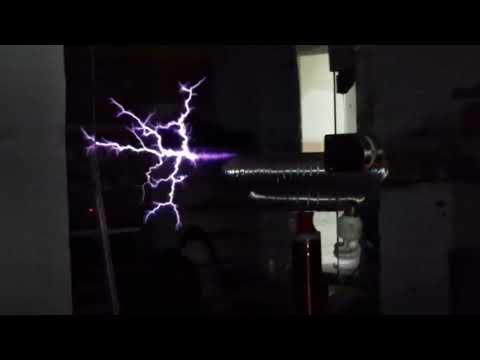
Teslasynth is open-source MIDI synthesizer firmware for ESP32 family that turns interruptible high-voltage devices — Tesla coils, flyback transformers, high-power lasers — into musical instruments.
Full documentation: https://teslasynth.hnaderi.dev/
If you find Teslasynth useful, a GitHub star helps others discover the project.
This firmware controls high-voltage and high-power devices. These are dangerous.
- Tesla coils and flyback transformers produce lethal voltages.
- High-power lasers can cause permanent eye damage and fire.
- Never work on live circuits. Always discharge capacitors first.
- The firmware has no awareness of what it is connected to. Safe operation is the responsibility of the builder and operator.
- Open the web installer in Chrome or Edge and flash your ESP32 board.
- Connect to the Wi-Fi network Teslasynth (default password:
Wardenclyffe1891!). - Open http://teslasynth.local (or http://192.168.4.1 if mDNS doesn't work on your device).
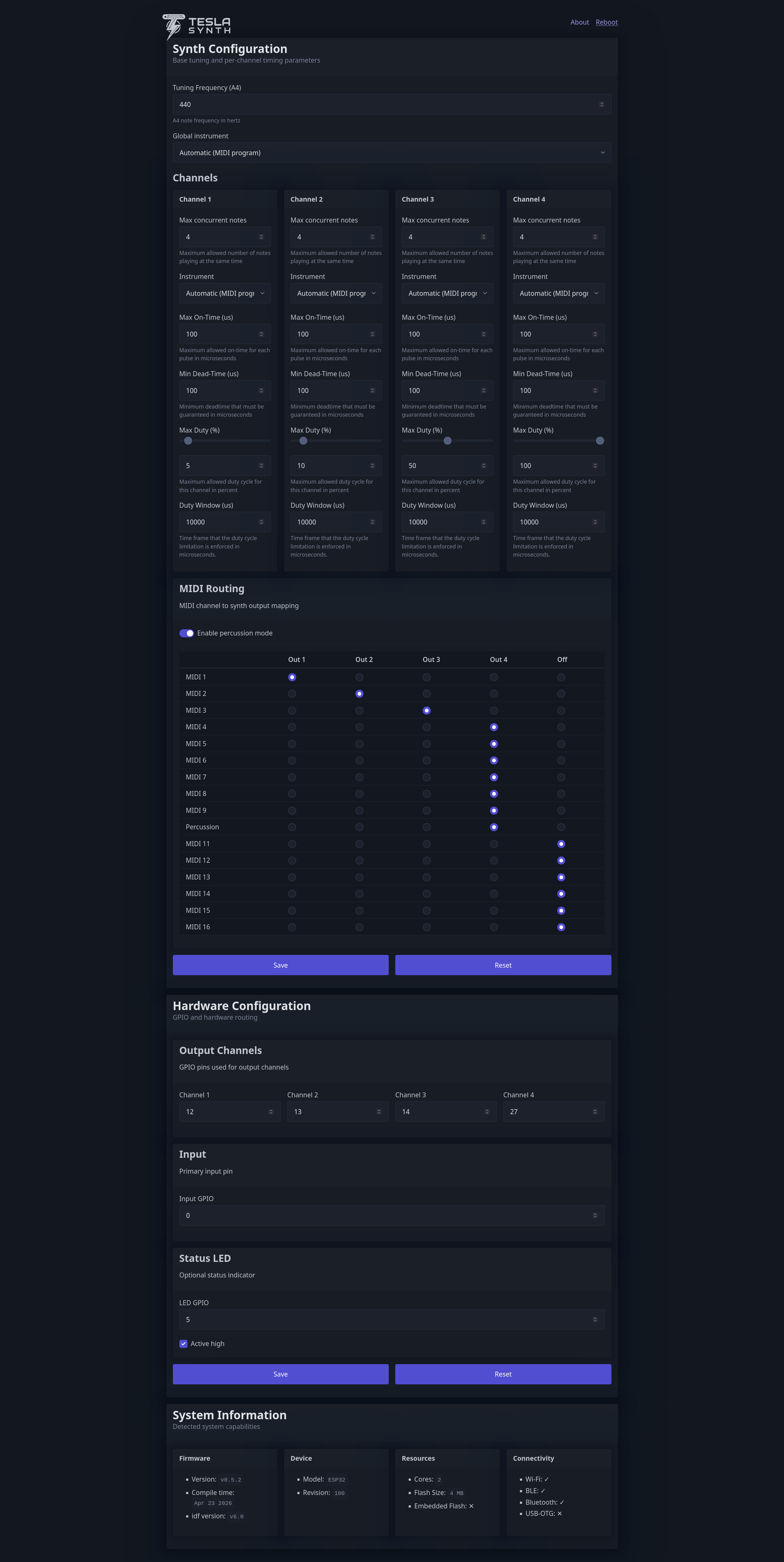
- Configure the device using the web dashboard.
- Connect a MIDI source and play.
Please read the Configuration page carefully before any high-voltage tests.
Open teslasynth.hnaderi.dev/tools in Chrome or Edge for a browser-based MIDI file player (with per-channel instrument overrides, track mute, tempo and transpose controls) and a serial console — both accessible side-by-side without installing anything.
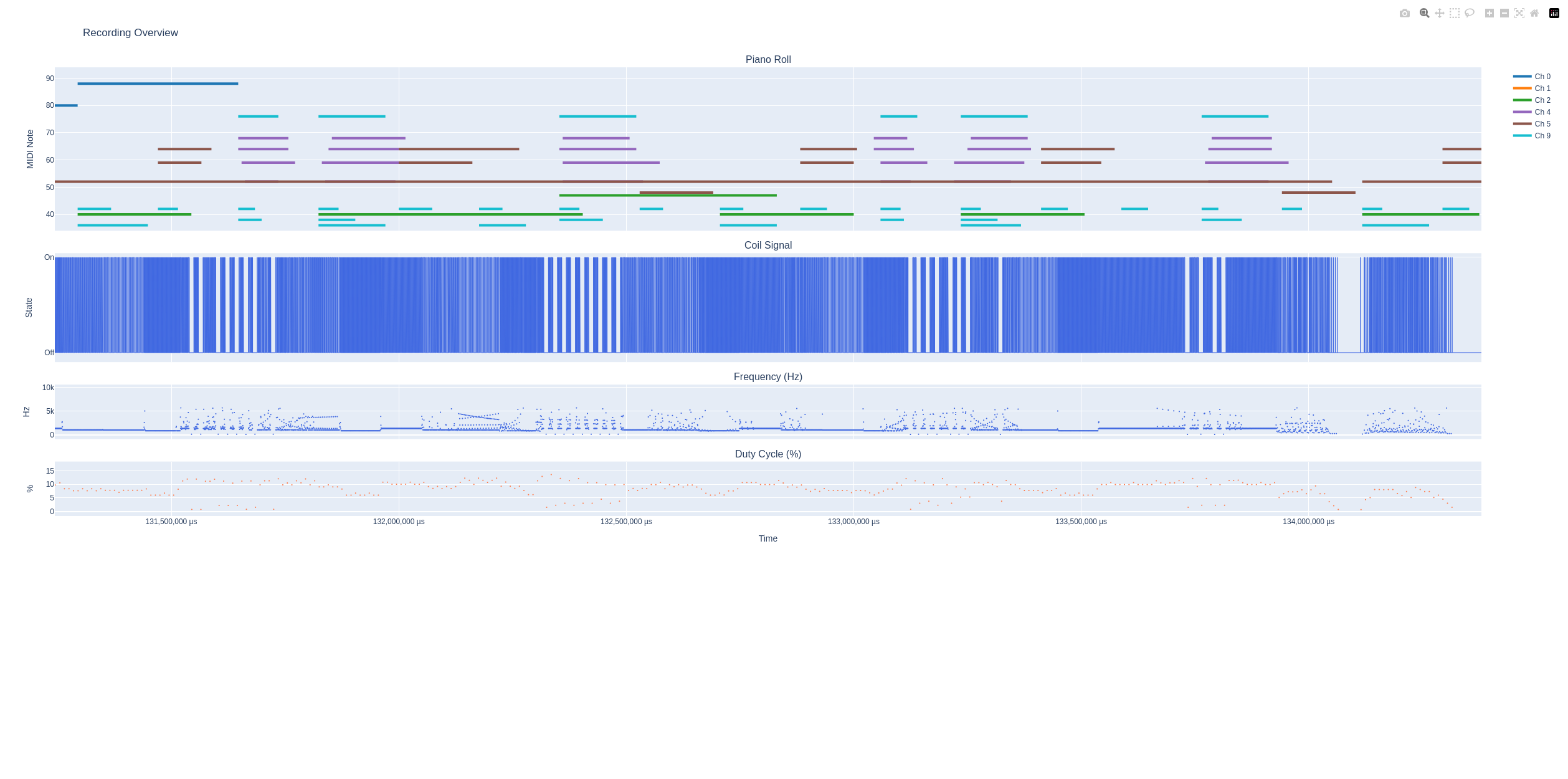
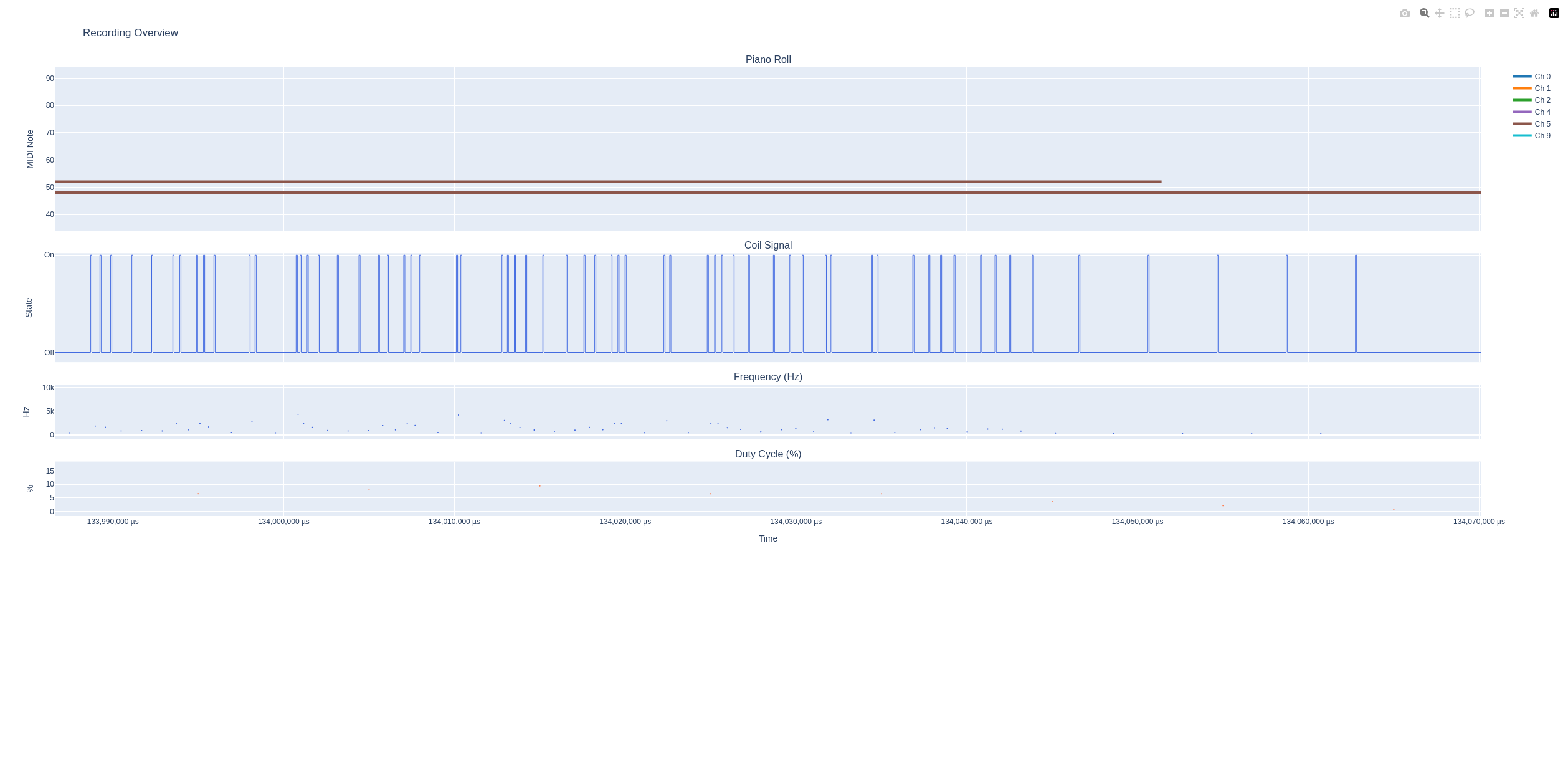
pip install teslasynthRender MIDI files offline, visualise pulse signals, and tune safety parameters before connecting any hardware. See the Python docs for details.
Get a feeling of what Teslasynth can do before committing your time: