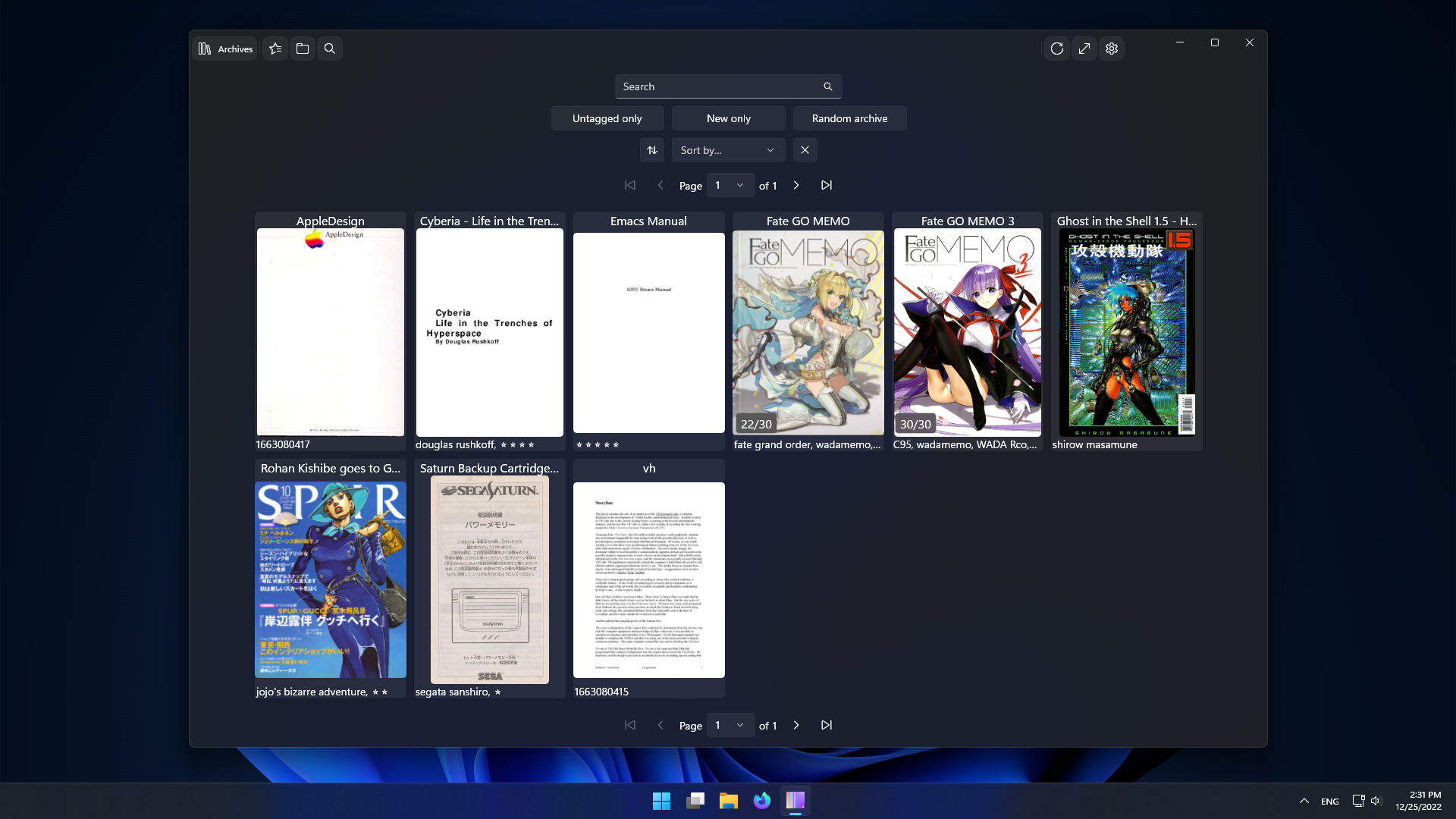
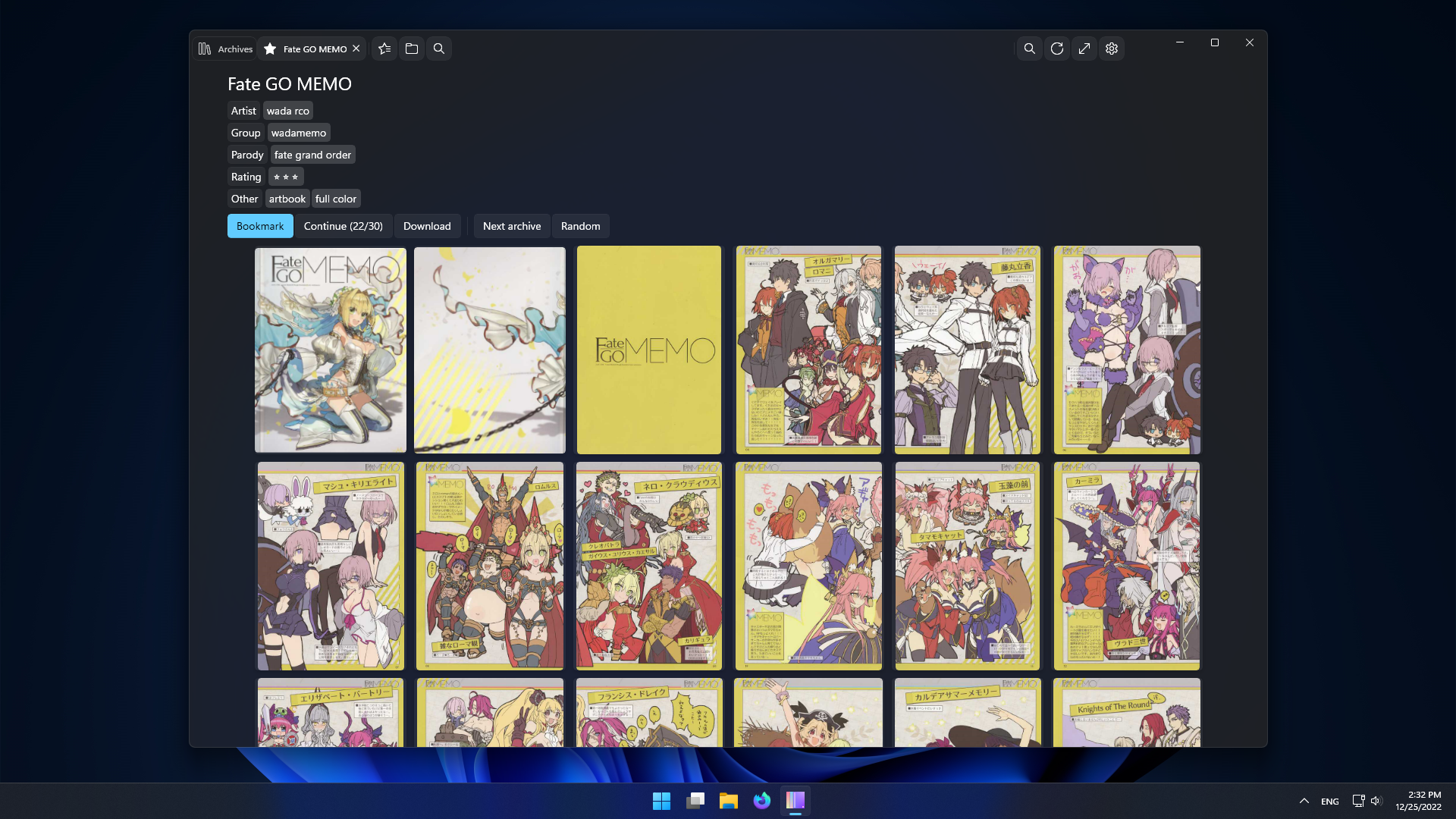
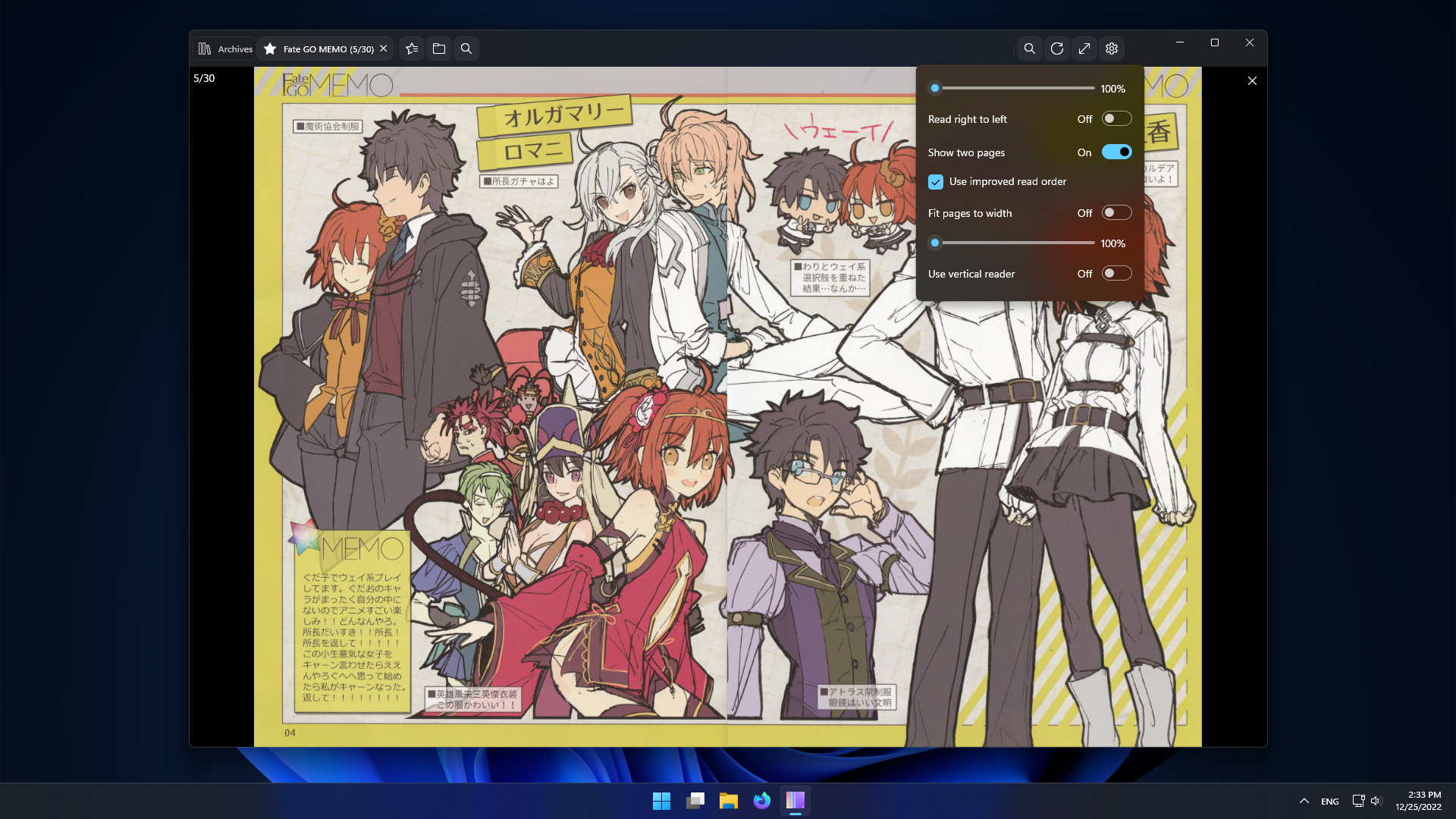
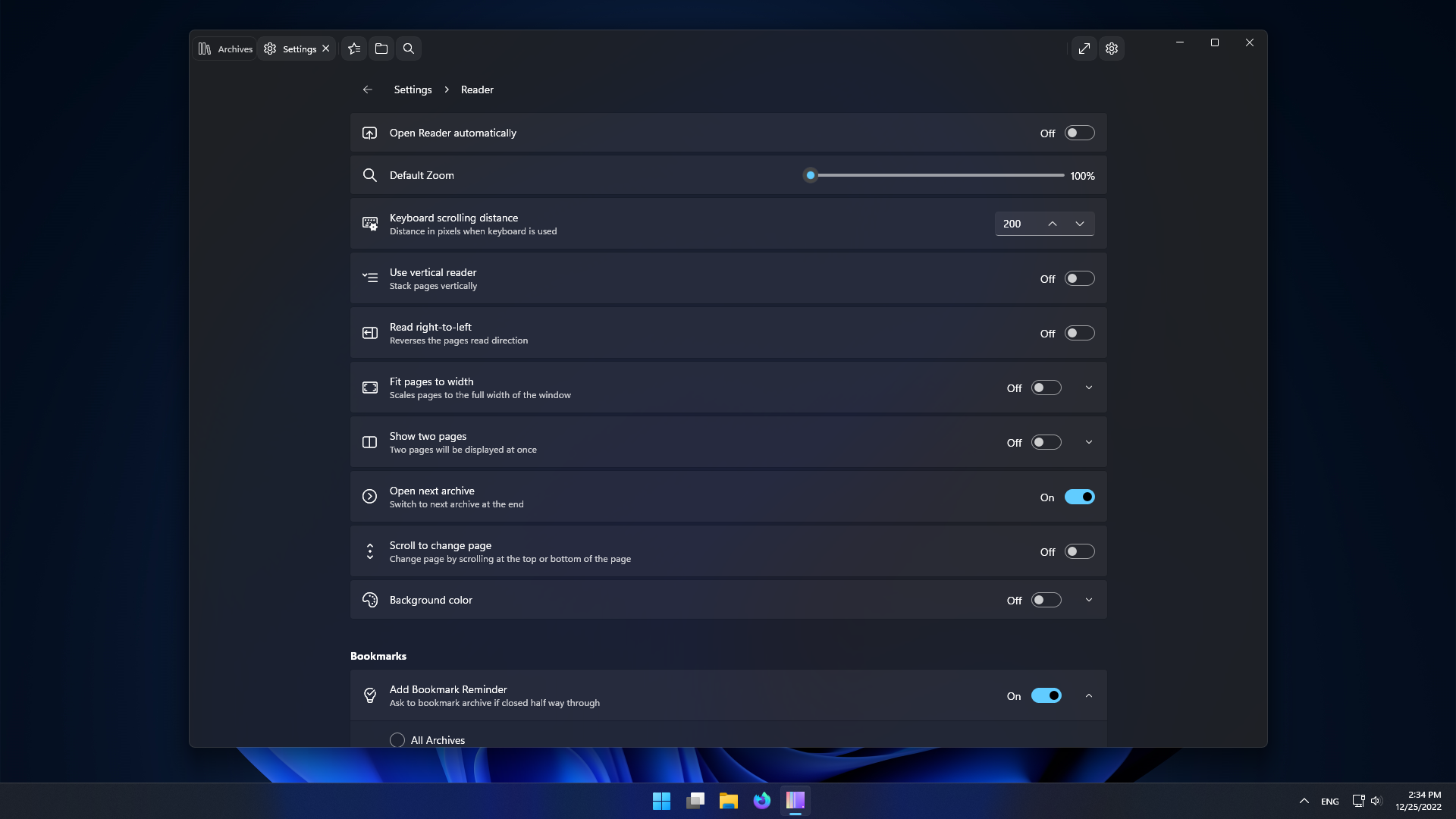
- Archives list.
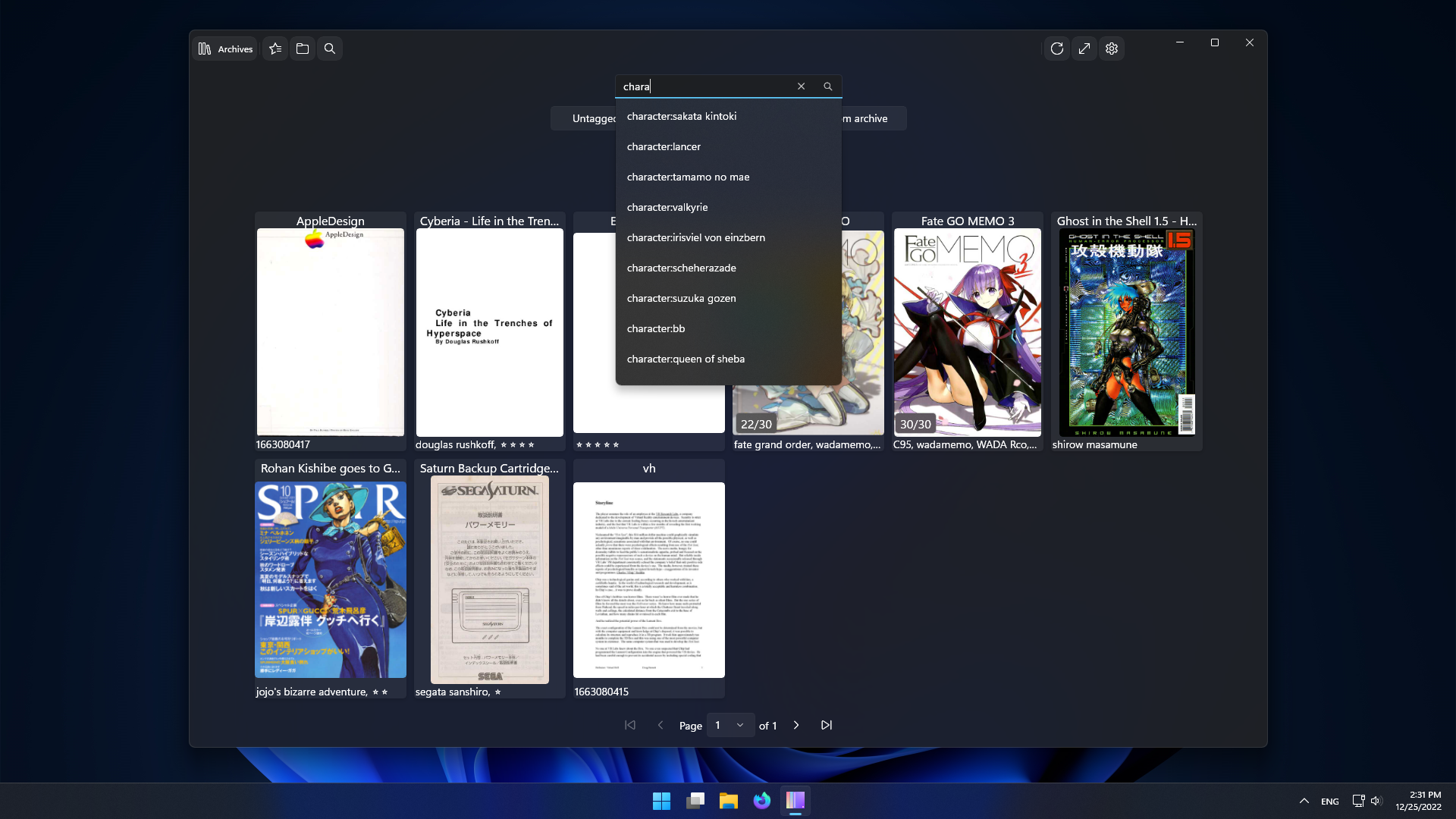
- Search.
- Archive overview and reader.
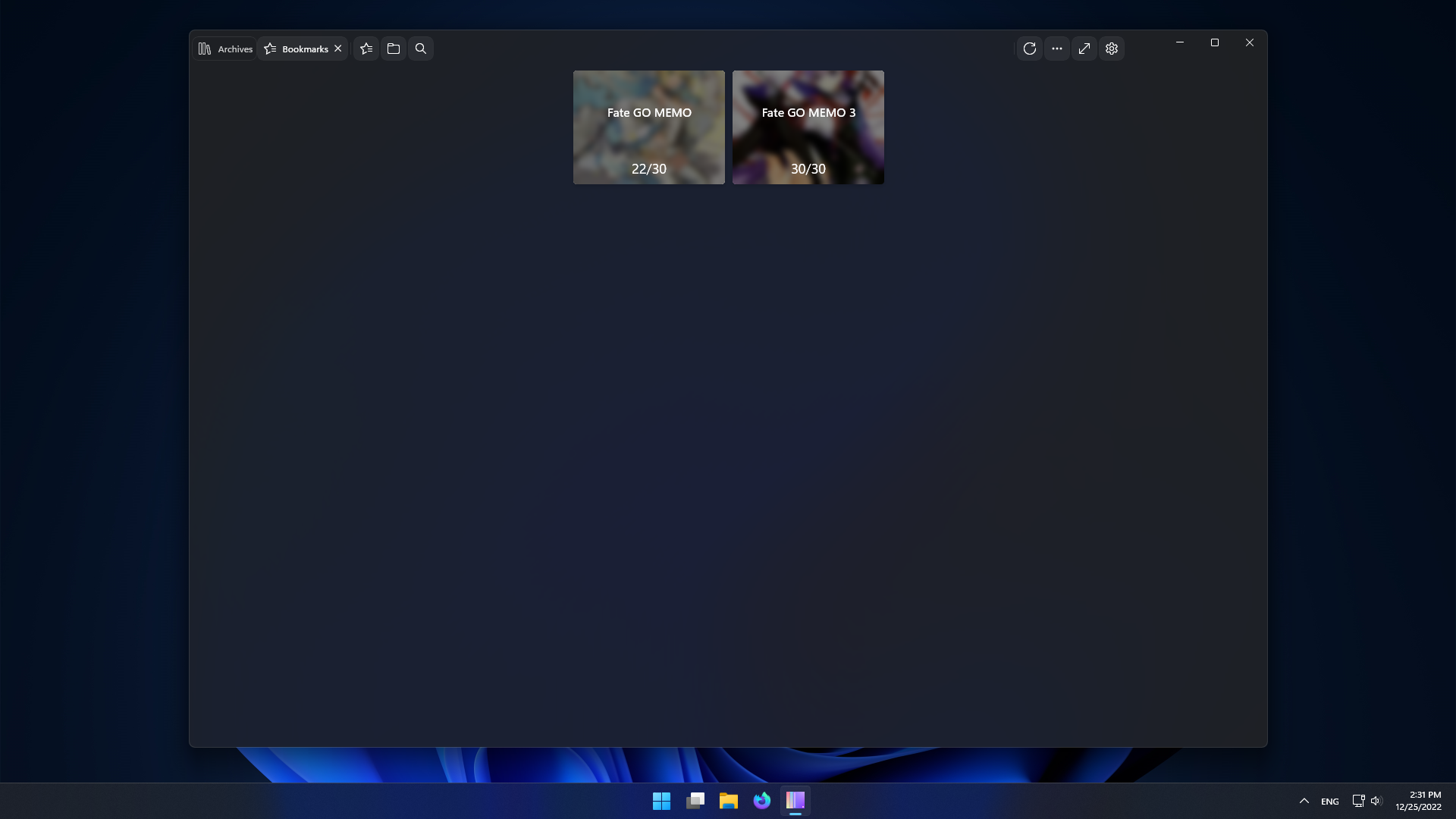
- Bookmarks.
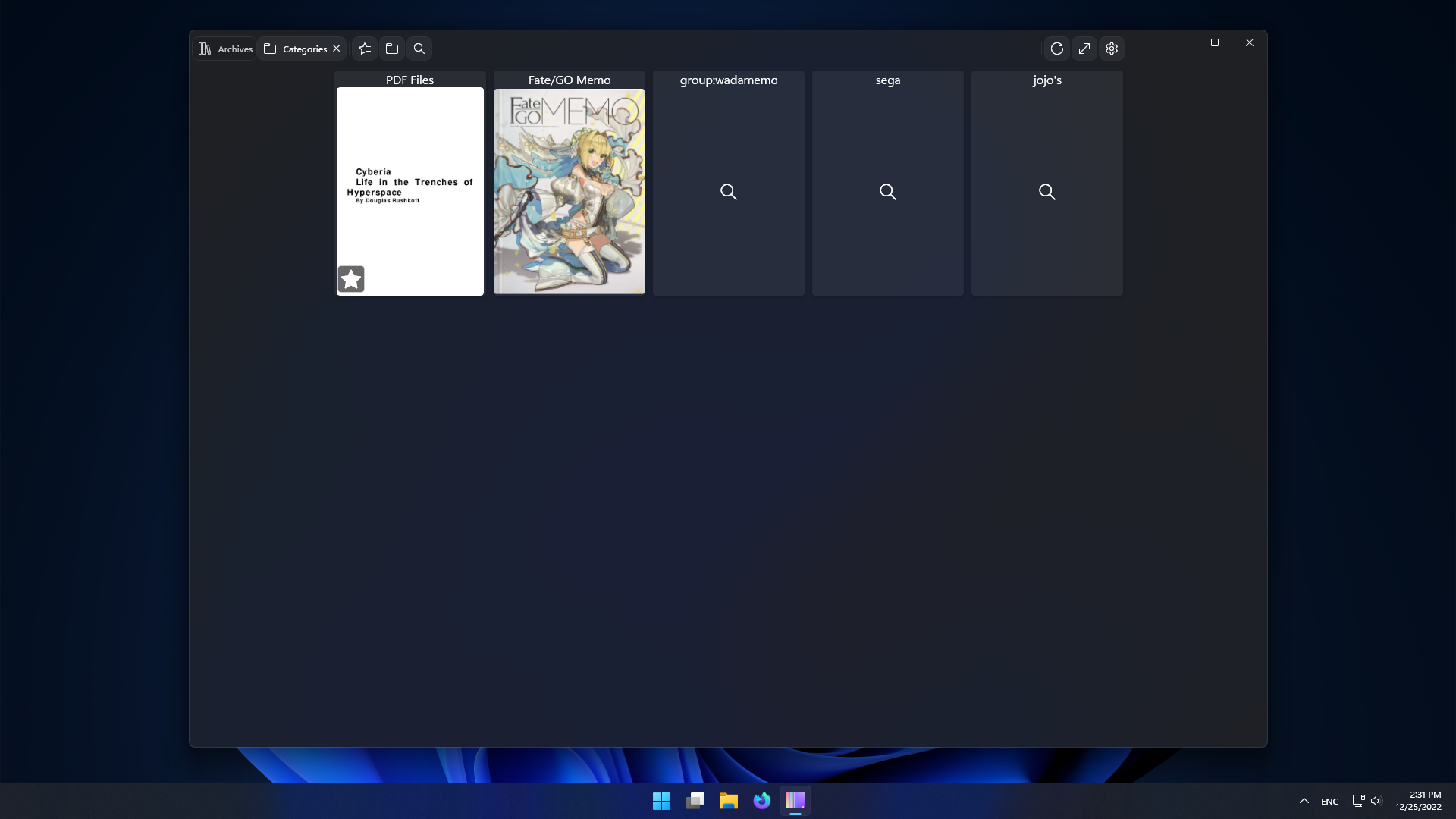
- Easily edit archives and categories.
- Multiple servers/profiles.
- Manage your server from within the app.
- Windows 10 20H1 (x64 or ARM64) or a modern Linux distro (x86_64 or aarch64).
- LANraragi v0.9.10

If you have troubles accessing the store page. Open this link in your browser:
ms-windows-store://pdp/?productid=9MZ6BWWVSWJH
If you don't want to deal with the store this option is and will be supported.
For stable check the Releases page.
The Nightly installer is available here.
Download the LRReader.exe file, run it and follow instructions.
This version is in an in-development/experimental state and does not contain all the features of the Windows version.
Nightly AppImage builds are available for x86_64 and aarch64. Self-updater included.
Make sure the URL includes http:// or https://.
To enable editing LANraragi needs to be configured without password or with an API Key.
Ctrl + W or Ctrl + F4 close Tab
Ctrl + Tab change to next tab.
Ctrl + Shift + Tab change to prev tab.
F11 or F enter fullscreen.
Back/Forward mouse buttons to change page.
Middle Click to open in new tab.
Scrolling at top/bottom changes page accordingly, prev/next.
Up/Down keys to scroll vertically
Right/Left to change page.
Space to scroll down.
Esc to close the reader.
N to open next archive.
Click or Ctrl + R to open random archive.
Shift + Click or Shift + R to open new archive.
Click on the left/right of the window to change pages.
Back/Forward buttons to change page.
Scroll by clicking and dragging the page or with wheel.