Description: An app that estimates wait time for restaurants at UT campus
Team: Waitlist App
Team Number: 13
Members: Avie Desai, Naveli Shah, Ben Chesney, Surya Manikonda
Highlights:
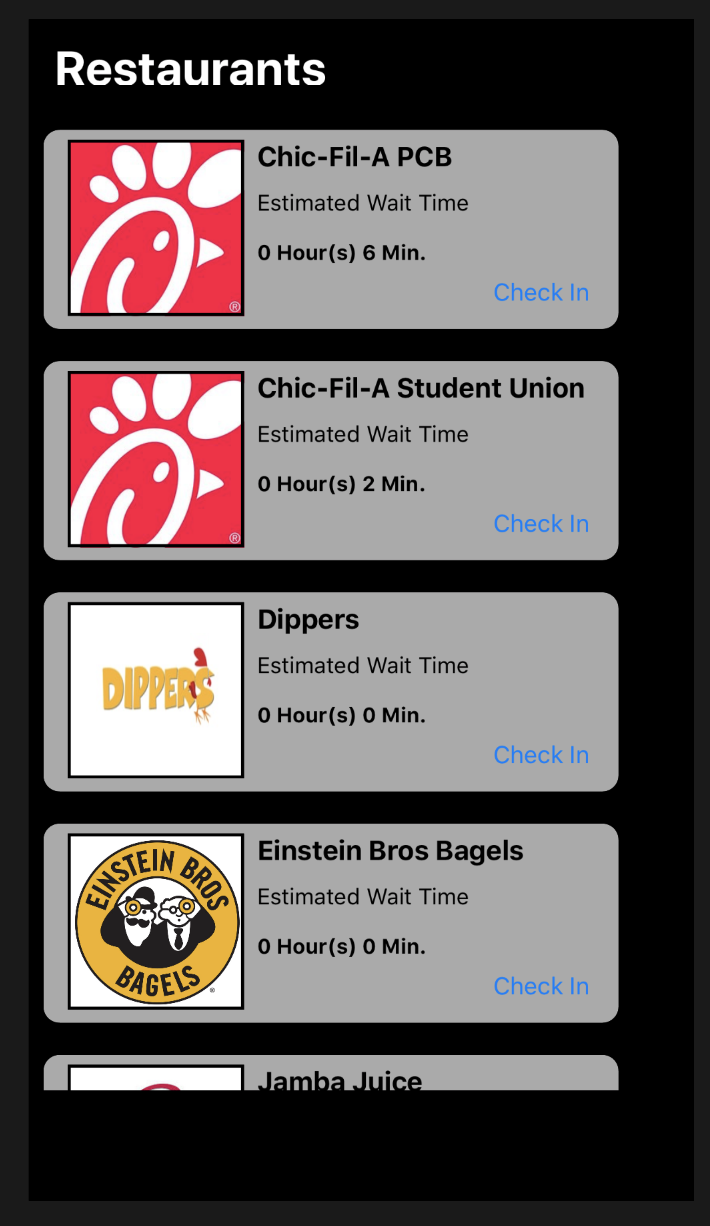
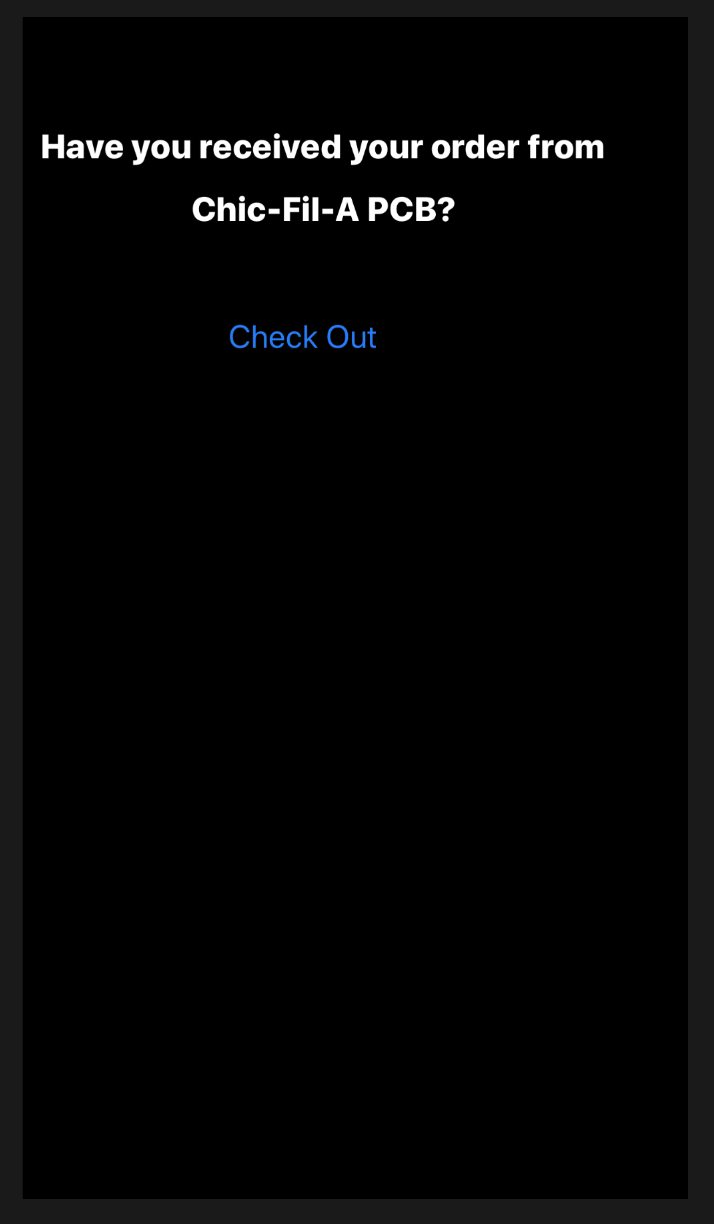
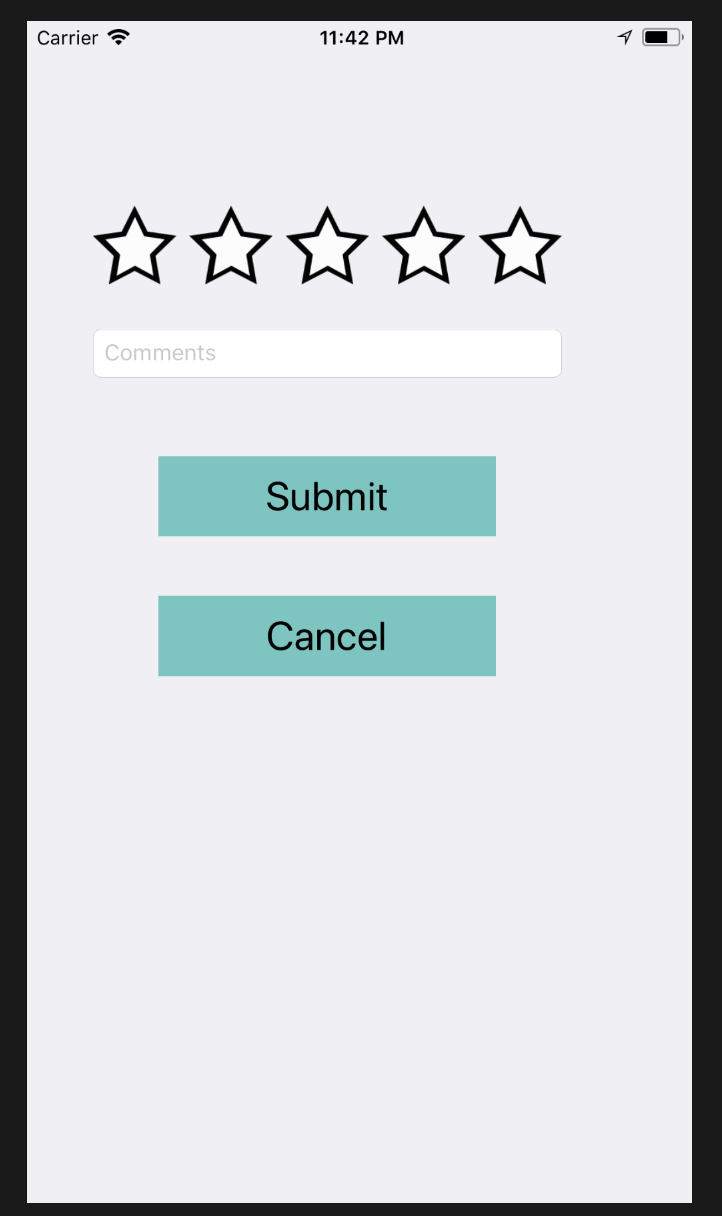
So far, we have managed to create and successfully build a prototype of the application. We have created a home page to display different restaurants and their waiting times so that the user can check-in. Since our app is based on user check-in and check-out we have created a page to let the user tell us whether they received their food yet (checking out). We also have a feedback page to rate the app and submit any comments.
Overview:
We have not made any changes, and have followed the design and other requirements mentioned in the proposal.
No changes were made from the original project proposal.
As mentioned in the project proposal, the Waitlist app is specifically designed for students who are living on and around the UT campus. It can be exhausting for students to stand-in long lines, and wait longer to get food, especially during the lunch hours. If they are thinking about getting food but are in a rush or have less time between classes, they could easily look up the waiting times and determine if they can get food in less time than usual. This can save them time or maybe open up extra free time, as opposed to going to a restaurant and wait longer to be in-line and get food. By using our Waitlist app, students can manage their time wisely, as it cut downs the waiting time to get food.
Architecture:
We have been using Xcode for creating and testing the app and Google Firebase to store all of our data. The main portion of our app, the User Interface uses Xcode's various options and components such as the View Controller, Buttons, Tables, Labels etc. To get the most accurate location, we are using imported libraries such as Core Location and are prompting the user upon first time app use to allow location tracking. Once approval is given, we track the user's location and verify if they are actually at the respective restaurant. We implement this by converting the specified restaurant address to a latitude and longitude position. Then we calculate the distance between the user's latitude and longitude and the restaurant's. If the distance is within 0.05 miles, then we allow the check-in to process, otherwise we inform the user that they must be within a certain radius. This is to ensure that user's are not falsely identifying as being in the queue at a restaurant therefore skewing wait times.
The other component is Google Firebase. This tool allows us to store all of our restaurant images, locations, addresses, and wait times. It is a free service up to a certain amount of simultaneous users and up to 10GB of data. If we require more, certain plans must be purchased. For this prototype, we are relying on the free plan and can expand in the future if needed. To use Firebase in our Xcode project, we used a dependency manager called CocoaPods. This allowed us to import Firebase and make references to the realtime database and storage service. We incorporated these API's into our iOS code and retreived the images for the restaurants and the wait times. Just as we used the API's to download data from Firebase, we also used them to upload/write data to Firebase. Every instance a user checked into a restaurant, we incremented the value at that specified restaurant key by an estimated time of 2 minutes per order. Every instance a user checked out of a restaurant, we decremented the value at that specified restaurant key by 2 min. The timing can be changed to be more accurate after collecting average waiting times from each restaurant specifically.
Goals for this iteration:
Our goal for this iteration was to simply build a basic working prototype. The goals were to create a home page to display different restaurants and their waiting times, a check-out page and a feedback page. The screenshots below show the home page, check-out page, and the feedback page.
Tests ran:
We started out using mainly using the iPhone simulator in Xcode to test the app. Using the iPhone simulator for testing allowed us to see what features were working and what changes or modifications we need to make app work. Testing the app on the simulator also allowed us to see what our app would like in a real-world environment. Major bugs were fixed based on iPhone simulations through Xcode. Only when those major bugs were fixed, then after we advanced to moving our application to our working iPhones. All 4 of our team members currently have the application installed on our mobile devices ready for testing. Upon first time use of the app, we are successfully prompted to allow location tracking. Using the mobile devices, we retrieved the most accurate location. We have tested the app simultaneously and is working successfully. When a user checks in on one device and if another user refreshes their home page, the time is updated reflecting an increment of 2 min and it also works when a user checks out decrementing the waiting time by 2 min. on another user's mobile device when refreshed.
Future iteration goals:
Going forward, we want to extensively test our app to see if the location can be more accurate that it is now. We also want to see if we are successfully storing and retrieving the waiting times on to Google Firebase when many users are utilizing the app at once. We have yet to test if the application can withstand hundreds of users at once. We want to distribute this app for a beta phase and observe the app's functionality on a bigger scale and processing power. After allowing others use the app and receiving feedback, we will make necessary changes to improve the app catered to users' needs.
Team member roles:
Since Avie has previous experience working on iOS applications, we decided that he is the team leader. Avie has been assigning issues to everyone and helping all the team members. We all have been working on our assigned issues and contributing to the app. Going forward, the team member roles will be the same.
Schedule:
The project is on schedule. Early on, it took a little bit of time to assign roles and identify our team members' strengths and weaknesses. Once we figured those components out, issues were assigned to all team members matching their strengths. Everyone was new to Xcode and Swift programming language except Avie, so it was a little difficult getting accustomed to the software and tools. Once each team member was comfortable, we began to complete issues assigned within the respecitve sprints. As mentioned in our project proposal we have completed the goal to get the basic functionality of the application working. Now, we are constantly testing the app, advancing features to be more efficient and just clean up the overall look to make it more appealing to a user.
Many things went well, such as the team structure, all team members contributing to the project, and completing and reaching the deadlines. With the team structure being successful, we haven’t been creating issues in GitHub but communicating within the team to assign which team member gets which task to complete. As we continue working on the project, we will specifically use the issues feature on GitHub to easily view and track the changes we make to the project.